
Articles are often used as sources for reports, blog posts, and briefs. Summaries help you collect takeaways without losing track of what each source said.
Jotform’s AI Article Summarizer turns an uploaded document into a clear, concise summary. Upload article content, and the AI will highlight the most important points. Use the chat box to rephrase, translate, explain sections of the summary, or ask follow-up questions.
Best for people who read for work and need to pull the point of an article quickly, without missing important context. It helps you capture key takeaways, clarify claims, and rewrite the summary into notes you can reuse.
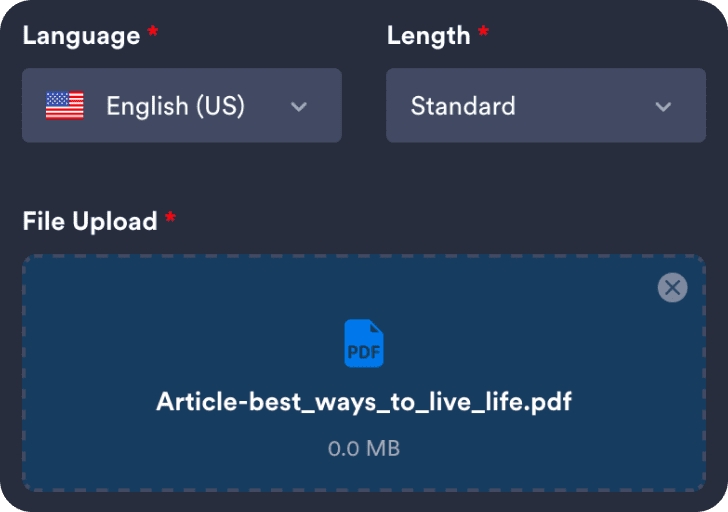
Upload a file for the tool to analyze and generate a summary.
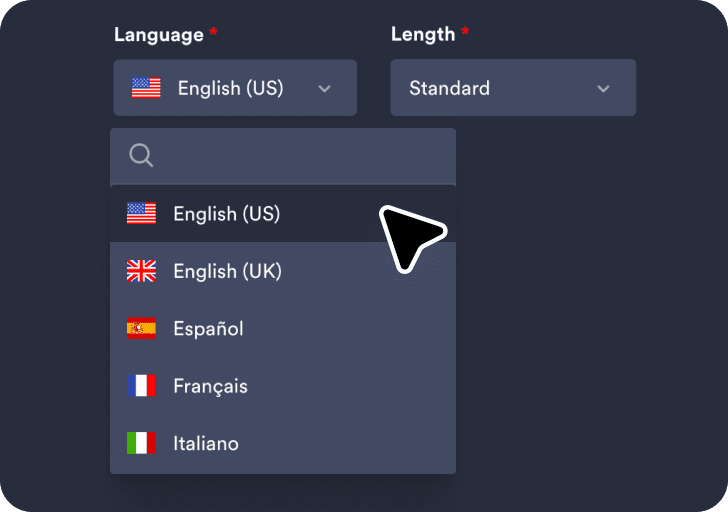
Select your preferred language and choose the summary length for the output.
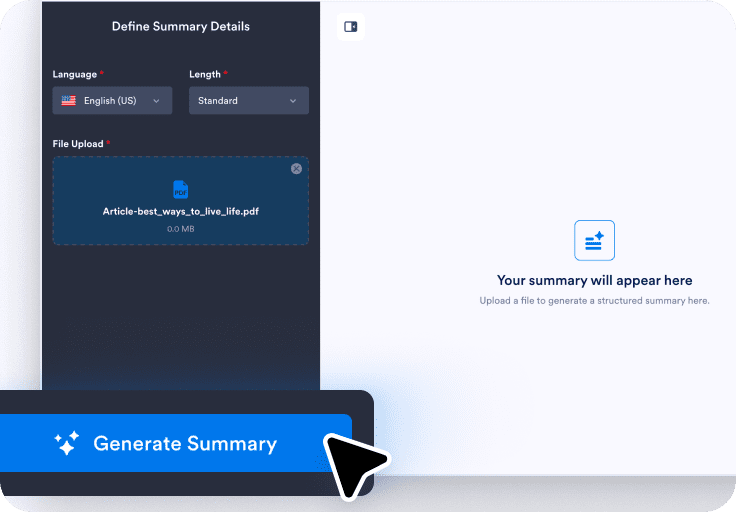
Click Generate Summary to see your results, then use the chat box to rephrase, translate, explain, or ask questions.
You can get a clear summary that surfaces the article’s key argument and the supporting points.
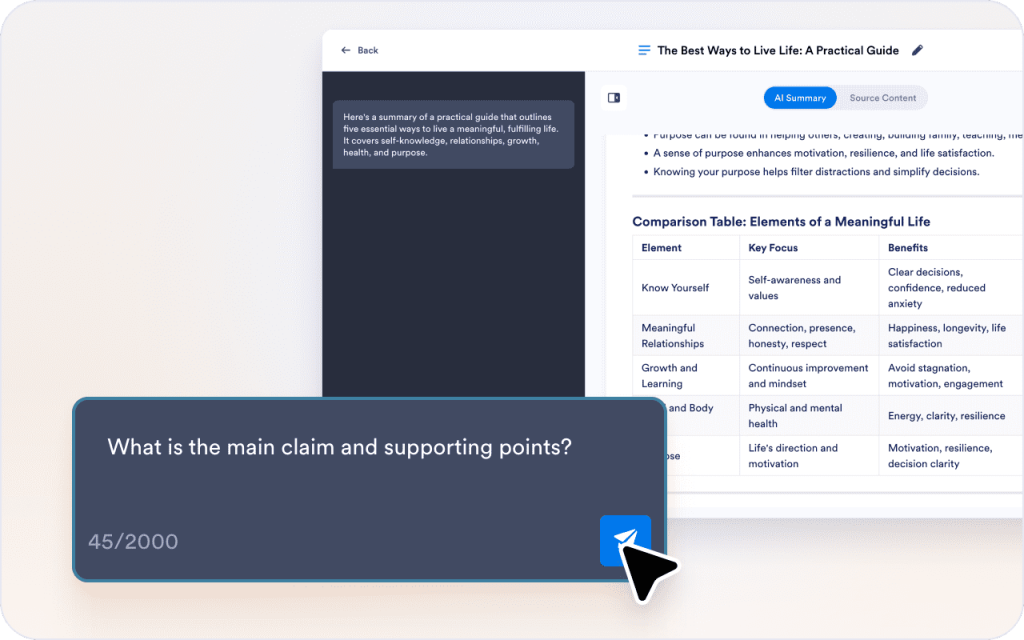
After generating the summary, you can refine it in the chat box to highlight the information you care about, rather than relying on a generic recap.
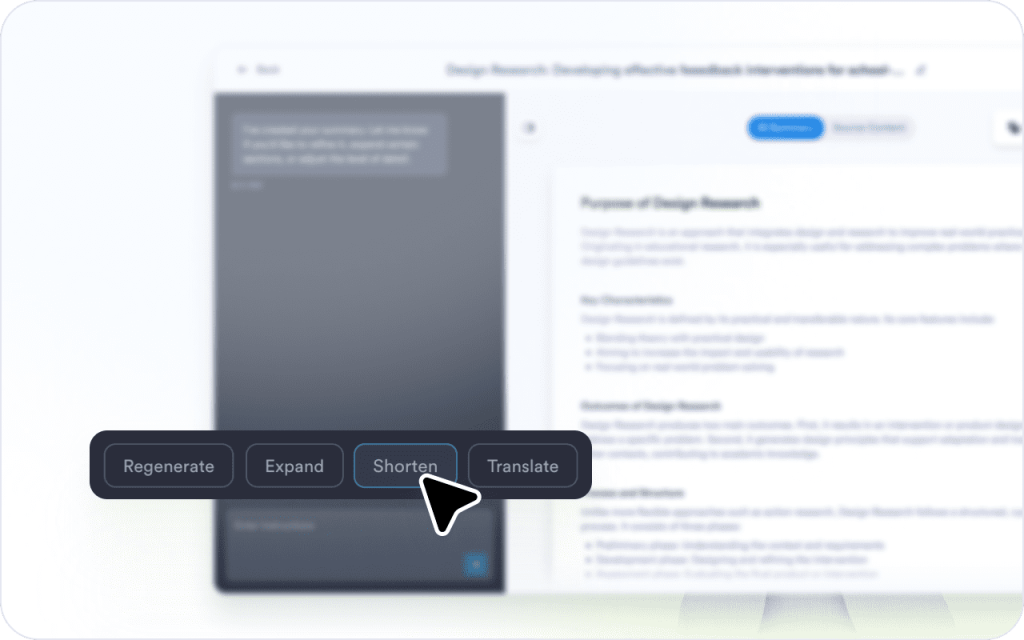
Articles often use jargon, assumptions, or unclear wording. You can use the chat box to ask questions and get explanations without leaving the page.
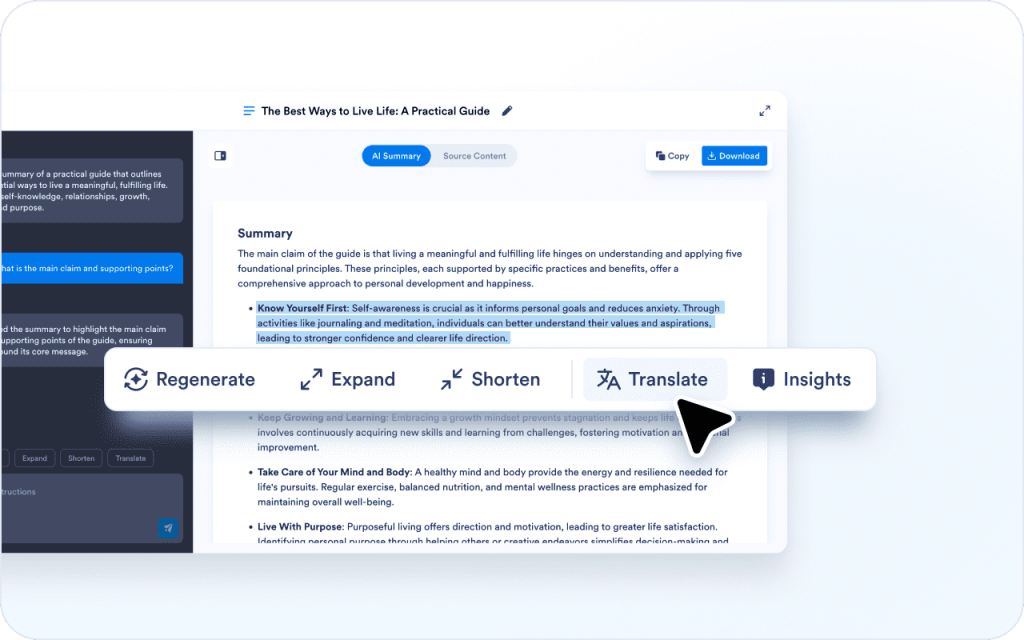
A summary that works for you may not work for a teammate, a stakeholder update, or a class note. You can rephrase or translate parts of the summary and reuse them.

You can shape the output into something you can upload into docs, research notes, or a weekly update.
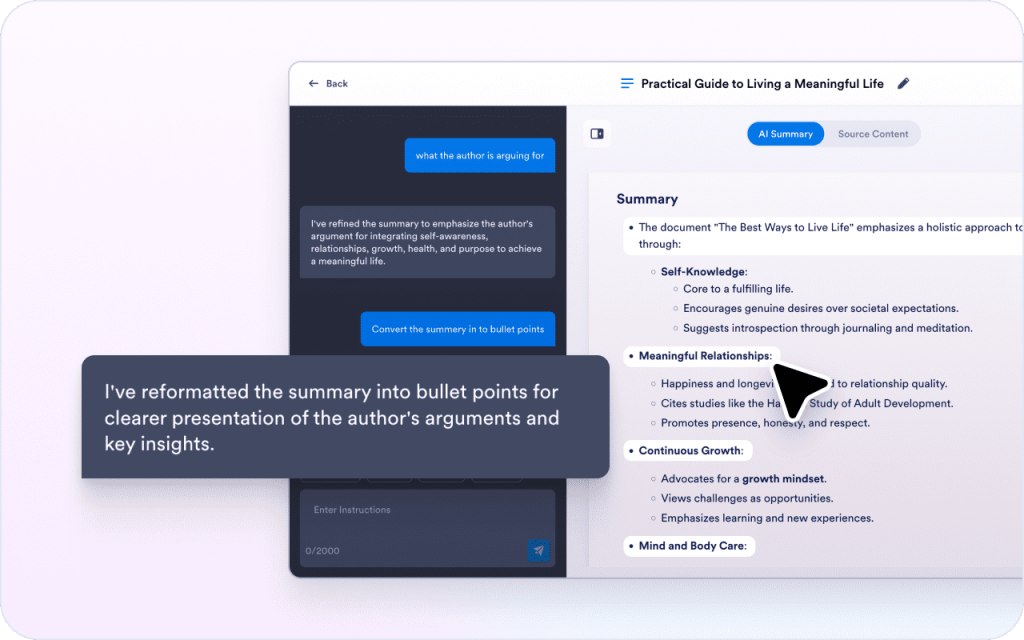
Because the summary surfaces the main argument and key takeaways, you can decide what to read in full and what to skim.
The generated summary highlights the article's key ideas so you can quickly understand the main points without rereading the entire text.
Because you can rephrase, translate, and format the output, you can turn one article into notes, messages, or updates.
Articles are often used as sources for reports, blog posts, and briefs. Summaries help you collect takeaways without losing track of what each source said.

News articles can be long and repetitive, especially when you read multiple sources on the same topic. A short summary helps you compare stories and share updates quickly.

Teams read articles to track competitors, pricing changes, and product launches. A summary helps capture the claim, the evidence, and the implication.

Long articles can be hard to convert into study notes. A summary helps you capture definitions, arguments, and examples in a form you can review later.

Stakeholders often want the conclusion, not the full article. A summary helps you share the main point and the impact without forwarding a long link.
Explore a suite of powerful AI-driven tools designed to streamline your workflows, enhance productivity, and deliver smarter solutions for your form creation needs.
An AI article summarizer creates a shorter version of an article that highlights the main argument and key takeaways. It's easy to use and helps you quickly understand an article and reuse its main points in notes or updates.
Add an article, get clear takeaways, then use the chat box to rephrase, translate, explain, or ask questions while you read.