Free Website Widgets
Easily enhance your website without writing a single line of code. Add powerful widgets in seconds to boost engagement, collect leads, and build trust using a simple, no-code builder.

Google Reviews
Add a Google Reviews widget to your website in seconds. Showcase customer feedback, build trust, and grow conversions - no coding required.
Go to Category:ReviewsUse Widget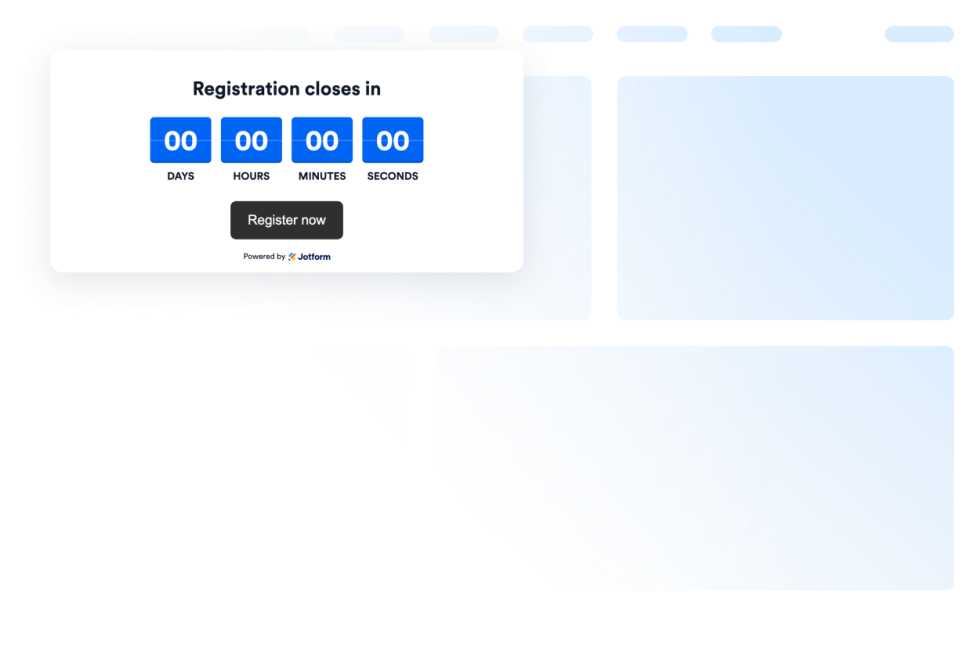
Countdown
Add a countdown widget for website pages in seconds. Customize the design and embed a free countdown timer widget for website with Jotform's no-code widget builder.
Go to Category:UtilitiesUse Widget
Trustpilot Reviews
Trustpilot Reviews Widget showcases real customer feedback in a clean layout. Jotform’s no-code tool lets you auto-sync, customize, and embed your Trustpilot reviews anywhere to build trust and boost conversions.
Go to Category:ReviewsUse Widget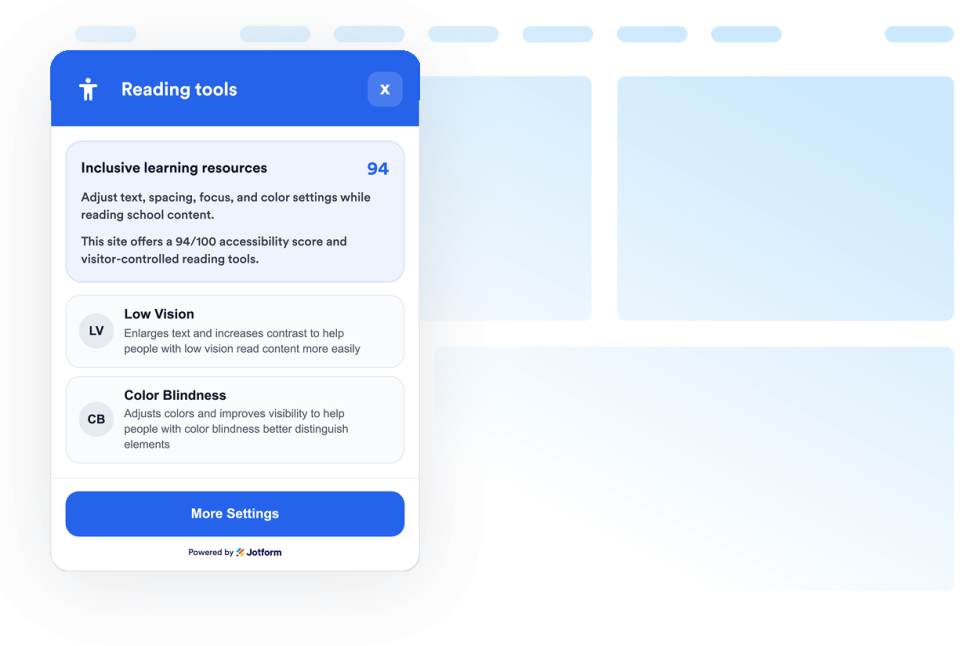
Accessibility
Add a customizable Accessibility widget to help visitors adjust contrast, text size, spacing, and motion. Offer preset accessibility modes and remember user preferences without code.
Go to Category:UtilitiesUse Widget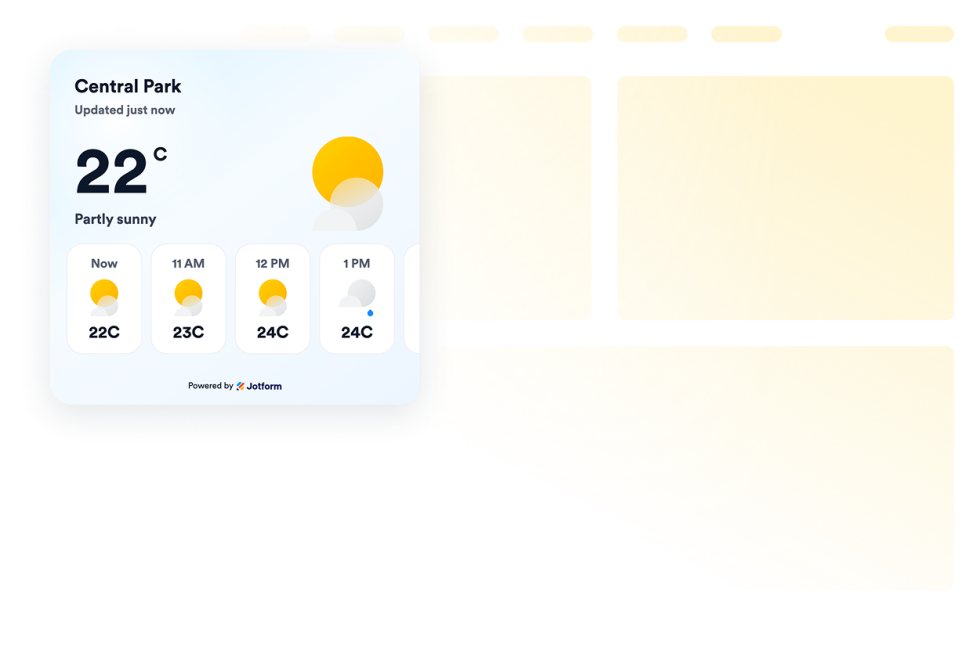
Weather
Add a free weather widget to your website. Display current conditions, hourly or daily forecasts, customize the design, and embed it without coding.
Go to Category:UtilitiesUse Widget
Facebook Reviews
Facebook Reviews Widget shows real customer ratings in a clean layout. Jotform no-code tool lets you auto-sync, customize, and embed anywhere.
Go to Category:ReviewsUse Widget
Google Play Reviews
Google Play Reviews Widget shows real user ratings and reviews in a responsive design. Jotform, no-coding required to auto-sync, customize, and embed anywhere.
Go to Category:ReviewsUse Widget
Yelp Reviews
Yelp Reviews Widget shows real customer ratings in a responsive layout. Jotform no-code tool lets you auto-sync, customize, and embed anywhere.
Go to Category:ReviewsUse Widget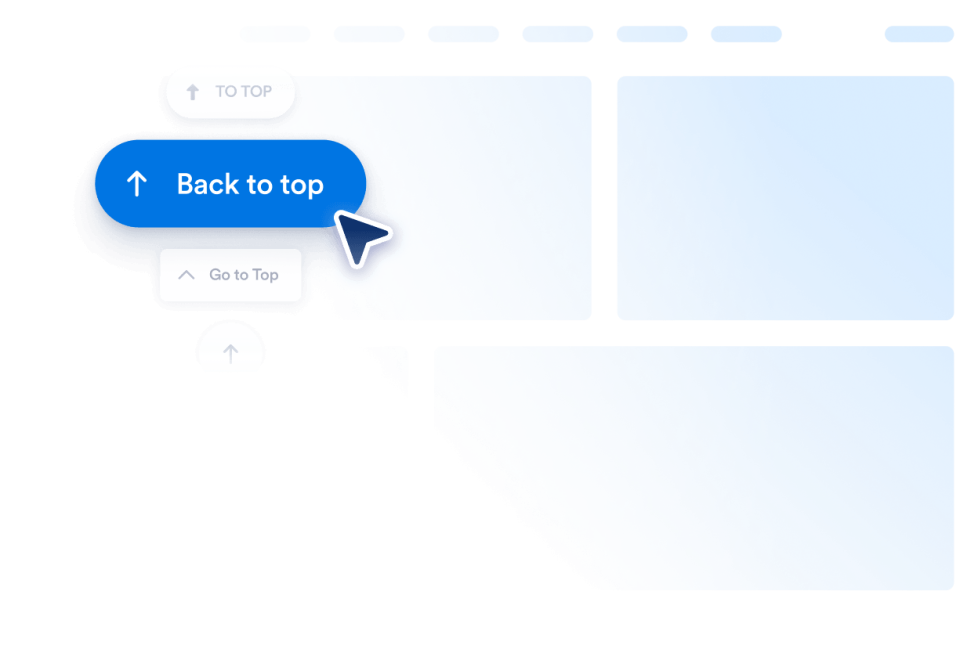
Back to Top
Add a Back to Top widget to your website in seconds. Let visitors jump to the top smoothly with a customizable, no-code button you can embed anywhere.
Go to Category:UtilitiesUse Widget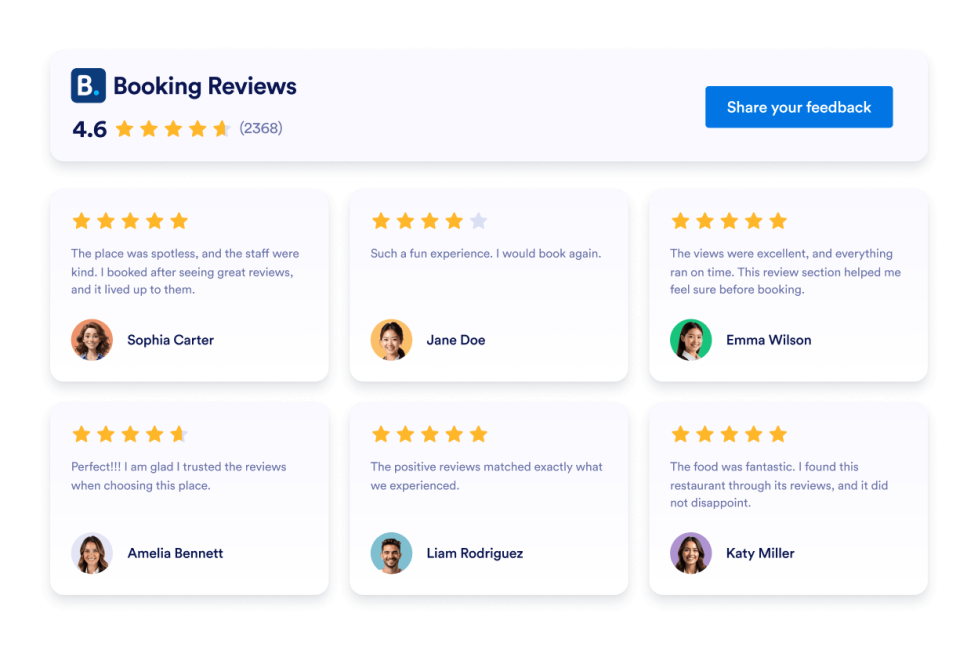
Booking Reviews
Booking Reviews Widget displays guest reviews from your Booking.com property in a responsive, customizable layout. Use Jotform’s no-code widget to build trust and encourage more reservations.
Go to Category:ReviewsUse Widget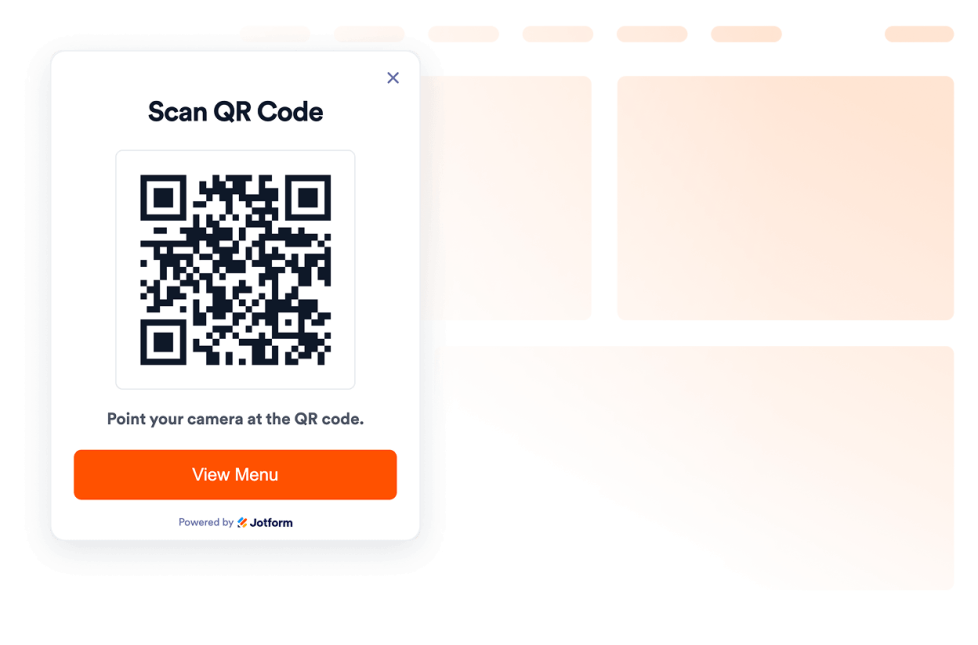
QR Code
Add a QR Code to your website in seconds. Help visitors scan menus, forms, downloads, offers, and event links. No coding required.
Go to Category:UtilitiesUse Widget
Airbnb Reviews
Airbnb Reviews Widget shows real guest feedback in a clean layout. Jotform no-code tool lets you auto-sync, customize, and embed anywhere.
Go to Category:ReviewsUse Widget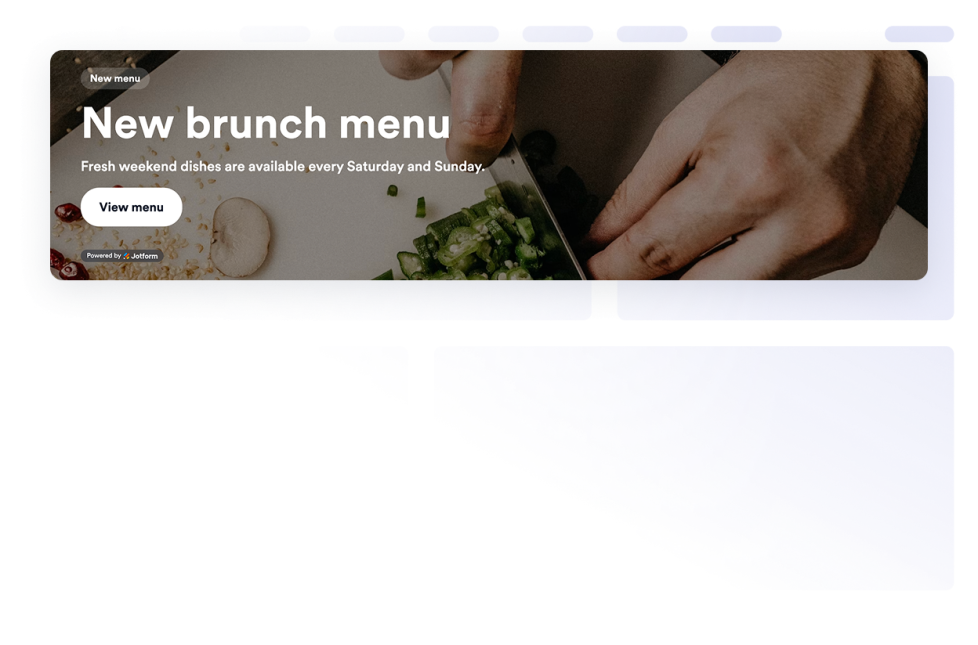
Banner
Add a Banner widget to your website for promotions, announcements, sales, events, coupons, countdowns, forms, images, videos, buttons, and clickable campaign banners.
Go to Category:E-commerceUse Widget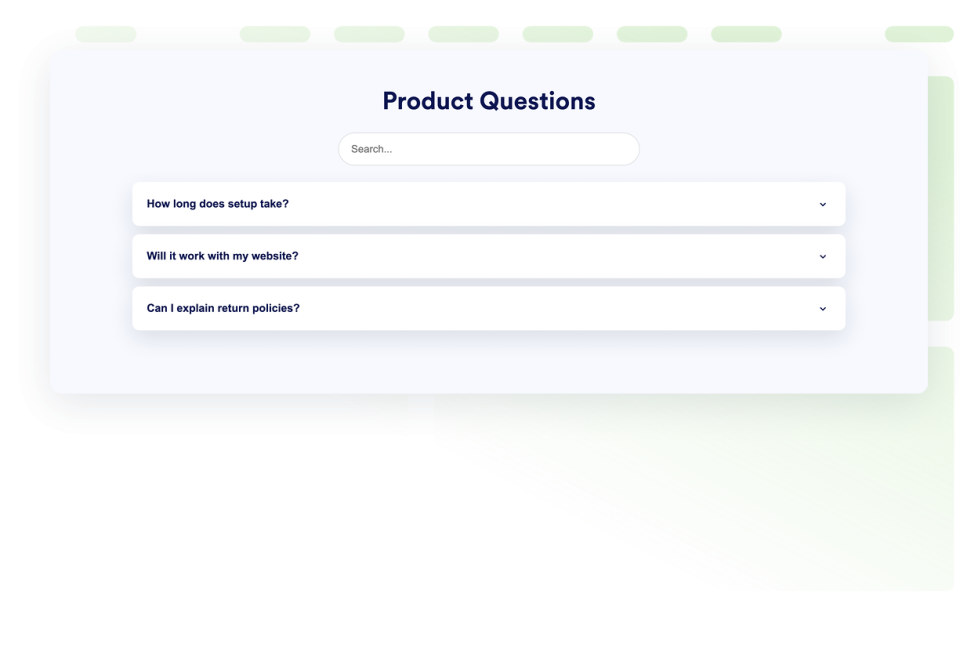
FAQ
Add a searchable FAQ widget to your website. Create accordion FAQs with custom styling, media-rich answers, and flexible layouts.
Go to Category:UtilitiesUse Widget
Ebay Reviews
eBay Reviews widget to boost trust. Show live buyer feedback, ratings, and auto-updated reviews. Set up in seconds with Jotform’s free no-code embed. Start now.
Go to Category:ReviewsUse Widget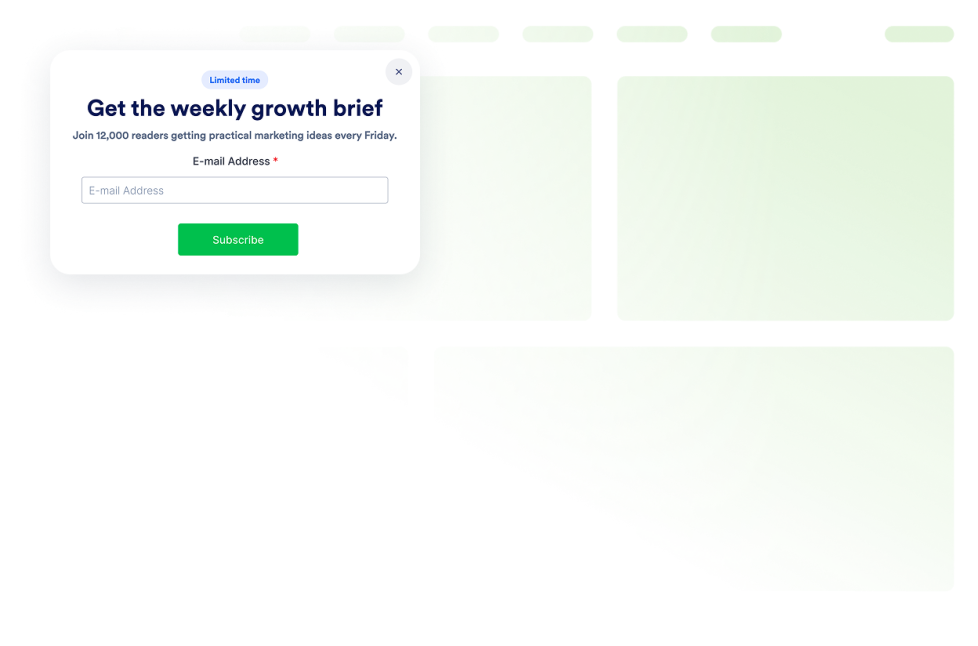
Popup
Add a Popup widget to your website for lead capture, announcements, discounts, newsletter signups, exit offers, and fixed bars. Build and embed it with Jotform.
Go to Category:E-commerceUse Widget
Etsy Reviews
Etsy Reviews Widget shows real buyer ratings in a clean layout. Jotform no-code tool lets you auto-sync, customize, and embed anywhere.
Go to Category:ReviewsUse Widget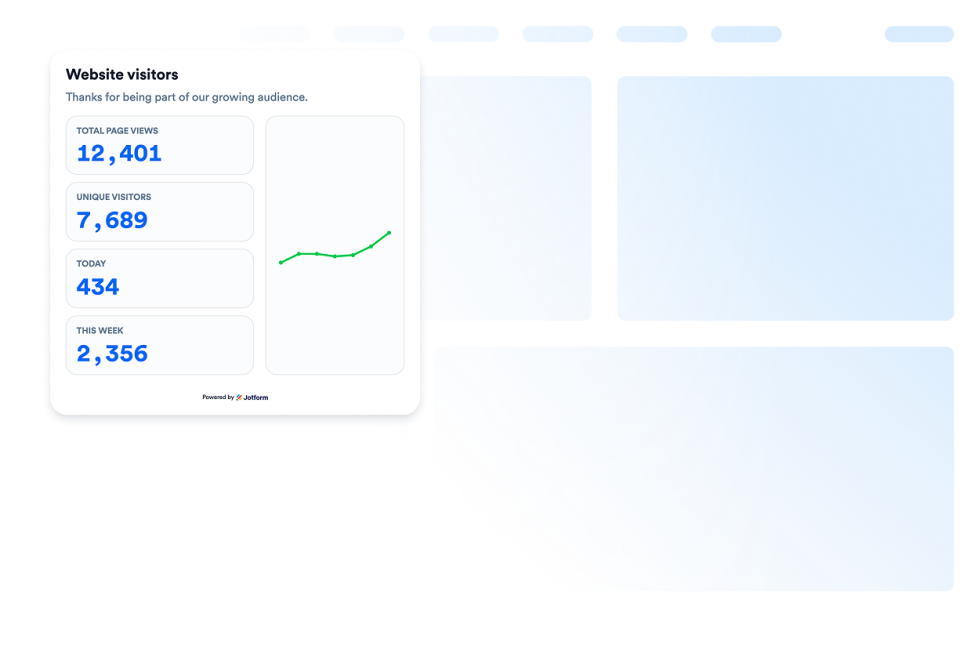
Visitor Counter
Add a Visitor Counter widget to your website to show a customizable no-code counter for page activity-style social proof.
Go to Category:UtilitiesUse Widget
App Store Reviews
App Store Reviews Widget shows real iOS user ratings in a clean layout. Jotform no-code tool lets you auto-sync, customize, and embed anywhere.
Go to Category:ReviewsUse Widget
Tripadvisor Reviews
Tripadvisor Reviews Widget shows real traveler ratings in a clean layout. Jotform no-code tool lets you auto-sync, customize, and embed anywhere.
Go to Category:ReviewsUse Widget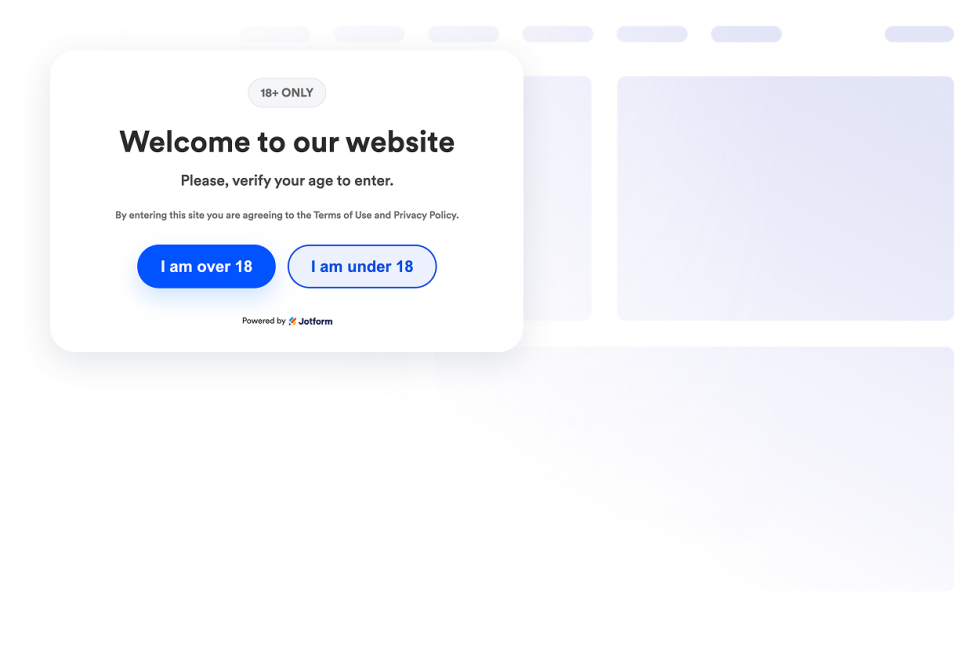
Age Verification
Add an Age Verification widget to your website to gate age-restricted content with custom messages, verification methods, visitor memory, and branded styling.
Go to Category:UtilitiesUse Widget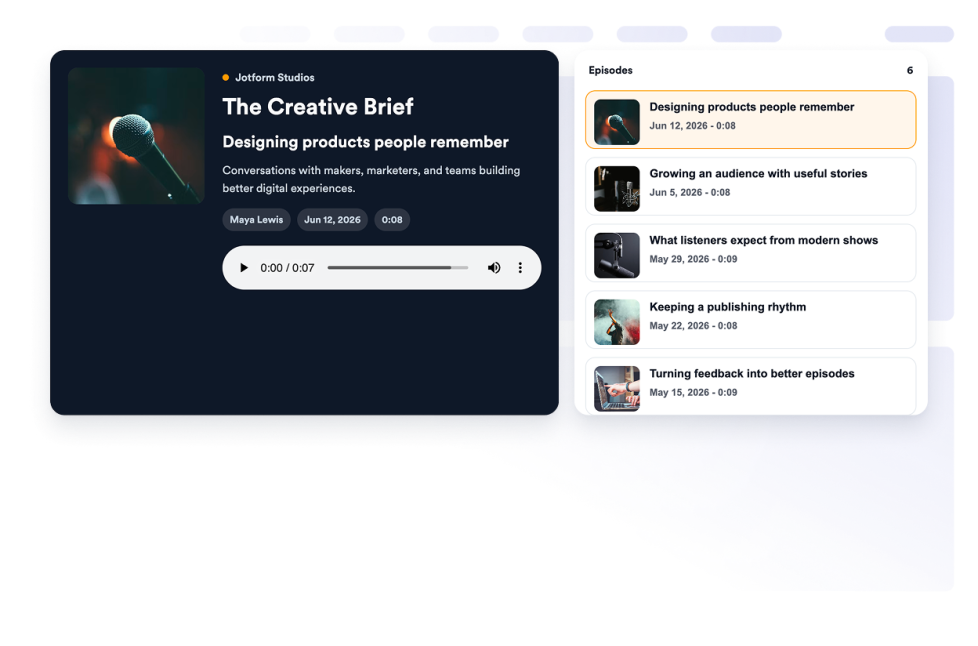
Podcast
Add a Podcast Player widget to your website with episode playback, playlist browsing, RSS source storage, cover art, autoplay, and custom styles.
Go to Category:AudioUse Widget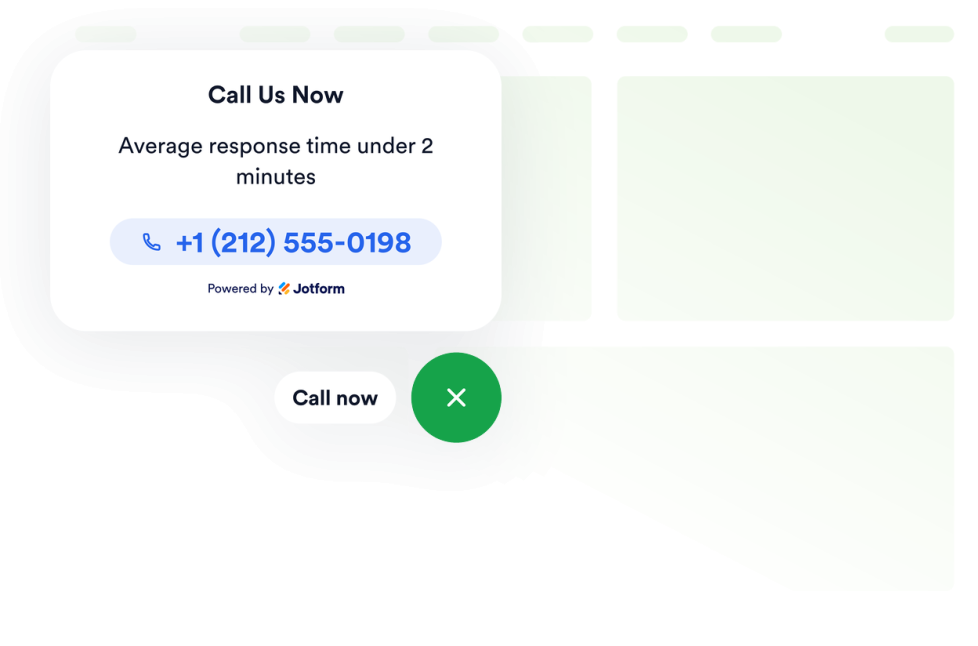
Click to Call
Add a Click to Call widget to your website so visitors can reach your business from a floating call button. Customize the phone number, button label, colors, sizing, spacing, and desktop or mobile visibility without code.
Go to Category:UtilitiesUse Widget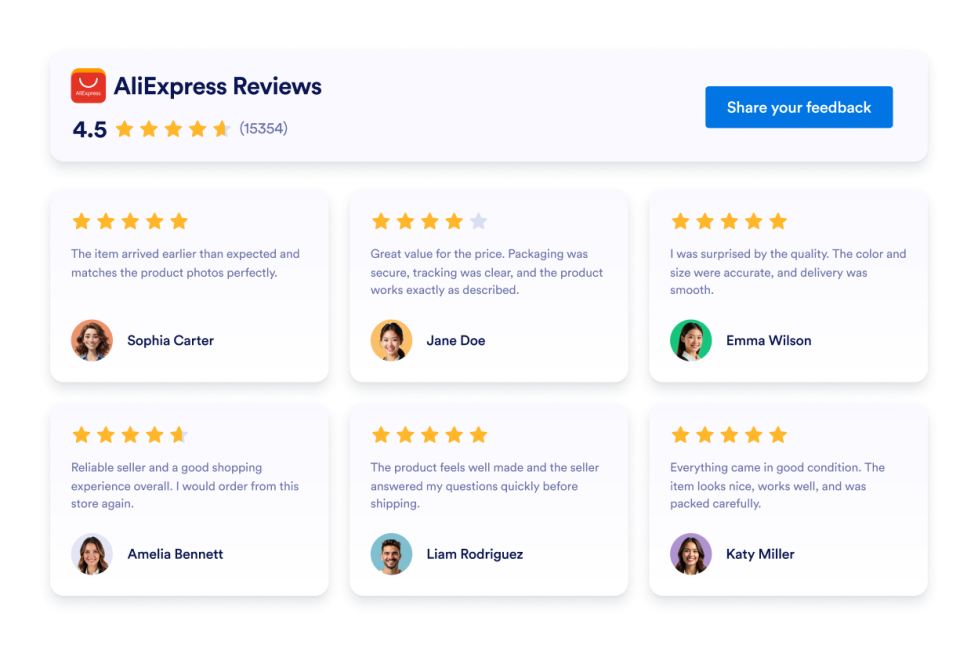
AliExpress Reviews
Add an AliExpress Reviews Widget to your website. Display product ratings, customize the layout, and embed customer feedback without coding.
Go to Category:ReviewsUse Widget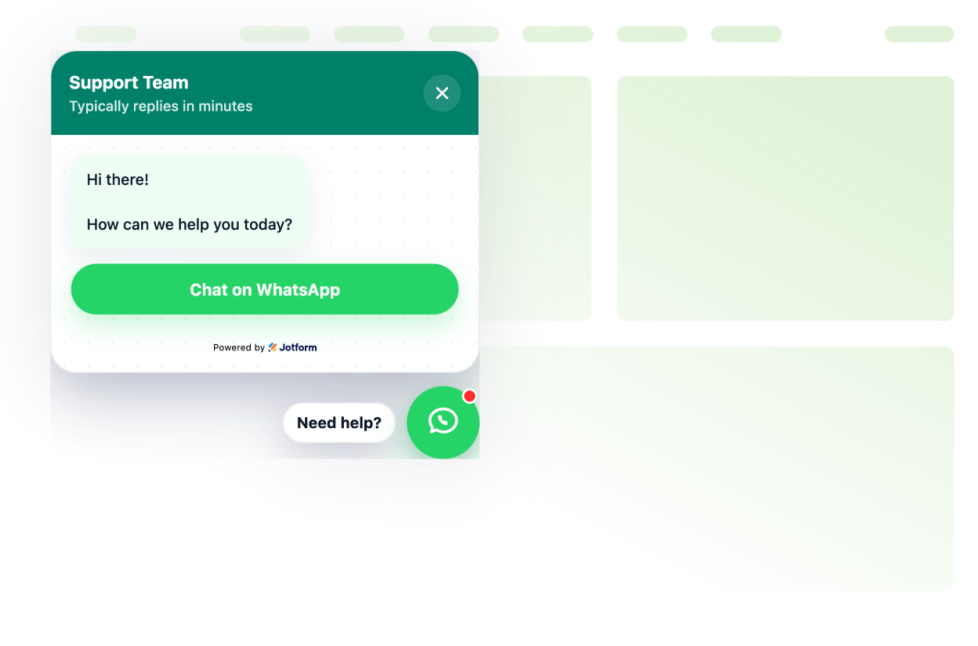
Whatsapp Chat
Add a whatsapp chat to your website in seconds. Customize the design and embed it with Jotform's no-code website widget builder.
Go to Category:ChatsUse Widget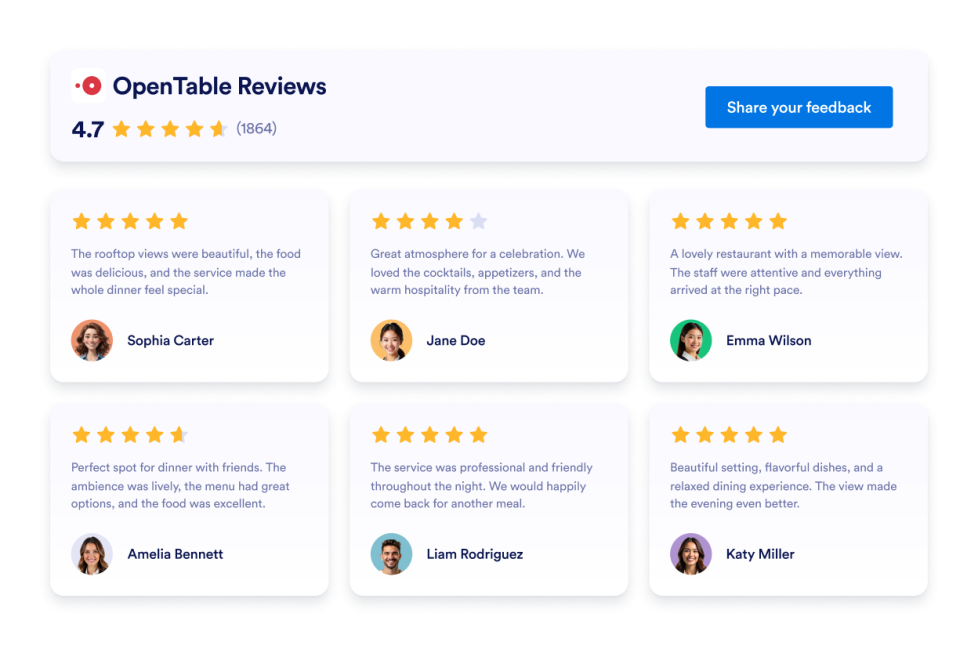
OpenTable Reviews
Display real customer feedback from your OpenTable profile and turn reviews into powerful social proof. With flexible layouts, styling options, and simple integration, you can showcase OpenTable Reviews on your website exactly the way you want.
Go to Category:ReviewsUse Widget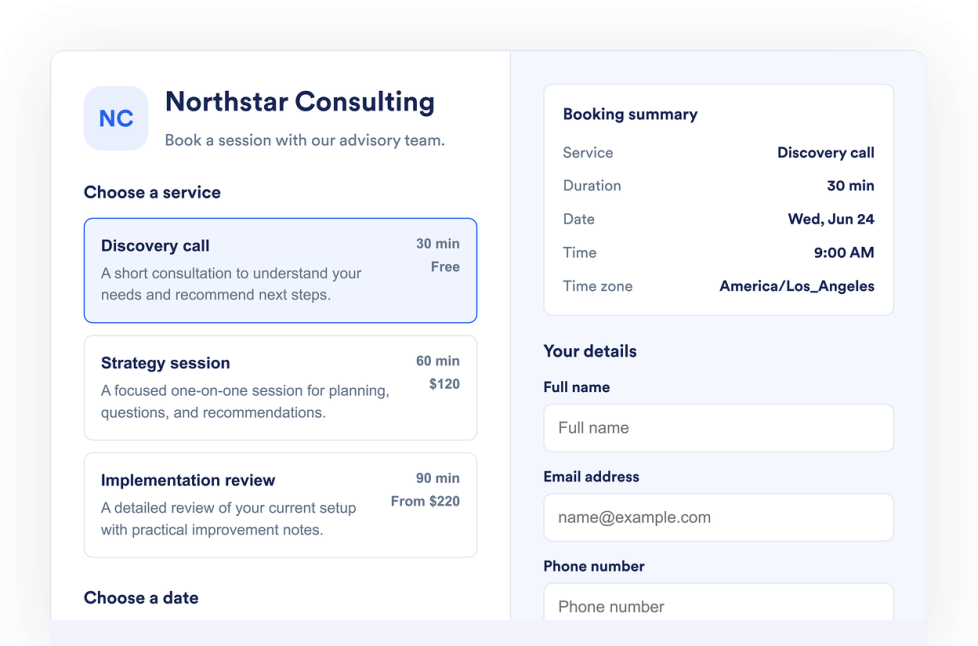
Appointment Booking
Add an Appointment Booking Widget to your website. List services, control availability, collect customer details, and accept booking requests without code.
Go to Category:FormsUse Widget
Flipbook
Add an interactive Flipbook widget to your website. Upload a PDF or paste a PDF URL, then choose page mode, stage theme, zoom, fullscreen, download, print, and responsive display.
Go to Category:UtilitiesUse Widget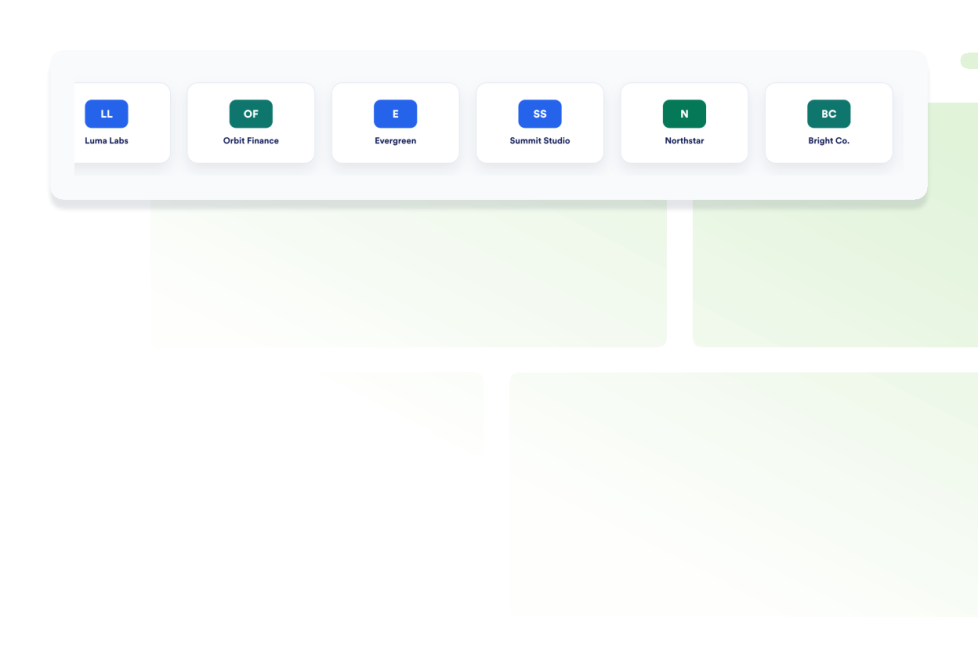
Logo Showcase
Create a Logo Showcase widget to display customer, partner, sponsor, or press logos. Choose grid, carousel, or ticker layouts and embed without coding.
Go to Category:SocialUse Widget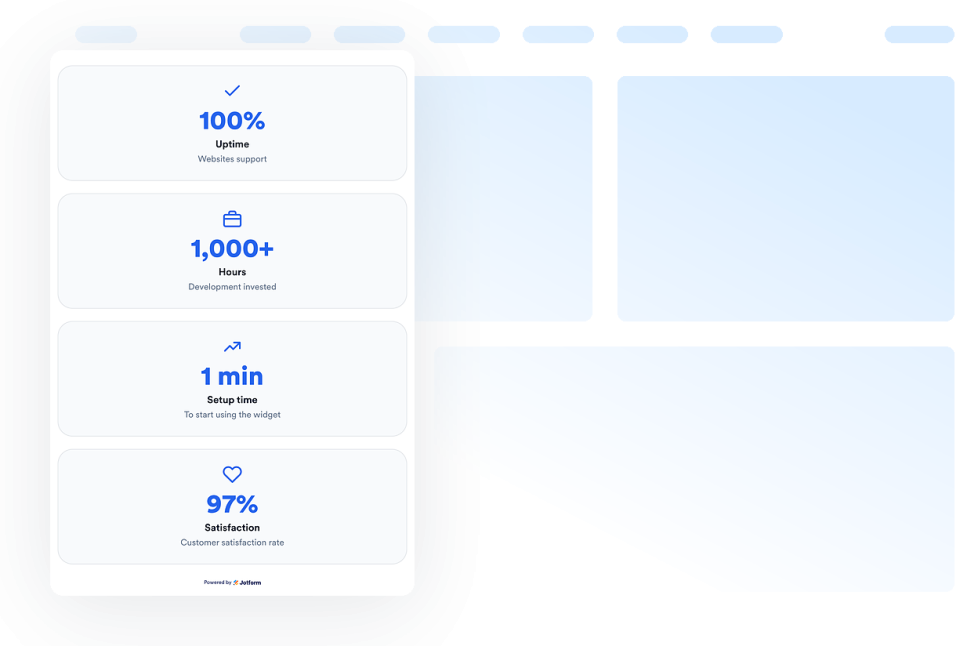
Number Counter
Add a Number Counter widget to your website to display animated milestones, statistics, icons, prefixes, postfixes, links, and live JSON-backed values.
Go to Category:UtilitiesUse Widget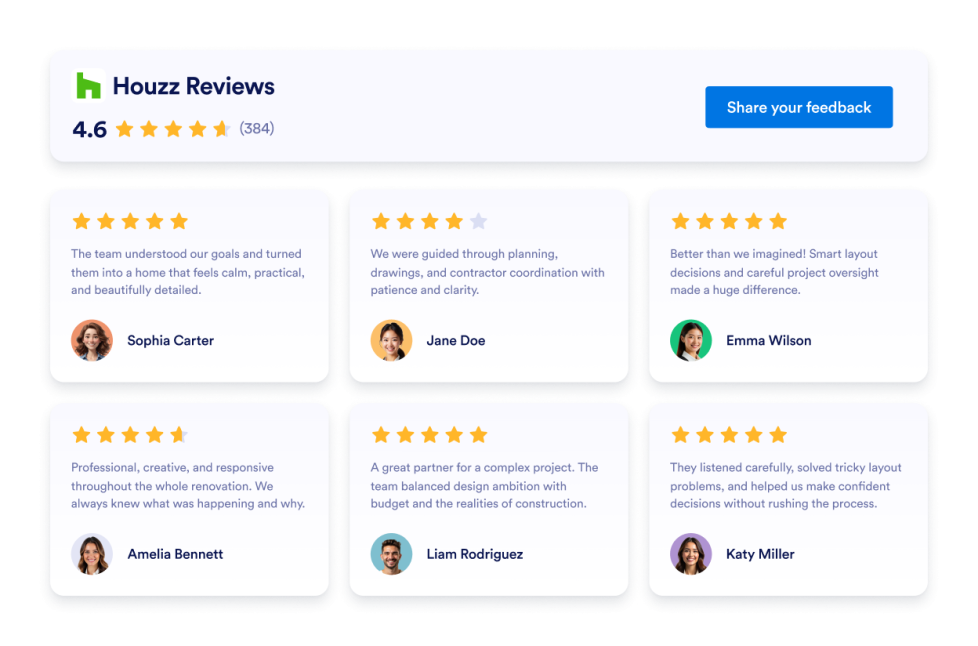
Houzz Reviews
Add a Houzz Reviews widget to your website. Display client ratings, project feedback, and social proof in customizable no-code layouts.
Go to Category:ReviewsUse Widget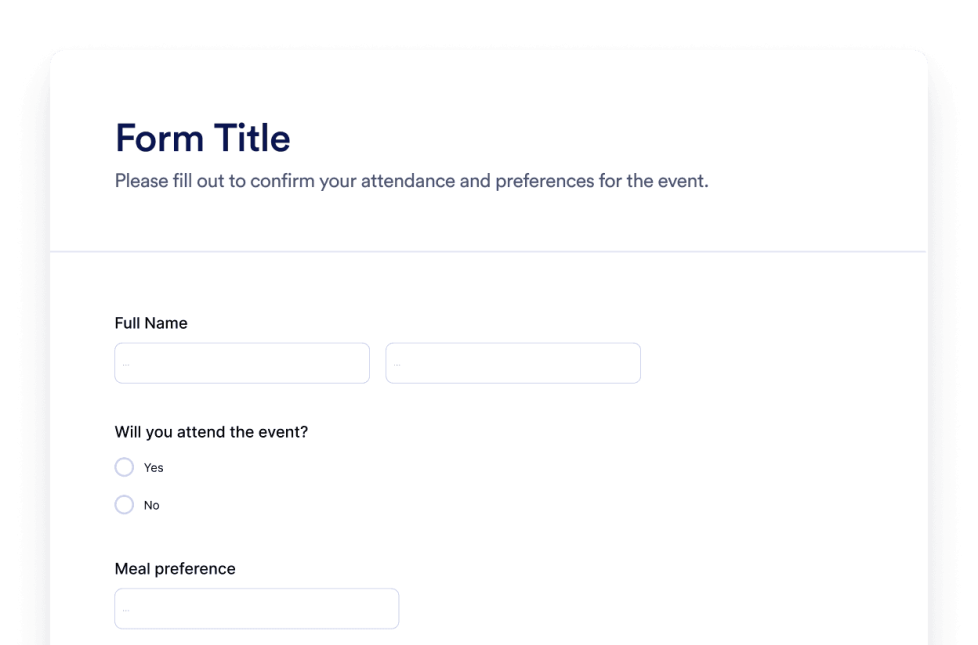
Form
Create custom forms with the Jotform AI Form Generator. No coding, no templates, and no hassle. Just tell our AI chatbot what kind of form you want to create.
Go to Category:OtherUse Widget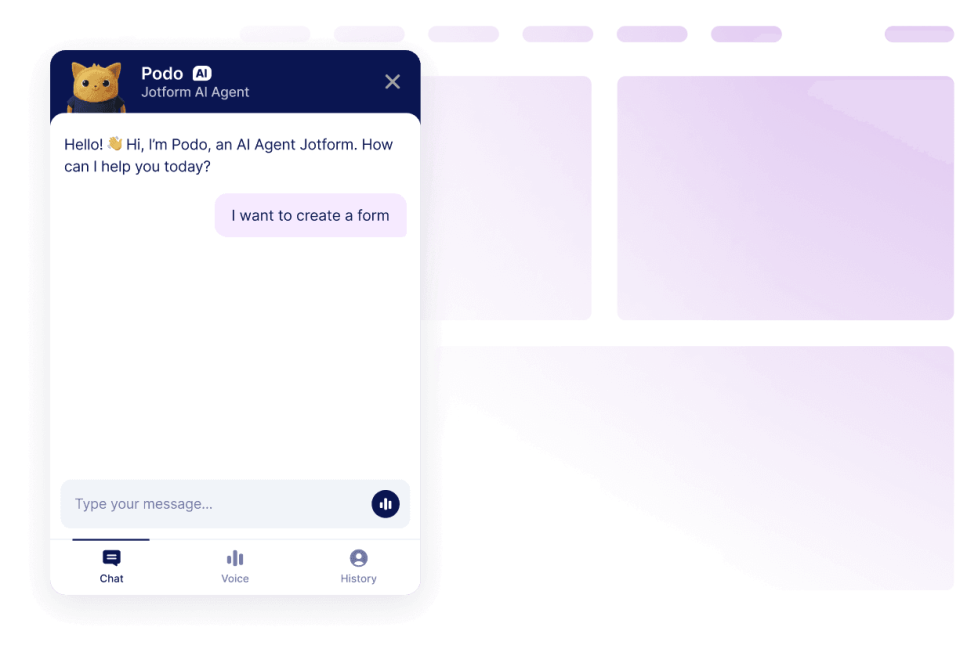
Chatbot
Turn your website into an interactive experience with the Jotform AI Chatbot Builder. Give users real-time answers and smooth form-filling help that matches your brand.
Go to Category:OtherUse Widget
Oops, No Result Found
No results match your search. Please try another keyword.
Why choose Jotform for website widgets?
Built to grow with you
You can begin with a single widget and keep things simple. When you are ready, add more widgets for new pages, campaigns, or goals, all from the same Jotform account, without moving to a different tool or starting from scratch
Easy to set up and customize
Every widget is built with Jotform’s familiar no-code editor, so customizing layouts and styles feels simple and intuitive. You can adjust colors, spacing, and design details on your own, without needing a developer or technical support.

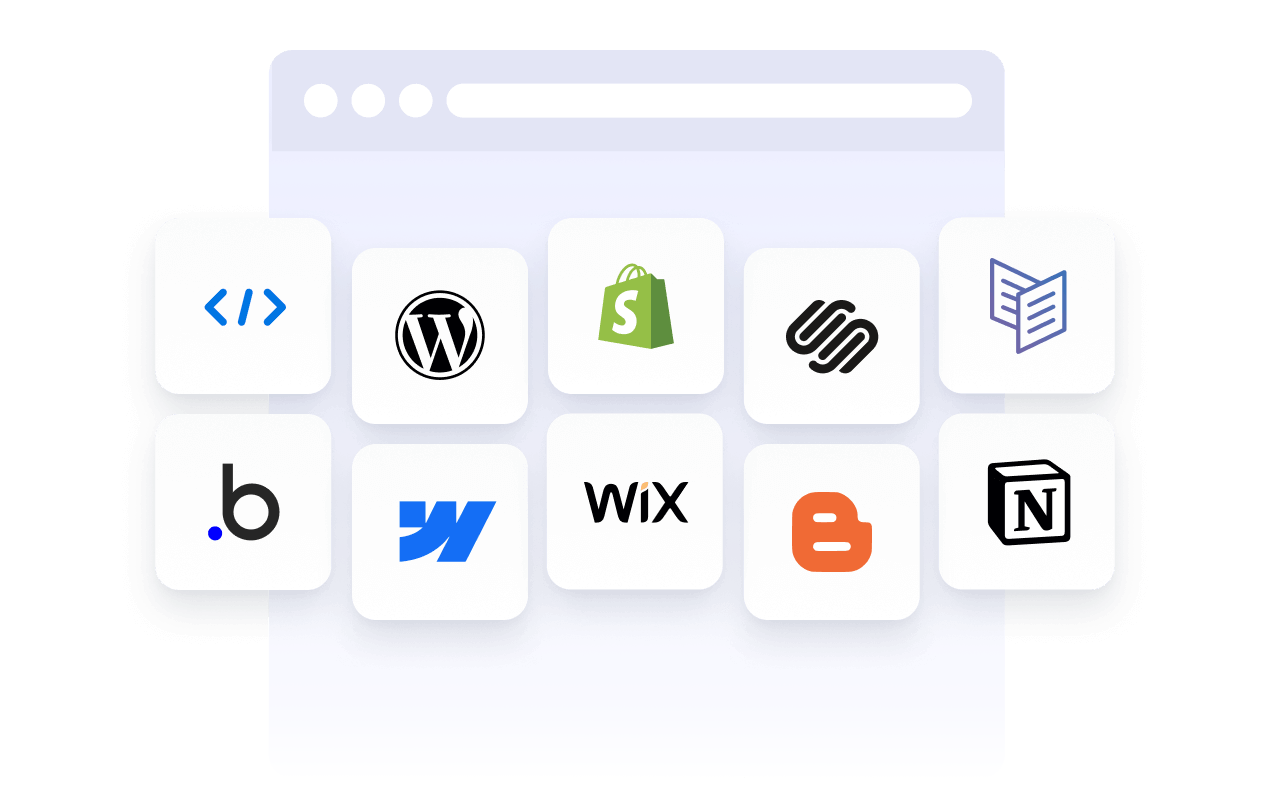
Works on most websites and platforms
Embed Jotform widgets on many website platforms and custom sites using standard embed options. Keep the same widget working across different pages and environments.
Convert leads into paying customers with Jotform Form Builder
Turn engagement into action with Jotform. Create powerful forms that capture leads, collect payments, and automate responses, all in one place. Every submission lands in your Jotform Inbox, ready to follow up or connect with your favorite apps.
Get Started — It’s Free!
Trusted by millions
Jotform is used by businesses around the world, from small teams to large organizations.