
7 alternatives to WPForms
WordPress’s WPForms has been around for 10 years as of 2026. It has accumulated more than 13,400 five-star reviews and has been installed 305 million times. The plug-in is easy to set up, offers support services, has decent design customization, and even includes a few payment fields on its free plan.
But without one of WPForms’s most expensive plans or heavy backend development, it can be hard to create even basic forms. If you’re on the free plan (Lite), you won’t be able to add meat-and-potatoes fields, such as Phone Number and Date/Time. Even the Plus plan, one step above the Basic tier, doesn’t include form integrations such as Google Sheets and Zapier. Those are nonstarters for lots of site owners.
WPForms isn’t a bad form builder by any means, assuming it fits your use case. However, that’s not something you want to discover after committing to one of its annual subscriptions. Plenty of WPForms alternatives offer better pricing and feature lists, and are more user-friendly. In this article, I’ll explore specific applications for seven competitors and explain why you might pick them over WPForms.
 Jotform |  Gravity Forms |  Fluent Forms |  Formidable Forms |  Ninja Forms |  Forminator |  Typeform | |
|---|---|---|---|---|---|---|---|
| Best for | Multichannel forms | Complicated custom forms | Speedy lightweight forms | Publishing submission data to web pages | Building your own subscription forms | Backing up and optimizing forms | Quick and easy conversational forms |
| WordPress plug-in | |||||||
| Free plan | |||||||
| Starting price | $34/month | $59/year | $79/year | $79/year | $99/year | $60/year | $39/month |
| Conditional logic | |||||||
| Payment forms | |||||||
| Native integrations | |||||||
| Ease of use | No technical background required | Significant technical background required | Some technical background required | Some technical background required | No technical background required | No technical background required | No technical background required |
| Reporting & analytics |
1. Jotform
One of WPForms’s most glaring limitations is that it works only on WordPress websites. While that may not seem like a serious issue if you’ve always had a WordPress website and never plan to migrate, it will cause problems if you need to embed your forms anywhere else.
With Jotform, you can add your forms to any site that accepts iFrame embeds, including Shopify, Facebook, and virtually any website builder. Jotform supports forms with conditional logic, and you can pick from more than 40 payment integrations on the free plan. In addition, using Jotform’s AI Agent builder, you can create no-code chatbots for Instagram accounts, Gmail, WhatsApp, SMS messages, and other channels.
Whether you have one WordPress website that needs top-tier features or several sites that need only basic functionality, WPForms will force you to buy the most expensive plan. Jotform takes a different approach, giving you access to all of its features, more than 20,000 templates, and website widgets right away. You can then pay for the number of forms and submissions you need, no matter where they live. And unlike WPForms, which offers only annual plans, Jotform offers its WordPress plug-in and the rest of its tools as monthly subscriptions. With its extensive template library, flexible form features, and ability to embed forms beyond WordPress, Jotform is known as the best online form builder for creating forms wherever your audience needs them.
Why people switch to Jotform
- Over 150 native integrations (plus Zapier connectors) are included in the free and paid plans.
- Form-adjacent features (such as databases, page builders, and chatbots) don’t require a paid plan.
Limitations of Jotform
- There is no way to create new forms or edit existing ones while in WordPress.
- Unexpected surges of submissions can cause your team to hit your plan limit.
Plans/pricing
- Starter (free): All platform features across up to five forms, with room for a combined 100 submissions and 10 payment submissions per month
- Bronze ($34 per month on annual plan): Up to 25 forms, 1,000 submissions, 100 payments per month, and custom branding
- Silver ($39 per month on annual plan): Up to 50 forms, 2,500 submissions, and 250 payments per month
- Gold ($99 per month on annual plan): Maximum of 100 forms, 10,000 submissions, and 1,000 monthly payments, in addition to HIPAA-enabled features
- Enterprise: Unlimited forms, submissions, and payments, as well as advanced security and dedicated support (based on a conversation with Sales)
Pro Tip
Jotform AI lets you build business forms and chatbots from plain-language prompts provided as either text or voice instructions, providing dramatically faster results compared with drag-and-drop creation.
2. Gravity Forms
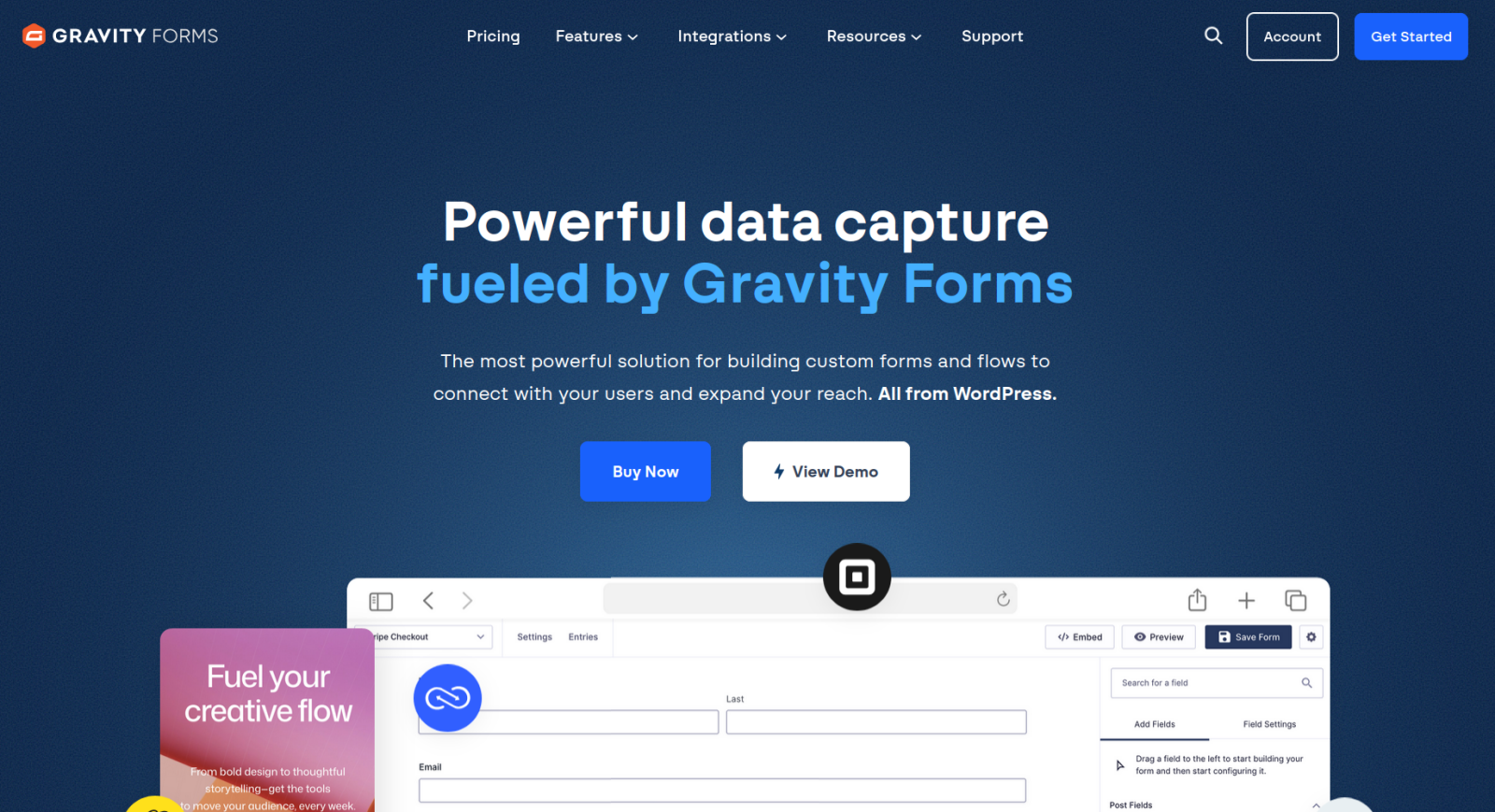
Most people really appreciate WordPress’s user-friendly interface. When I’ve worked with developers and folks with more technical expertise, however, they often complain that WPForms is too “dumbed down.” Gravity Forms caters specifically to agencies and website development teams. It features built-in automation with Gravity Flow, a Representational State Transfer Application Programming Interface (REST) API (for communication across apps), and hundreds of custom Gravity Forms add-ons from developers.
Ultimately, the choice between WPForms and Gravity Forms comes down to whether you need to do anything unique or use an atypical web form workflow. If you do, Gravity Forms is the better option by far. Bonus: Each of its subscription tiers is cheaper than WPForms.
Why people switch to Gravity Forms
- It’s far more customizable and extensible than most WordPress form builders.
- Its API and webhooks enable integration with niche tools and platforms.
Limitations of Gravity Forms
- There is no free plan or trial.
- It has a much steeper learning curve than other alternatives.
Plans/pricing
- Basic ($59 per year): Unlimited forms on one WordPress website, conditional logic, multipage forms, and 20 add-ons (such as HubSpot, Mailchimp, and SendGrid)
- Pro ($159 per year): Same as Basic but across three WordPress websites and with 15 add-ons (such as Slack, Zapier, and Dropbox)
- Elite ($259 per year): Unlimited forms on an unlimited number of WordPress websites, conversational forms, coupons, partial entries, quizzes, polls, signatures, and user registrations
3. Fluent Forms
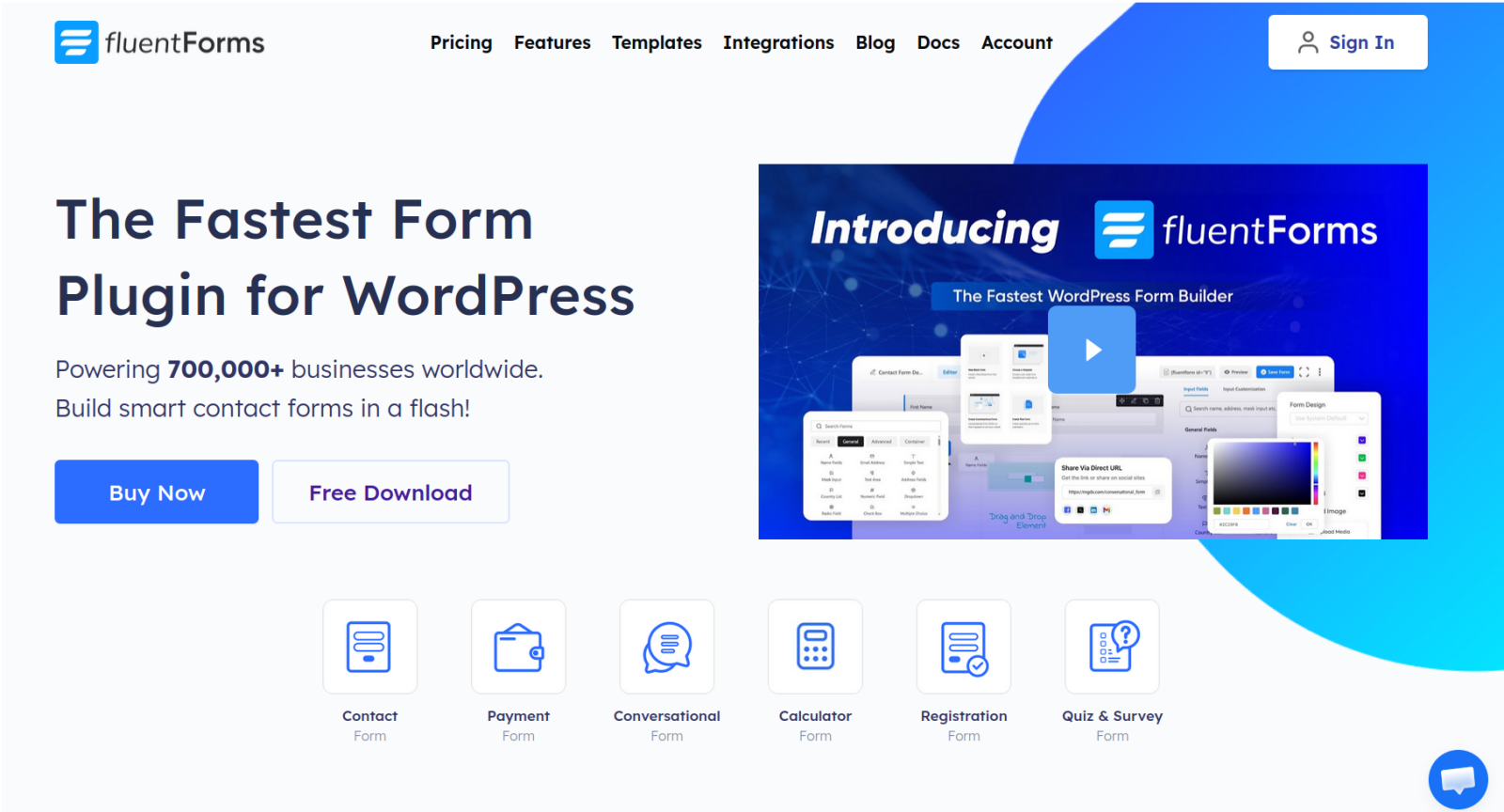
If you have dozens of forms or are constantly creating new ones, Fluent Forms might be a good fit. The platform is more responsive than WPForms, especially when you’re building several forms in a single sitting. I was able to create a new form without leaving my WordPress dashboard, add a ton of fields, give them conditional logic, and automate PDF exports. And I did all of that on the free plan.
Fluent Forms performs well on the front end and the back end. It’s made a name for itself as one of the best free plug-ins for creating forms in WordPress by keeping installs lightweight, running as few scripts as possible, and giving away premium features (such as conditional logic, payment fields, and AI tools) on the free plan.
Why people switch to Fluent Forms
- The generous free plan provides a lot of mileage for simple websites.
- It offers excellent style and design customization without leaving WordPress.
Limitations of Fluent Forms
- There are very few templates, compared with other form builders.
- Quizzes and surveys are not included in the free plan.
Plans/pricing
- Free license: Unlimited forms on a single WordPress domain, with conditional logic, conversational forms, an AI builder, a host of spam-blocking features, and login-based forms
- Single Site license ($79 per year): Everything in the free plan, plus premium field types, form calculations, advanced design features, and file uploads
- Agency license ($159 per year): Everything in the Single Site license, plus an allowance for four more WordPress domains
- Unlimited license ($239 per year): Unlimited forms on an unlimited number of WordPress websites, as well as all the features from the Agency license
4. Formidable Forms
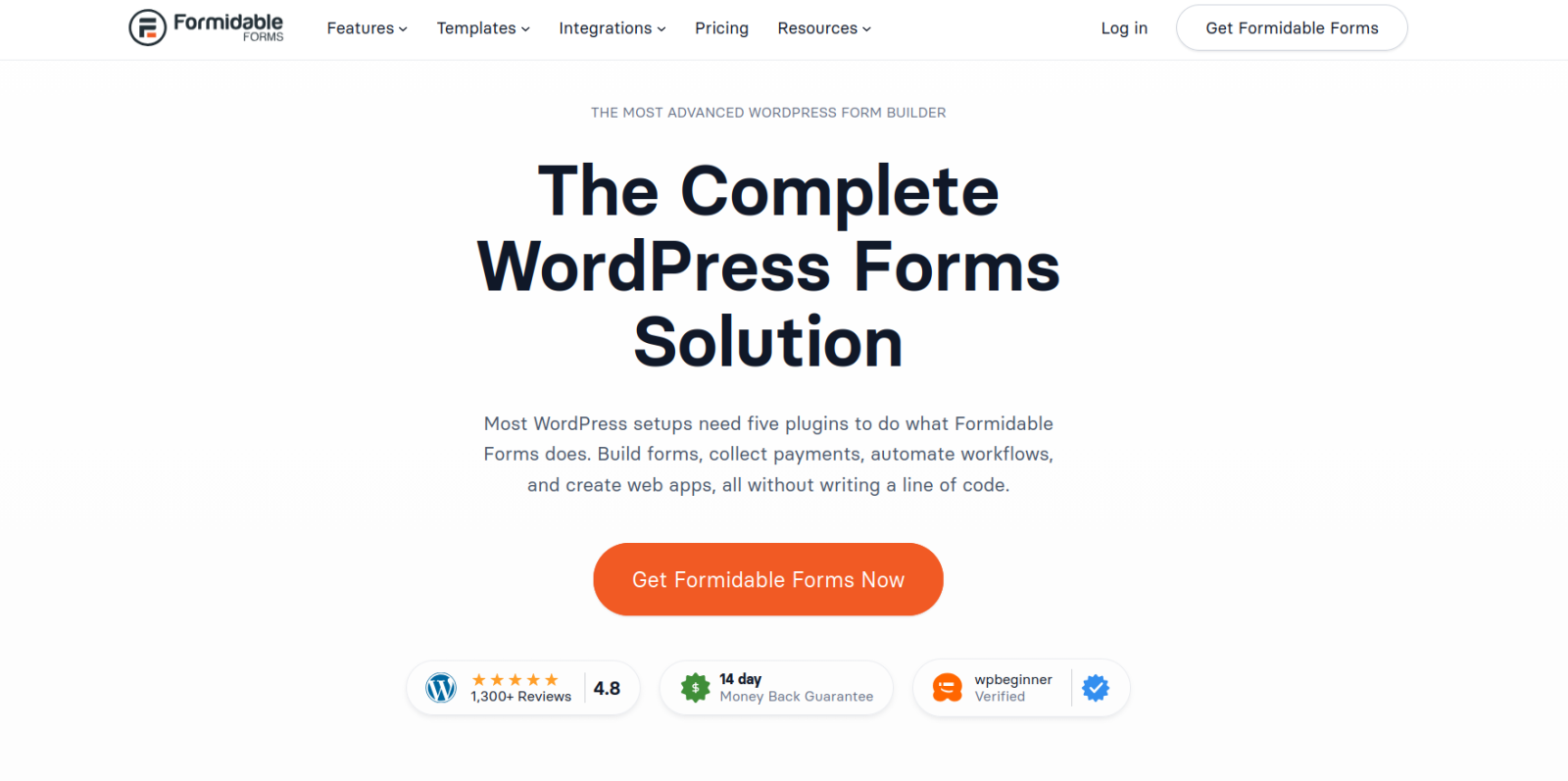
Despite never having heard of Formidable Forms before testing it for this article, I now consider it one of my favorite WordPress plug-ins. Formidable Forms is user-friendly, works as a drag-and-drop form builder, and has a long list of features you rarely see in other apps (such as right-to-left text for languages that use it). Its Views tools, for instance, make it shockingly easy to sync submission data to your website’s front end, so you can build dynamic pages for everything from community calendars to member directories. It’s one of the most expensive options on this list, but it’s worth it for the powerful and niche features.
Why people switch to Formidable Forms
- You can create interactive apps from form data.
- You can also use ChatGPT inside your forms.
Limitations of Formidable Forms
- It’s super-expensive after the first-year discount.
- The onboarding and builder interface can feel overwhelming.
Plans/pricing
- Basic ($79 per year): Unlimited forms and submissions on one WordPress website, with support for file uploads, conditional logic, multipage forms, and repeater field groups
- Plus ($199 per year): Unlimited forms and submissions on three WordPress websites and access to Views, user comment fields, premium templates, and dynamic graphs
- Business ($399 per year): Unlimited forms and submissions across seven WordPress websites, plus form calculations, user registrations, payment forms, e-signatures, and form-to-PDF features
- Elite ($599 per year): Unlimited forms on an unlimited number of WordPress websites, removal of Formidable branding, special access to support, and integrations with WooCommerce, Salesforce, and HubSpot
5. Ninja Forms
My personal pick for the best free WPForms alternative, Ninja Forms gives you unlimited forms, submissions, calculations, and email notifications without charging a penny. For a basic contact or event registration form, Ninja Forms is superb.
If you need only one or two premium features, you can buy them as standalone add-ons to build a custom monthly subscription. This option can become expensive and time-consuming if you eventually need all the add-ons.
The Ninja Forms interface, however, wasn’t my favorite. The Add New Field button was constantly opening and closing a menu of options, and there weren’t many individual field settings.
Why people switch to Ninja Forms
- It’s free to create an unlimited number of forms and submissions on as many websites as you want.
- You pay for only the features you want.
Limitations of Ninja Forms
- Multiple add-ons can quickly become more expensive than competitor plans.
- The form builder can be clunky and cumbersome.
Plans/pricing
To build your own Ninja Forms plan, you sign up for the Core tier and then go to the Add-Ons page to pay for what you need. Or, for those who prefer a more traditional subscription, you can sign up for one of the three tiers available with bundled premium features:
- Plus ($99 per year): Unlimited forms for up to three WordPress websites, conditional logic, multistep forms, file uploads, and 20 percent off add-on purchases
- Pro ($199 per year): Unlimited forms for up to 20 WordPress websites and advanced date pickers, autosave option for partial submissions, user registration forms, and Stripe integration
- Elite ($499 per year): Unlimited forms for an unlimited number of WordPress websites, access to all add-ons, integrations, payment gateways, and early access to new features and add-ons
6. Forminator
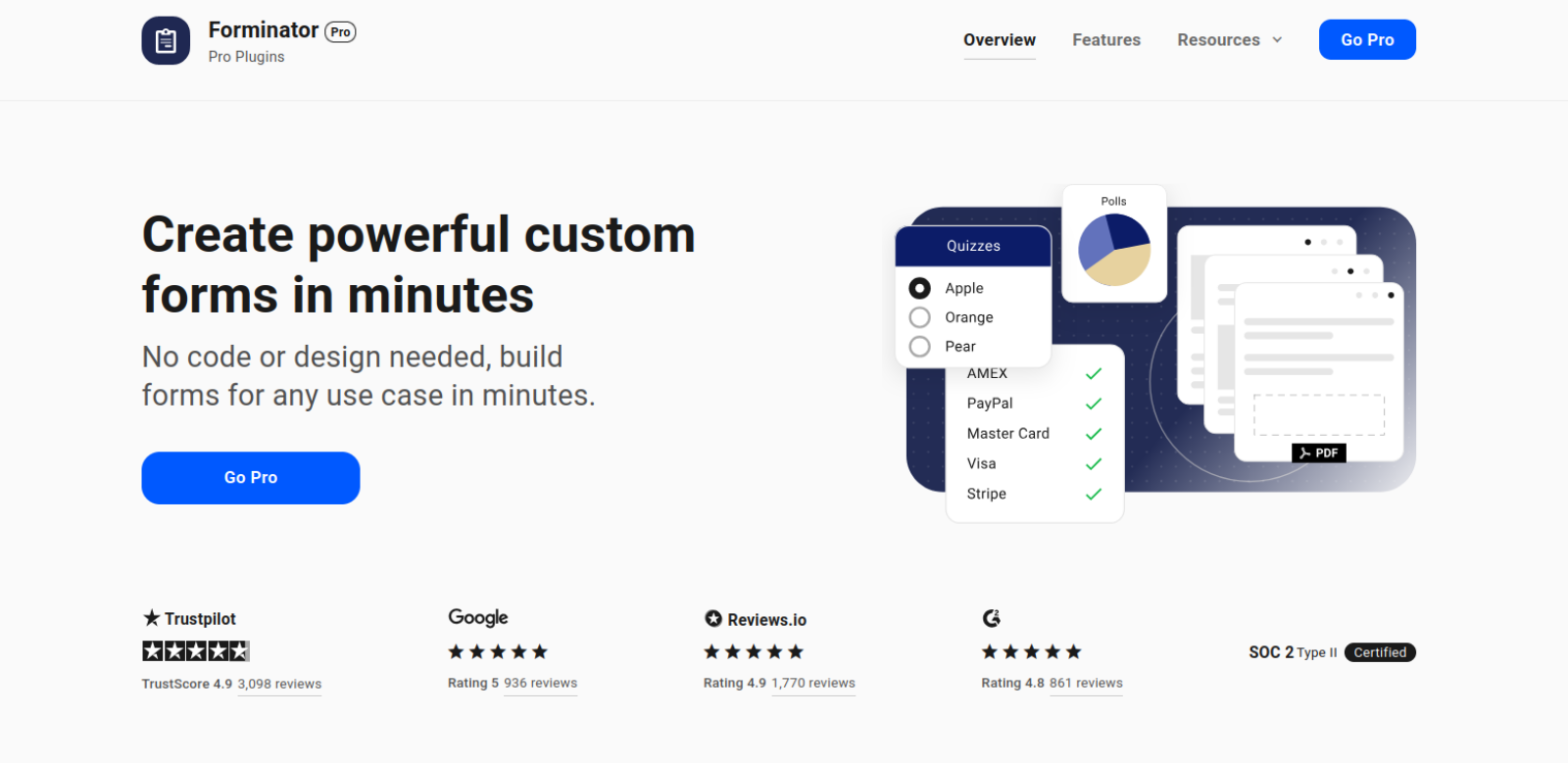
Most of the buzz surrounding Forminator as a WPForms alternative focuses on its free plan, which is one of the best. You can collect payments, customize user paths with conditional logic, store submission data in your WordPress database, transform that data with calculations, and integrate your forms with a dozen popular tools.
I was most interested in the paid plan, which bundles Forminator with a suite of other complementary WordPress plug-ins. Smush’s image optimization and Snapshot’s backups are super-useful when publishing forms, for example, and are included in an all-in-one plan that costs the same as WPForms’s second-lowest subscription tier. If you’re looking for a low-cost bundle stuffed with some of the best WordPress plug-ins, Forminator is worth checking out.
Why people switch to Forminator
- You can collect Stripe and PayPal payments with the free plan.
- You can create lead magnet forms (including calculations) on the free plan.
Limitations of Forminator
- Paid plans don’t include as many premium form features as other apps.
- The free and paid plans don’t include reporting or analytics features.
Plans/pricing
Forminator was developed by a WordPress hosting and management company called WPMU DEV. It offers three plans that include access to more than a dozen WordPress plug-ins, including Forminator. Subscription tiers are based on how many sites you will install the plug-ins on: One domain costs $60 per year, three domains go for $100 per year, and 10 domains cost $200 per year.
7. Typeform
Typeform is one of the best examples of a love-it-or-hate-it software. Some people go head over heels for its unwavering commitment (14 years now!) to forms that display only one question at a time. Others find it too narrow and restrictive. Even though I fall into the latter camp, I have to admit that its drag-and-drop builder is incredibly intuitive, the design options and templates are among the best, and its automations and integrations are better than most.
If design choices don’t come naturally to you, you don’t mind only having the option for conversational forms, and you have a fairly large budget, Typeform is a great solution for you.
Why people switch to Typeform
- Building beautiful one-question-at-a-time forms takes minutes.
- Its AI features for building forms, adapting questions midsession, and analyzing results work well.
Limitations of Typeform
- It doesn’t have a WordPress plug-in.
- You’re limited to one-question-at-a-time forms.
Plans/pricing
- Free: Unlimited forms, 10 submissions per month, basic reporting and analytics, conditional logic, and most of the platform’s available integrations
- Basic ($28 per month): Same as the free plan, but with 100 submissions per month, form calculations, hidden fields, and file uploads
- Plus ($56 per month): Same as Basic plan, but with 1,000 submission per month and premium themes, the option to remove Typeform branding, brand kits, and support for reCAPTCHA
- Business ($91 per month): Same as Plus plan, but with 10,000 responses per month, multilingual forms, Salesforce integration, and Dropoff Analysis feature
- Enterprise (custom pricing): Negotiate your monthly response limit, custom fonts, and number of domains; “Clarify with AI” follow-up questions; and HIPAA compliance options
Better forms. Better data. That’s Jotform.
WPForms and nearly every alternative on this list is tied to WordPress. You can’t embed them in a Squarespace, Wix, or Shopify store, and you can’t take your forms with you if you ever decide not to use WordPress. These forms may work well as free website widgets, but they can’t stand on their own.

Import from WPForms instantly
There’s no need to rebuild your online forms from scratch. Instead, migrate existing forms and submission data into your Jotform account in one click — so you can collect data without skipping a beat.
Your form can not be migrated.
Please ensure that your form URL is correct and that your form is set to “public” before attempting to migrate it again.
Jotform does just about everything WPForms does (and, in some cases, it does more) without locking you into the WordPress ecosystem. Jotform’s free forever plan lets you use AI prompts to build payment forms from more than 20,000 free form templates, or from scratch. You can add conditional logic and integrations without upgrading, and as submissions pour in, you can channel them to Jotform Tables, Report Builder, Workflows, or Boards. The platform’s native automation receives data from anywhere and routes it wherever you want.
Jotform has been around twice as long as WPForms (and then some), listening to user requests, building out new features, and expanding the footprint of its tools and features. Before you lock yourself into a WPForms annual plan, install the Jotform AI Chatbot for WordPress plug-in and experiment with an unlimited number of premium features on the free forever plan. Upgrade only when you have the demand to justify it.
This article is for WordPress site owners and small business marketers who have outgrown WPForms’ free tier or hit the ceiling on its paid plans — frustrated by add-on costs, limited integrations on lower tiers, and WordPress-only lock-in. Also includes developers and agencies managing multiple client sites looking for a more scalable or cost-effective solution.














































































Send Comment: