
Reports include background, methodology, and details that take time to scan. A summary helps surface findings, conclusions, and what the results mean.
Jotform's AI PDF Summarizer turns an uploaded PDF into a clear, readable summary. Upload your document to quickly highlight the most important points from the file. Use the chat box to rephrase, translate, explain sections, or ask follow-up questions.
Best for people who work with PDFs and need the main points without scrolling page by page. PDFs often contain dense sections, long explanations, and details hidden in the middle of a file. A summary helps surface the structure and the key points.
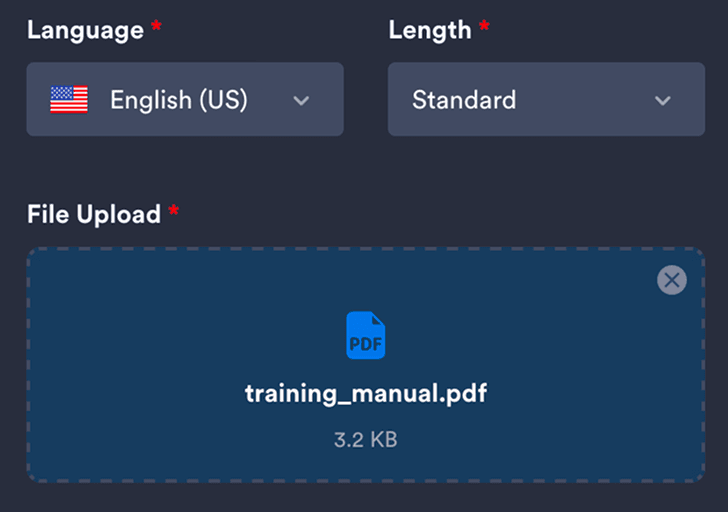
Upload your PDF so the tool can analyze the document and generate a clear, readable summary.
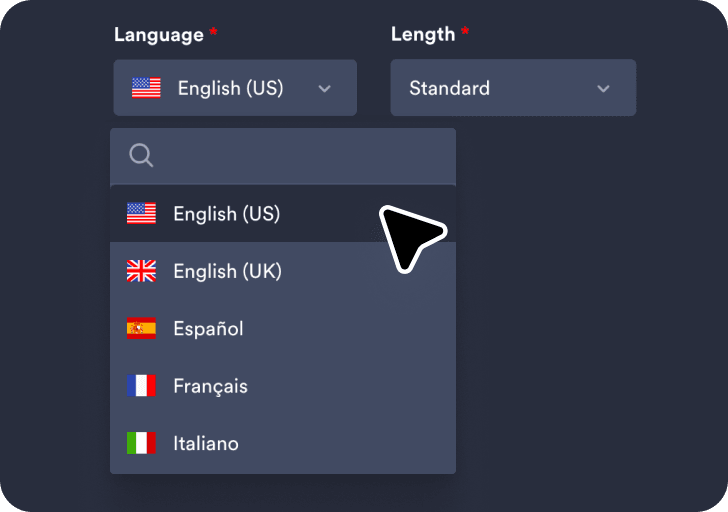
Choose your preferred language and summary length to control how detailed the generated summary will be.
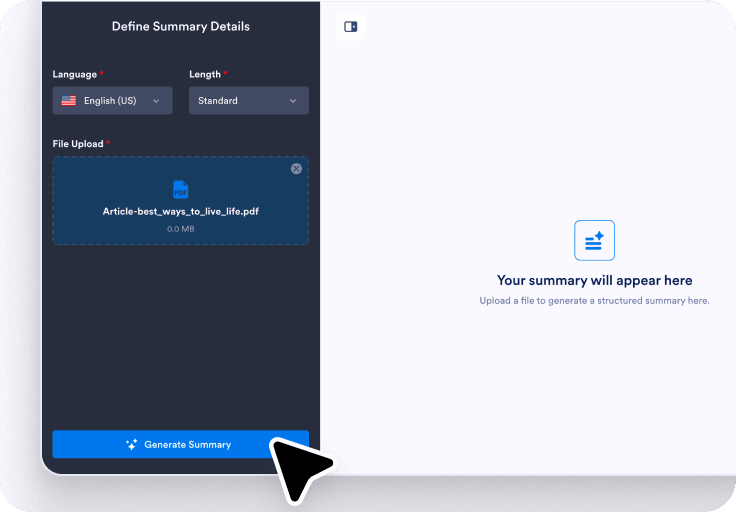
Click Generate Summary to create the results, then use the chat box to rephrase, translate, or clarify sections.
Long PDFs can bury conclusions behind background and supporting detail. A summary helps identify the core message and the most important sections.
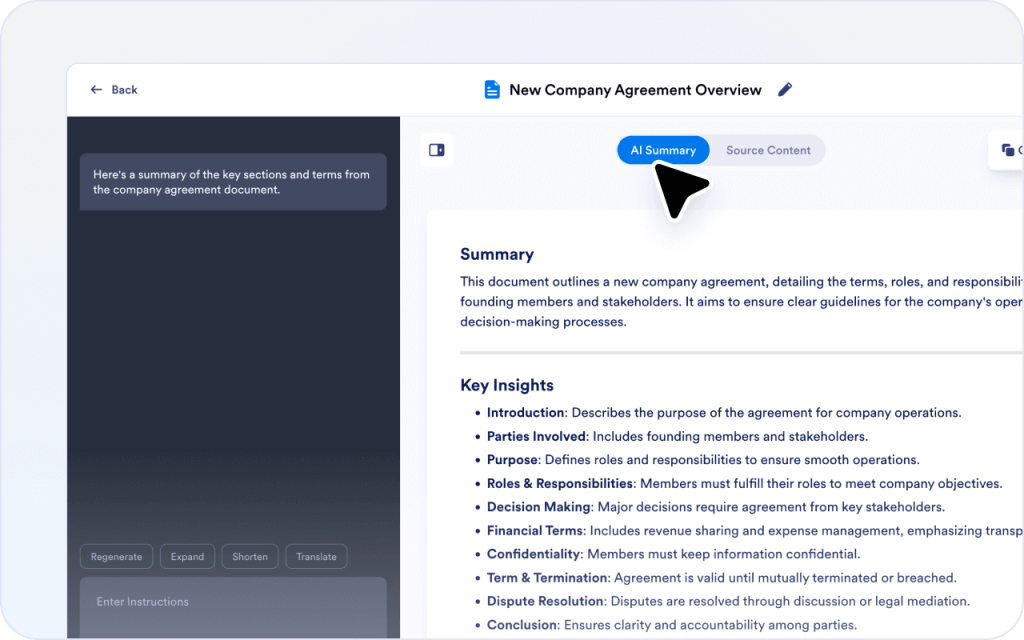
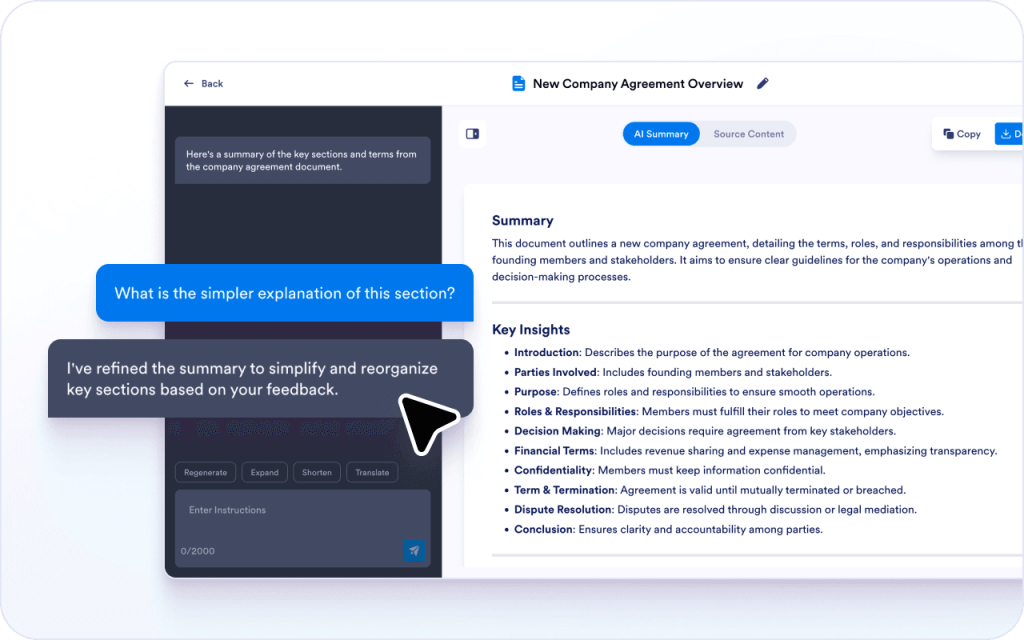
Not every PDF needs a full overview, especially when only one section matters. Use the chat box to refine the summary and highlight the sections that are most relevant to your goal.
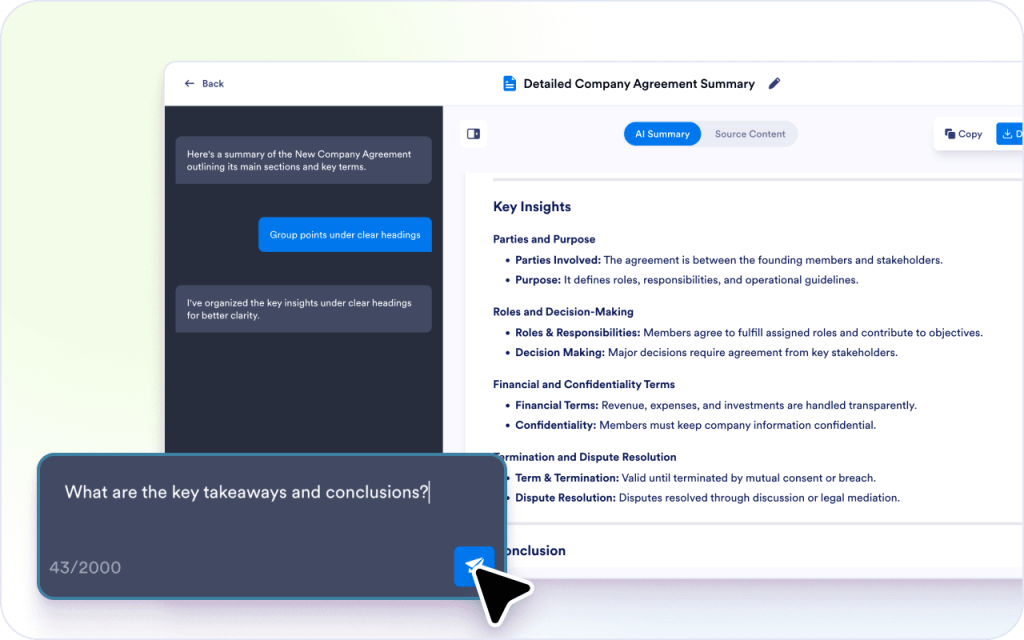
Many PDFs use formal language that is hard to scan. A summary helps convert long paragraphs into clearer points that are easier to reuse.
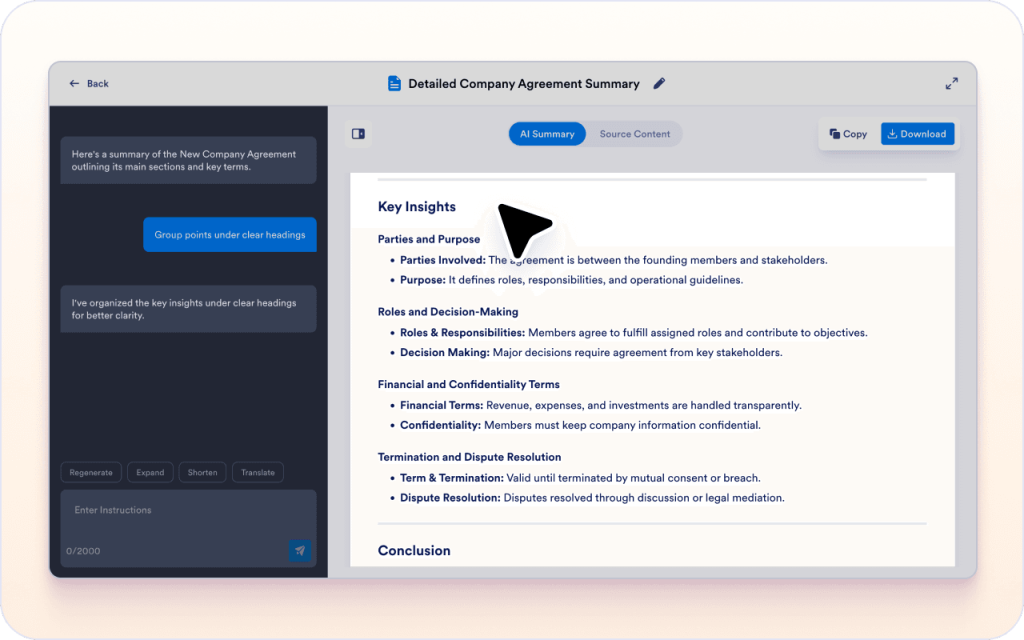
PDFs often include terms or references that need clarification. The chat box helps answer questions without leaving the page.
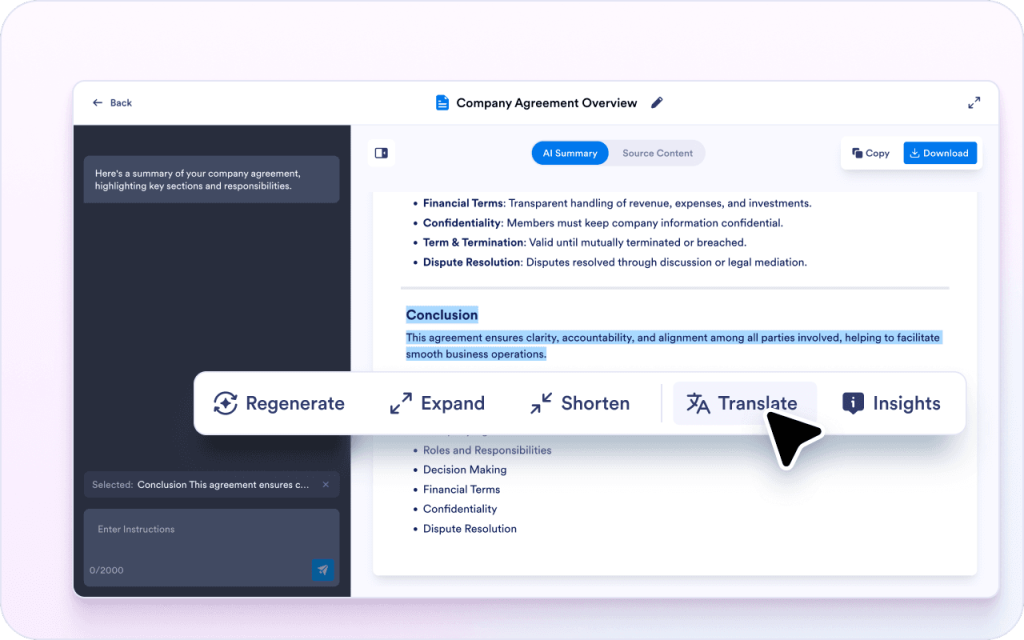
Different audiences need different wording, even when the meaning stays the same. Selected text can be rewritten or translated for easier sharing.
PDFs are slow to skim because details are spread across pages. A summary helps find the main points faster.
Seeing the PDF next to the summary makes it easier to verify wording and avoid mistakes.
Rephrasing, translation, and formatting make it easier to turn a PDF into notes, updates, or documentation.
Reports include background, methodology, and details that take time to scan. A summary helps surface findings, conclusions, and what the results mean.

Policy PDFs can be long and difficult to interpret from raw text. A summary helps highlight obligations, exceptions, and what someone needs to do.
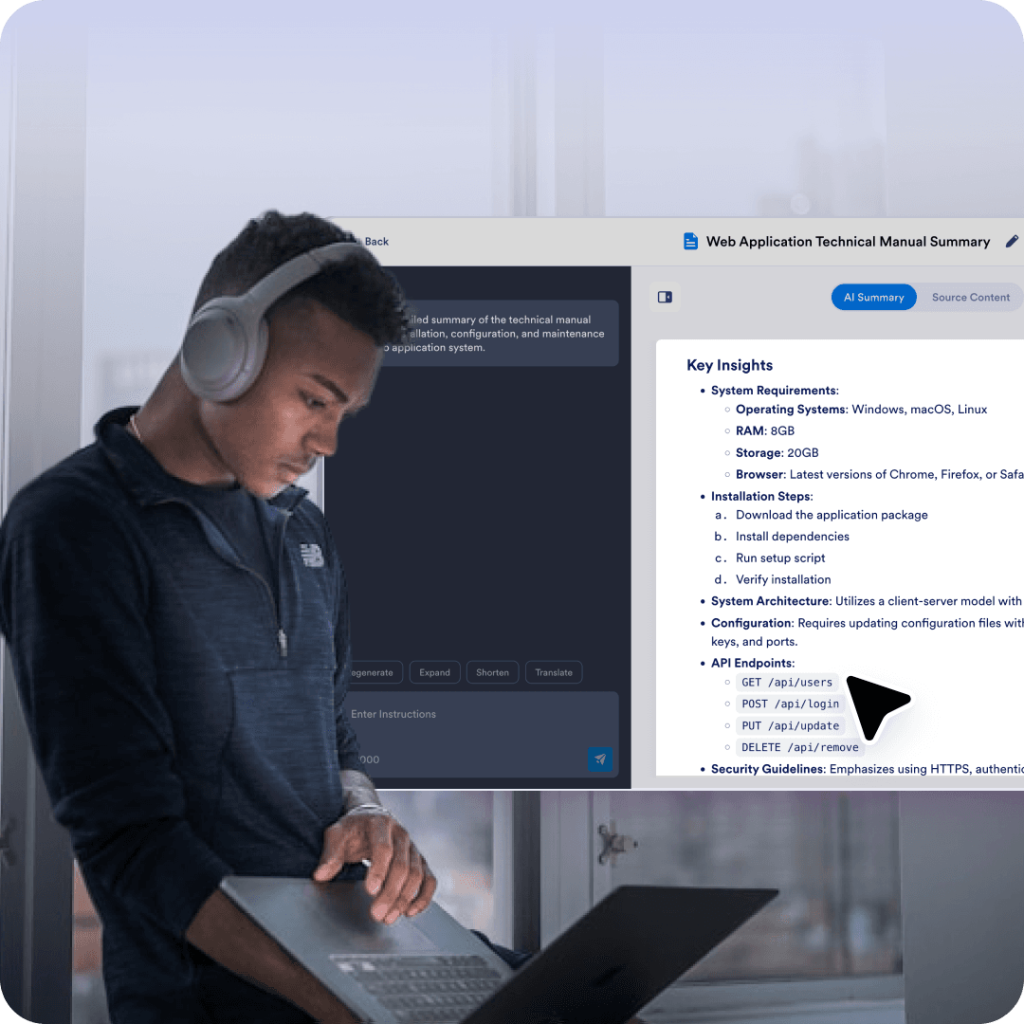
Manuals often hide important requirements inside long sections. A summary helps surface constraints, steps, and key terms more clearly.

Project PDFs often include goals, scope, and deliverables spread across sections. A summary helps capture the plan and the decisions needed to move forward.
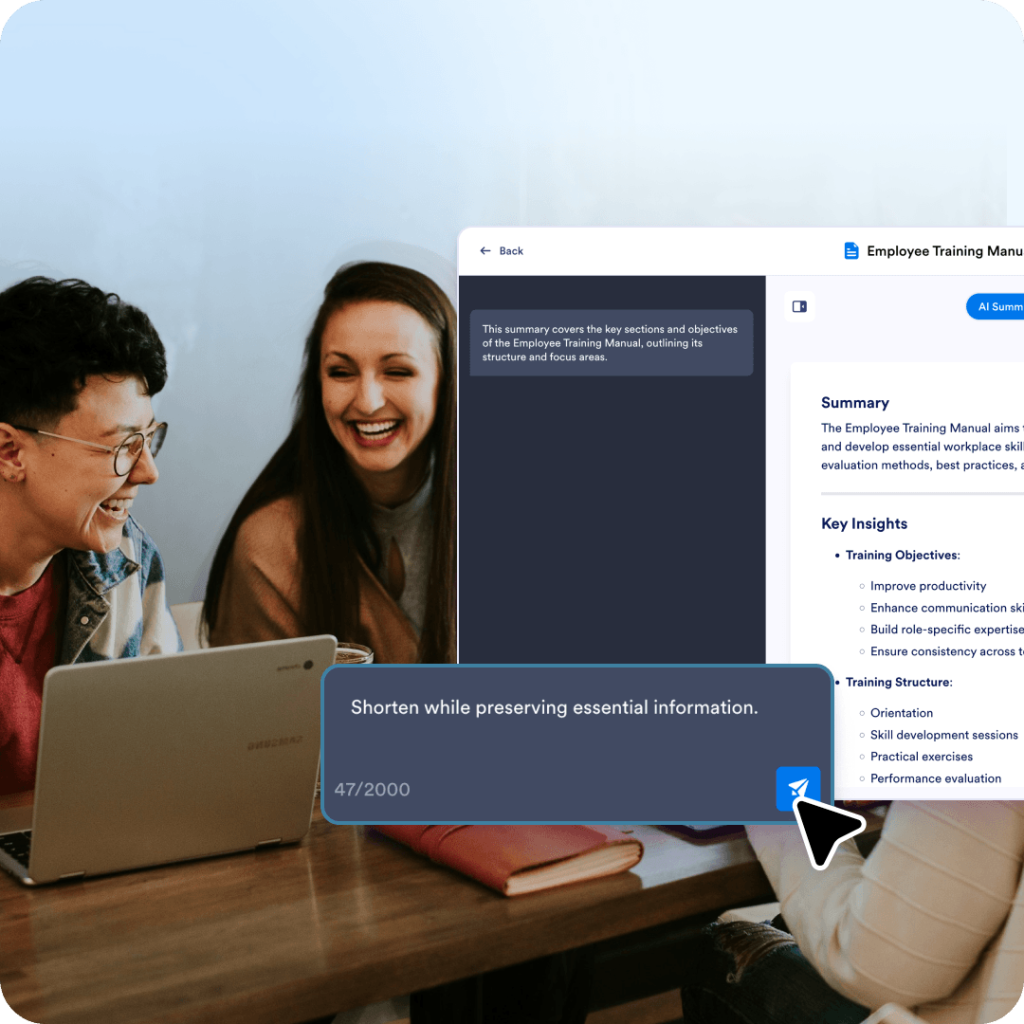
Training PDFs include instructions mixed with explanation and examples. A summary helps turn the content into a clearer outline for review.
Explore a suite of powerful AI-driven tools designed to streamline your workflows, enhance productivity, and deliver smarter solutions for your form creation needs.
The AI PDF Summarizer is a handy tool that helps you save time and improve operational efficiency by generating concise summaries of uploaded PDF documents. The Summarizer uses artificial intelligence (AI) to scan your PDF and condense it into a quick summary of the core details. AI will analyze the content to identify trends in the data and provide insights that will help save you time, enhance decision-making, and streamline your workflow. You can easily copy the summary and share it with your team, or generate a new version by selecting Regenerate, Expand Summary, or Shorten Summary to get the version that works best for your needs.
Upload a PDF, get a clear summary, then use the chat box to rephrase, translate, explain, or ask questions while reviewing.