# Jotform Boards: Capture & Resolve Every Customer Request

# Jotform Boards

## Capture & Resolve 

Every Customer Request

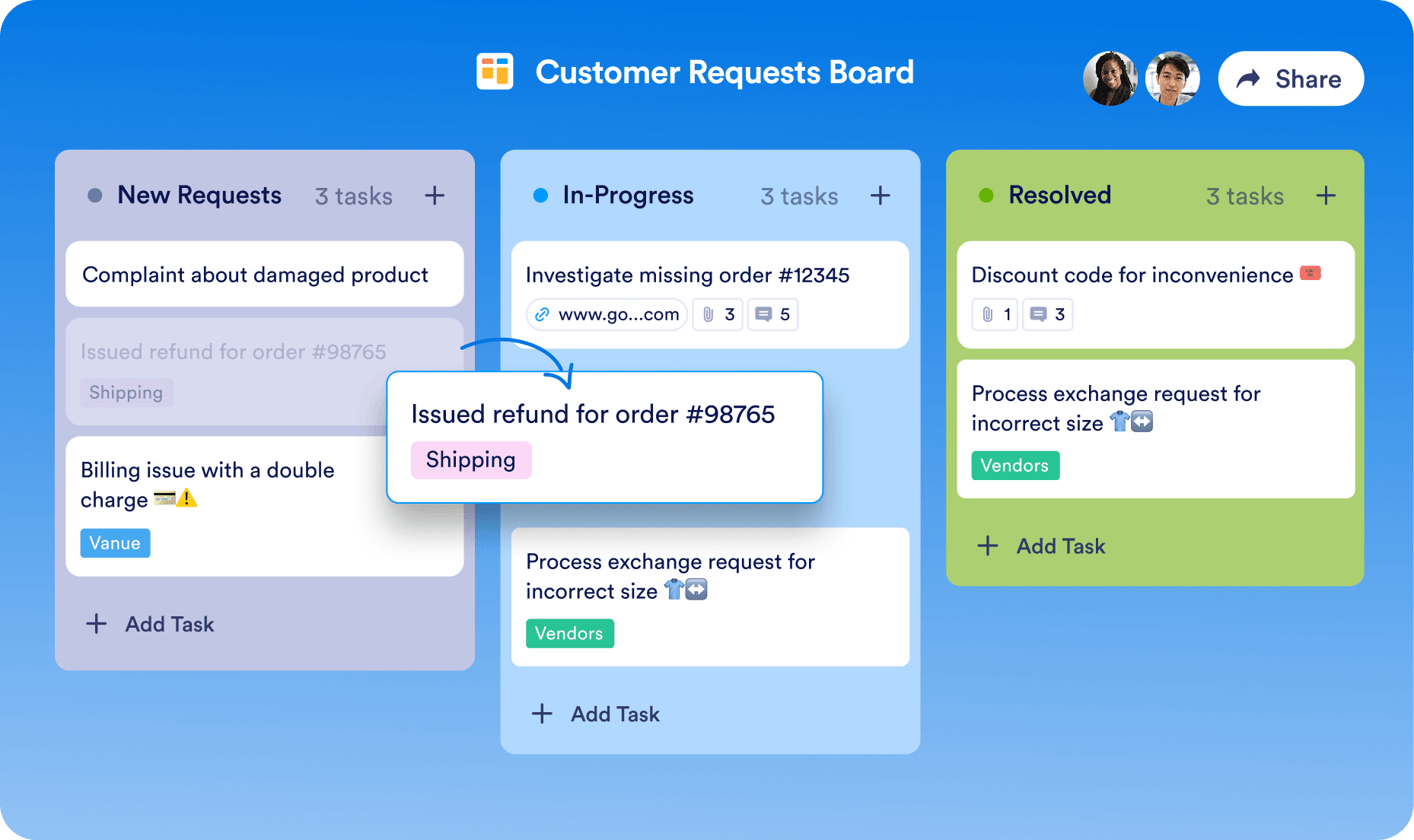
Auto-generate tasks from form responses and other communication channels for easy tracking and team assignment.

[Create Your First Board — It’s Free](https://www.jotform.com/workspace/new?assetCreationType=board)[View Templates](https://www.jotform.com/board-templates/)

![Image 1: Customer requests board that has 3 different columns](https://cdn.jotfor.ms/p/products/boards/assets/img-min/homepage/hero-image.png)

![Image 2: A woman sits in front of a computer](https://cdn.jotfor.ms/p/products/boards/assets/img-min/homepage/hero-image-woman.png)

## Never miss a request again!

No matter where requests come from, with Jotform Boards they’ll always be organized, trackable, and easy to manage.

### Form submissions to tasks

Collect customer requests directly from your forms and **turn them into actionable tasks automatically**.

Cake Order Form

Full Name

Emma

Davis

Which cake did you order?

Wedding Cake

Birthday Cake

Anniversary Cake

Address

123 Main Street, Springfield, NY 10001

Submit

In-Progress

3 tasks 

Emma Davis

Birthday Cake

Shipping

123 Main Street, Springfield, NY 10001

![Image 3: Emma Davis](https://cdn.jotfor.ms/image/r/aHR0cHM6Ly9jZG4uam90Zm9yLm1zL3AvcHJvZHVjdHMvYm9hcmRzL2Fzc2V0cy9pbWctbWluL2NoYW5uZWxzL2VtbWEtZGF2aXMucG5n/emma-davis.png?w=40&t=1)

James Anderson

Anniversary Cake

456 Oak Avenue, Denver,

![Image 4: James Anderson](https://cdn.jotfor.ms/image/r/aHR0cHM6Ly9jZG4uam90Zm9yLm1zL3AvcHJvZHVjdHMvYm9hcmRzL2Fzc2V0cy9pbWctbWluL2NoYW5uZWxzL2phbWVzLWFuZGVyc29uLnBuZw==/james-anderson.png?w=40&t=1)

Review refund request

Refund request

Add Task

[Go to Details](https://www.jotform.com/products/boards/use-cases/form-submissions-to-tasks/)

### AI Agent conversations to tasks

Enable your AI Agents to collect requests from **chats, calls, and other channels** and convert them into tasks.

![Image 5: AI Agent Avatar](https://cdn.jotfor.ms/image/r/aHR0cHM6Ly9jZG4uam90Zm9yLm1zL3AvcHJvZHVjdHMvYm9hcmRzL2Fzc2V0cy9pbWctbWluL2NoYW5uZWxzL2FpLWF2YXRhci5wbmc=/ai-avatar.png?w=40&t=1)

Sarah

Customer Support Agent

Unplug and Hold Power Button – Unplug the charger and hold the power button for **30 seconds, then try turning it on.**

I tried, but it’s still not working.

Since none of these worked, I’ll **open a support ticket for you.** A technician will contact you soon for further assistance. Can I get your email address?

Yes, please! alex.smith@example.com.

Type your message...

New Request

3 tasks 

Email inbox is not syncing properly on Outlook and mobile devices.

Email Issue

Laptop won’t turn on even customer complete the fixing steps. Needs a technical assistant.

Via AI Agent

Technical Assistant

1

![Image 6: User Avatar](https://cdn.jotfor.ms/image/r/aHR0cHM6Ly9jZG4uam90Zm9yLm1zL3AvcHJvZHVjdHMvYm9hcmRzL2Fzc2V0cy9pbWctbWluL2NoYW5uZWxzL2FpLXRhc2stYXZhdGFyLnBuZw==/ai-task-avatar.png?w=40&t=1)

New employee needs access.

Email Issue

Add Task

[Go to Details](https://www.jotform.com/products/boards/use-cases/ai-conversations-to-tasks/)

### Orders to tasks

Sell products and subscriptions directly from your payment forms **to instantly capture and keep track of every order.**

Product Order Form

Our Products

![Image 7: Product image](https://cdn.jotfor.ms/image/r/aHR0cHM6Ly9jZG4uam90Zm9yLm1zL3AvcHJvZHVjdHMvYm9hcmRzL2Fzc2V0cy9pbWctbWluL2NoYW5uZWxzL3Byb2R1Y3QtMS5wbmc=/product-1.png?w=40&t=1)

Sunglasses

$50.00

![Image 8: Product image](https://cdn.jotfor.ms/image/r/aHR0cHM6Ly9jZG4uam90Zm9yLm1zL3AvcHJvZHVjdHMvYm9hcmRzL2Fzc2V0cy9pbWctbWluL2NoYW5uZWxzL3Byb2R1Y3QtMi5wbmc=/product-2.png?w=40&t=1)

Cardigan

$80.00

![Image 9: Product image](https://cdn.jotfor.ms/image/r/aHR0cHM6Ly9jZG4uam90Zm9yLm1zL3AvcHJvZHVjdHMvYm9hcmRzL2Fzc2V0cy9pbWctbWluL2NoYW5uZWxzL3Byb2R1Y3QtMy5wbmc=/product-3.png?w=40&t=1)

Shorts

$60.00

Total: $0.00

Pay Now

Thank you for your purchase!

We’ve got your order and will ship it to you ASAP!

New Orders

2 tasks 

Order ID #18471 with a total of $50.00

Paid

Form Submission

Jun 29, 2025

![Image 10: User Avatar](https://cdn.jotfor.ms/image/r/aHR0cHM6Ly9jZG4uam90Zm9yLm1zL3AvcHJvZHVjdHMvYm9hcmRzL2Fzc2V0cy9pbWctbWluL2NoYW5uZWxzL29yZGVyLWF2YXRhci5wbmc=/order-avatar.png?w=40&t=1)

Order ID #18470 with a total of $80.00

Unpaid

Add Task

[Go to Details](https://www.jotform.com/products/boards/use-cases/orders-to-tasks/)

### E-Signatures to tasks

Gather signatures and convert signed documents into tasks **for seamless tracking** and **workflow management.**

SALES CONTRACT

SIGN HERE

Signed Contracts

4 tasks 

Eva Jason

Signed

Elizabeth Oliver

Signed

Wood Emmet signed the contract.

Signed

1

![Image 11: User Avatar](https://cdn.jotfor.ms/image/r/aHR0cHM6Ly9jZG4uam90Zm9yLm1zL3AvcHJvZHVjdHMvYm9hcmRzL2Fzc2V0cy9pbWctbWluL2NoYW5uZWxzL3NpZ24tYXZhdGFyLnBuZw==/sign-avatar.png?w=40&t=1)

Anwen Lewis

Signed

Add Task

[Go to Details](https://www.jotform.com/products/boards/use-cases/e-signatures-to-tasks/)

### Workflows to tasks

Build a board that fits into your workflow. Automate task creation to ensure smooth execution for all stakeholders.

Starting Point

Fitness Membership Form

Approve

Verify Membership Details

![Image 12: Emily Carter](https://cdn.jotfor.ms/image/r/aHR0cHM6Ly9jZG4uam90Zm9yLm1zL3AvcHJvZHVjdHMvYm9hcmRzL2Fzc2V0cy9pbWctbWluL2NoYW5uZWxzL2VtaWx5LWNhcnRlci5wbmc=/emily-carter.png?w=40&t=1)

Emily Carter

Deny

Create Task

Trainer Team Board

Request Denied

![Image 13: Emily Carter](https://cdn.jotfor.ms/image/r/aHR0cHM6Ly9jZG4uam90Zm9yLm1zL3AvcHJvZHVjdHMvYm9hcmRzL2Fzc2V0cy9pbWctbWluL2NoYW5uZWxzL2VtaWx5LWNhcnRlci5wbmc=/emily-carter.png?w=40&t=1)

Emily Carter

Schedule Session

2 tasks 

Alina Harmon

3

5

Diego Cleveland

Orientation

1

![Image 14: Avatar](https://cdn.jotfor.ms/image/r/aHR0cHM6Ly9jZG4uam90Zm9yLm1zL3AvcHJvZHVjdHMvYm9hcmRzL2Fzc2V0cy9pbWctbWluL2NoYW5uZWxzL2RpZWdvLnBuZw==/diego.png?w=40&t=1)

Add Task

END

[Go to Details](https://www.jotform.com/products/boards/use-cases/workflows-to-tasks/)

## Seamless collaboration for your team

*   ### Share with your team

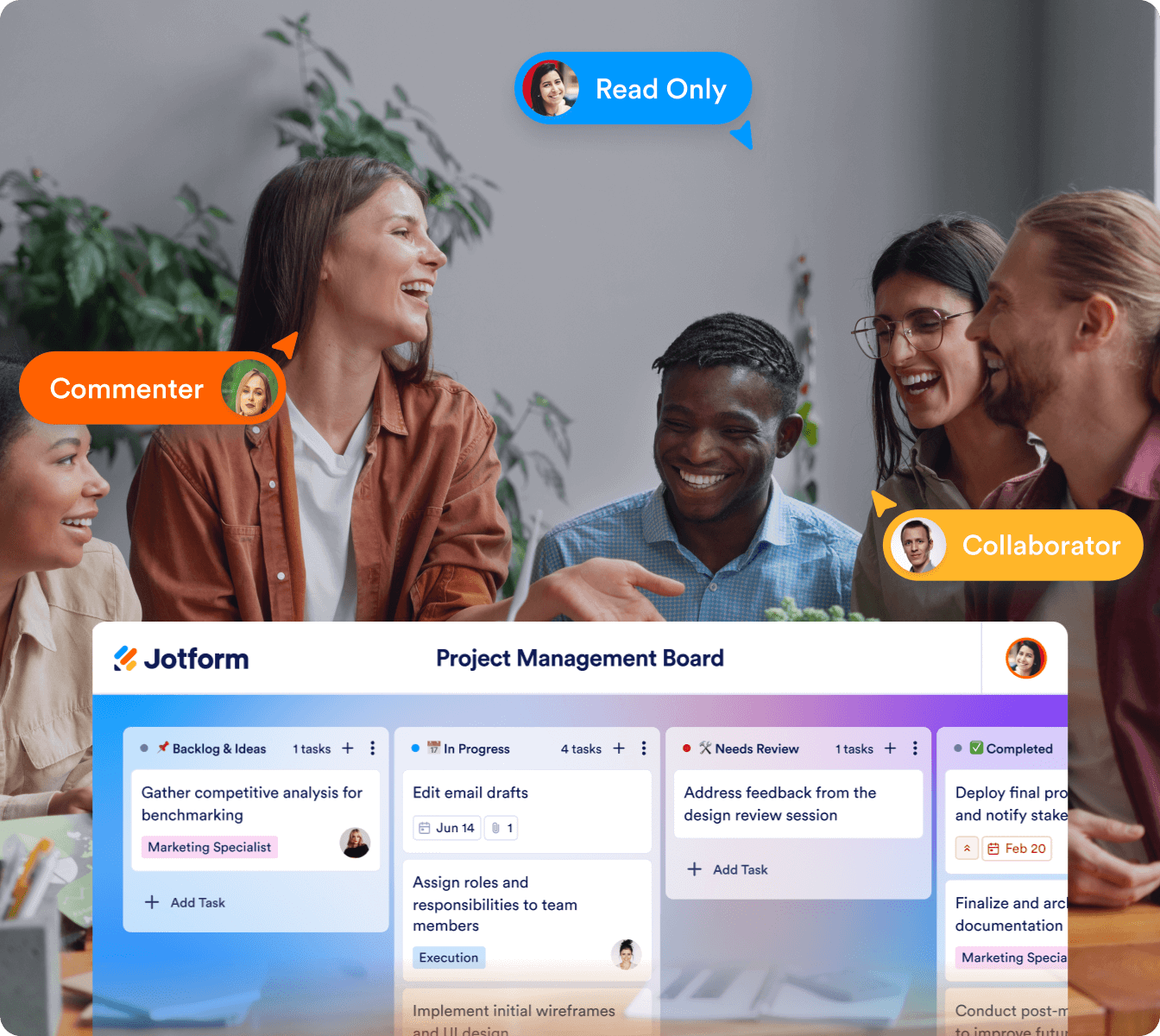
  ![Image 15: Project management board example front and next that there are people talking with each other](https://cdn.jotfor.ms/image/r/aHR0cHM6Ly9jZG4uam90Zm9yLm1zL3AvcHJvZHVjdHMvYm9hcmRzL2Fzc2V0cy9pbWctbWluL2hvbWVwYWdlL2FjY29yZGlvbi8xLnBuZz92PTEuMQ==/1.png?w=40&t=1) Easily share boards with teammates, clients, and stakeholders. Set permissions to control who can view, edit, or manage tasks, ensuring the right people have access to the right information.

[Create Your First Board — It’s Free](https://www.jotform.com/workspace/new?assetCreationType=board)  
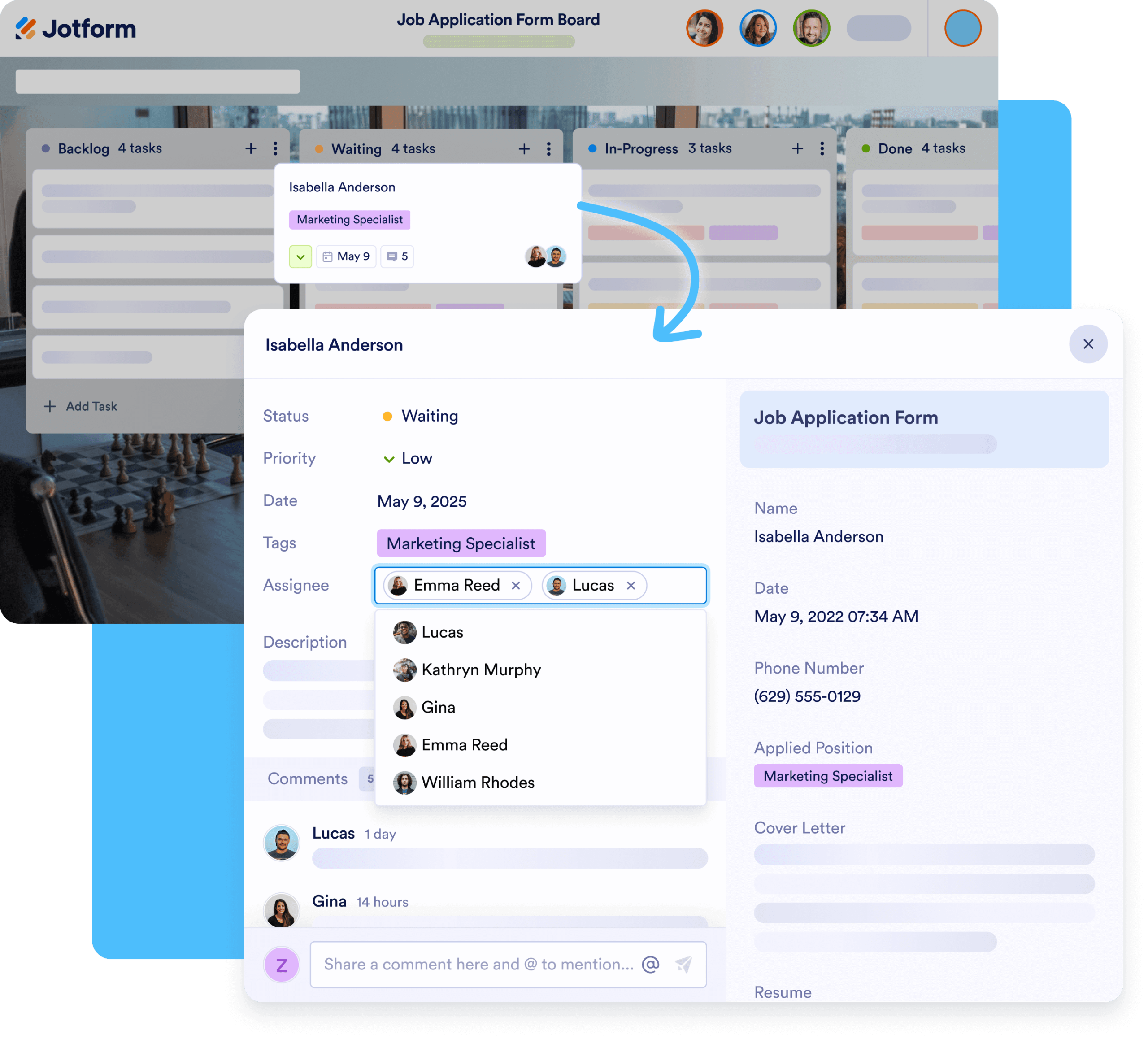
*   ### Assign tasks

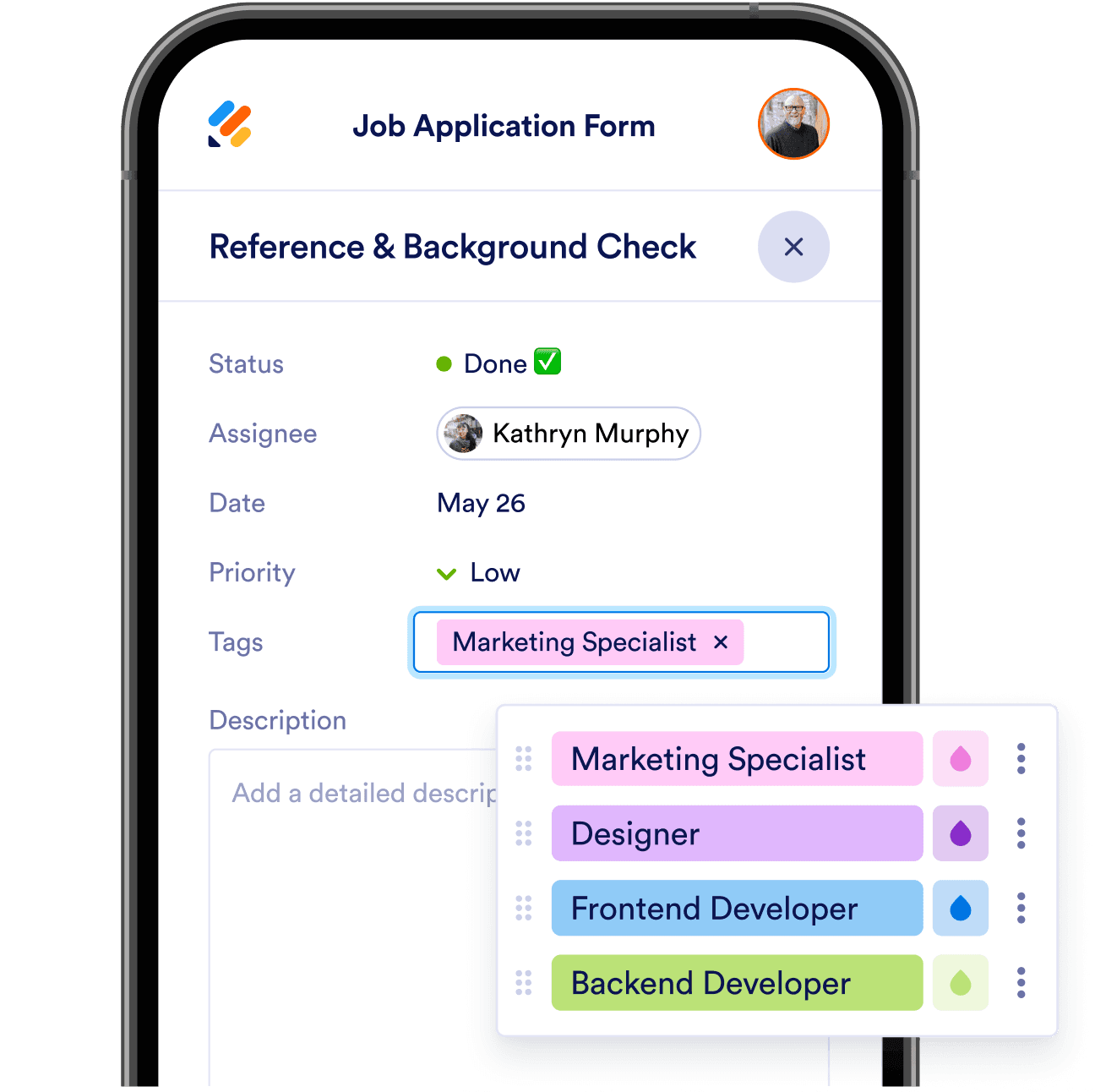
  ![Image 16: Job application form board and in front of it, the assignee option highlighted](https://cdn.jotfor.ms/image/r/aHR0cHM6Ly9jZG4uam90Zm9yLm1zL3AvcHJvZHVjdHMvYm9hcmRzL2Fzc2V0cy9pbWctbWluL2hvbWVwYWdlL2FjY29yZGlvbi8yLnBuZz92PTEuMQ==/2.png?w=40&t=1) Keep projects organized by assigning tasks to specific team members. Add due dates, priorities, and descriptions so everyone knows their responsibilities and nothing gets overlooked.

[Create Your First Board — It’s Free](https://www.jotform.com/workspace/new?assetCreationType=board)  
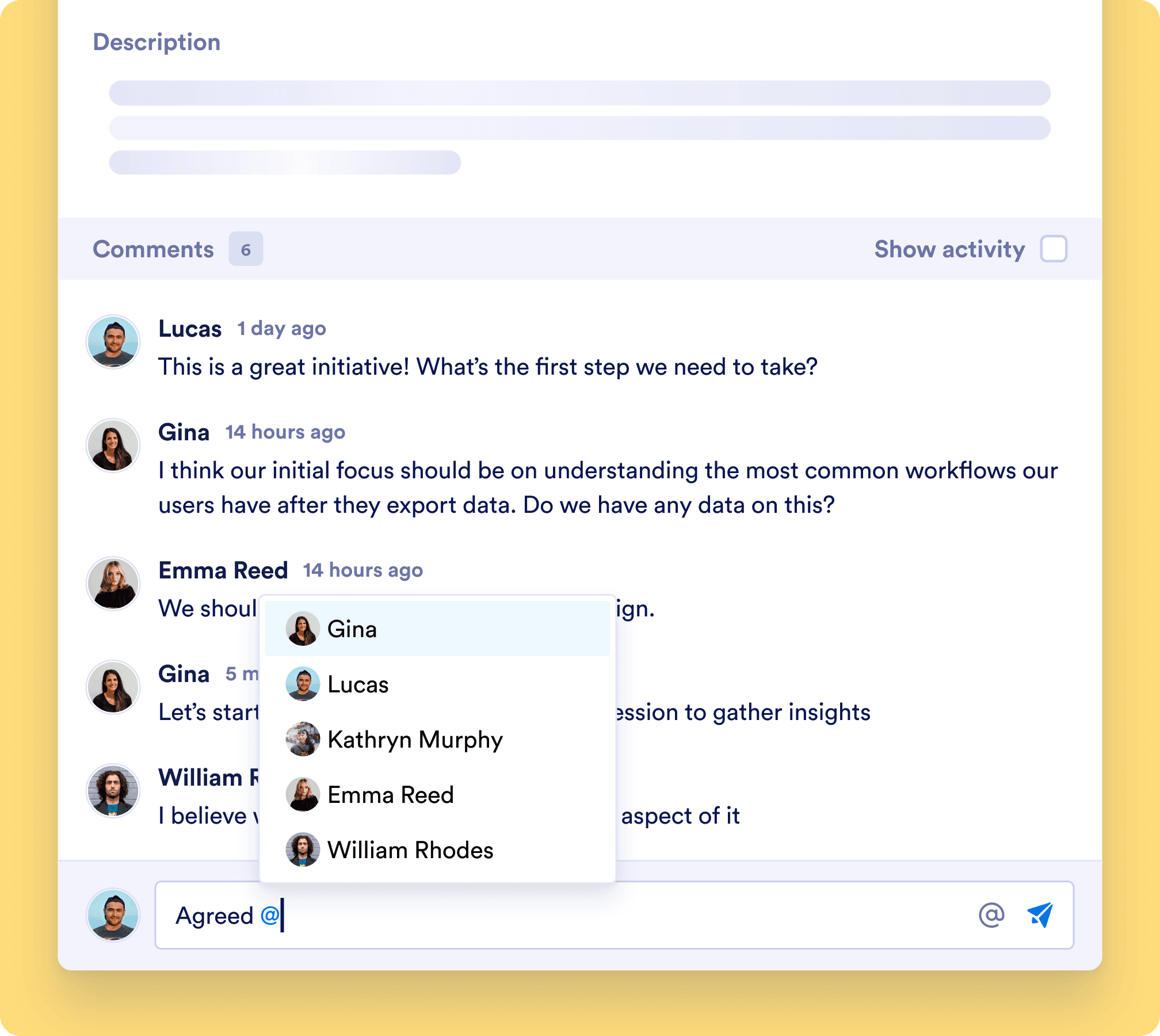
*   ### Leave comments and mentions

  ![Image 17: jotform boards comment section](https://cdn.jotfor.ms/image/r/aHR0cHM6Ly9jZG4uam90Zm9yLm1zL3AvcHJvZHVjdHMvYm9hcmRzL2Fzc2V0cy9pbWctbWluL2hvbWVwYWdlL2FjY29yZGlvbi8zLnBuZz92PTEuMQ==/3.png?w=40&t=1) Discuss task details directly within Jotform Boards. Tag team members, ask questions, provide feedback, and track conversations — all in a centralized place to keep communication clear.

[Create Your First Board — It’s Free](https://www.jotform.com/workspace/new?assetCreationType=board)  
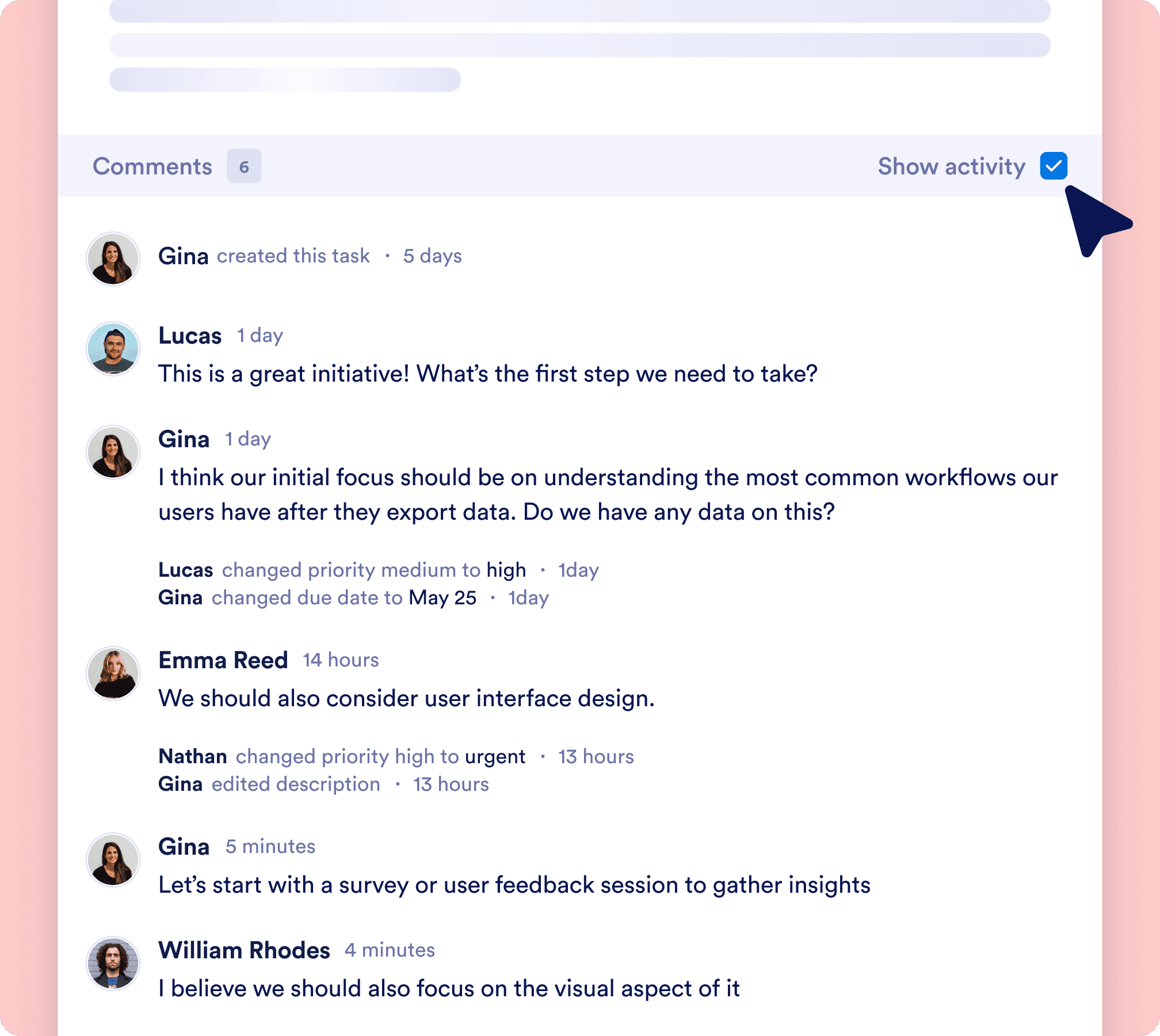
*   ### Track every change

  ![Image 18: jotform boards comments section shown and show activity option checked](https://cdn.jotfor.ms/image/r/aHR0cHM6Ly9jZG4uam90Zm9yLm1zL3AvcHJvZHVjdHMvYm9hcmRzL2Fzc2V0cy9pbWctbWluL2hvbWVwYWdlL2FjY29yZGlvbi80LnBuZz92PTEuMQ==/4.png?w=40&t=1) Your board’s activity log automatically records every action taken. See who updated a task, when a status changed, or what comments were added to promote transparency and accountability.

[Create Your First Board — It’s Free](https://www.jotform.com/workspace/new?assetCreationType=board)  

## Collect, organize, and complete tasks in one place
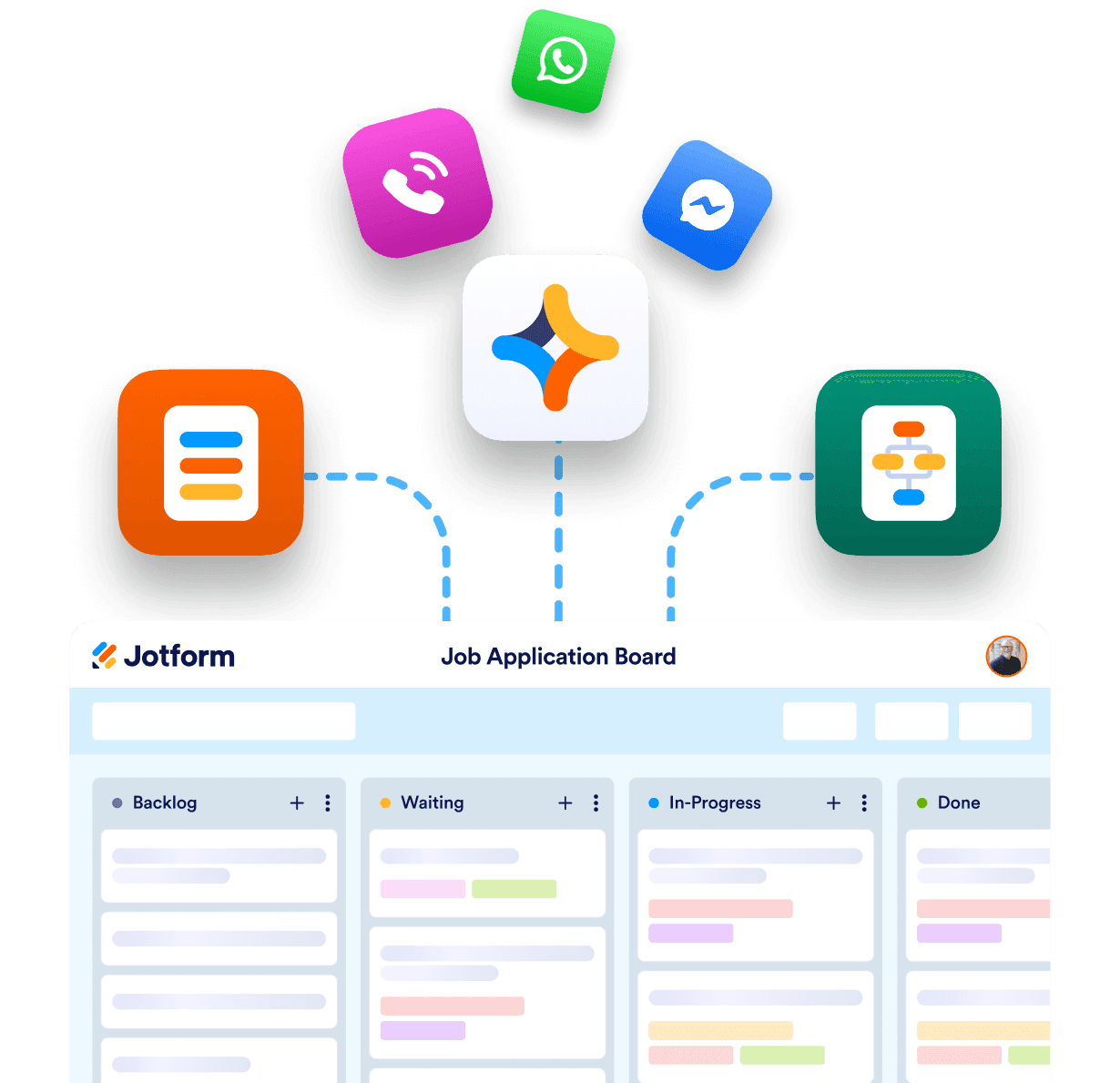
![Image 19: Job application board example and above that there are connection options](https://cdn.jotfor.ms/image/r/aHR0cHM6Ly9jZG4uam90Zm9yLm1zL3AvcHJvZHVjdHMvYm9hcmRzL2Fzc2V0cy9pbWctbWluL2hvbWVwYWdlL2Nvbm5lY3QucG5n/connect.png?w=40&t=1)

### Connect multiple sources

![Image 20: Job application form example and tag option has been highlighted](https://cdn.jotfor.ms/image/r/aHR0cHM6Ly9jZG4uam90Zm9yLm1zL3AvcHJvZHVjdHMvYm9hcmRzL2Fzc2V0cy9pbWctbWluL2hvbWVwYWdlL29yZ2FuaXplLnBuZw==/organize.png?w=40&t=1)

### Organize tasks

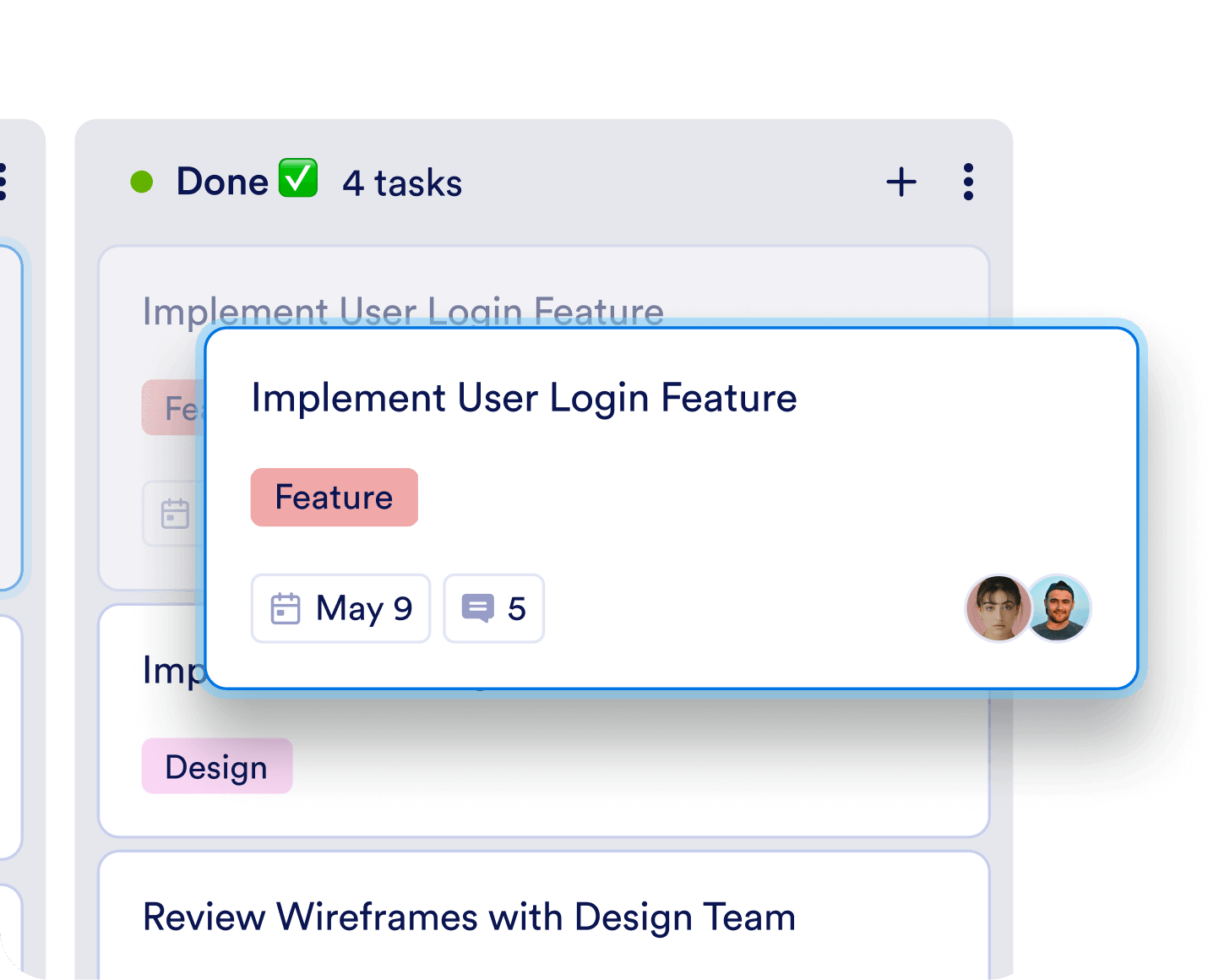
![Image 21: boards' done column has shown](https://cdn.jotfor.ms/image/r/aHR0cHM6Ly9jZG4uam90Zm9yLm1zL3AvcHJvZHVjdHMvYm9hcmRzL2Fzc2V0cy9pbWctbWluL2hvbWVwYWdlL2NvbXBsZXRlLnBuZw==/complete.png?w=40&t=1)

### Complete tasks

## What our users are saying

I was so excited when I found Jotform Boards. In the past we lost track of customer orders because there were multiple people working in the same spreadsheet. Now, Jotform Boards helps us easily track orders through every step of the process, and ensure all orders are fulfilled quickly!

**Emma**
Executive Assistant

## 1,000+ free board templates

Streamline your workflow with ease using our ready-made templates. Choose from our vast collection designed to save you time while offering complete customization to fit your needs.
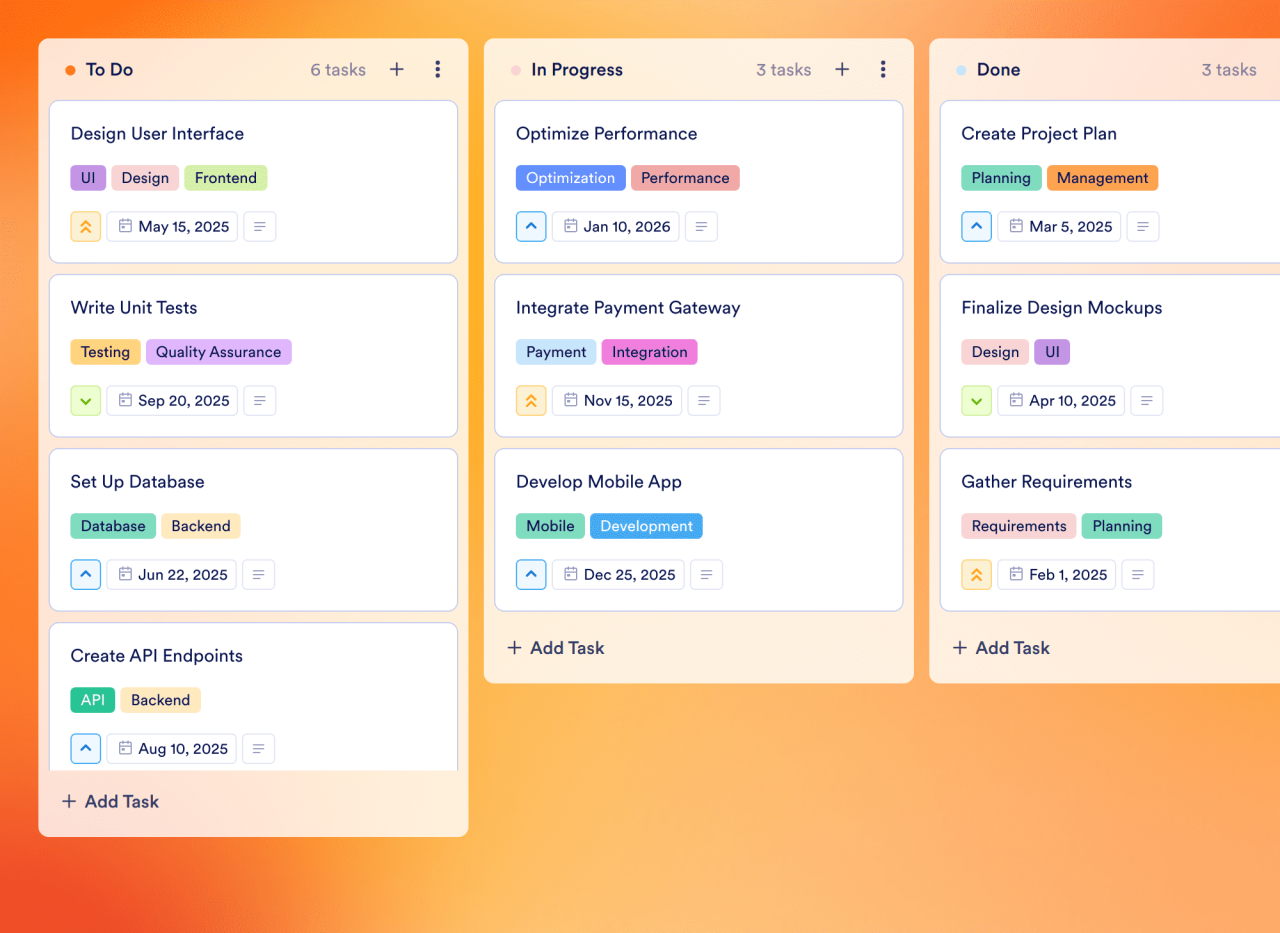
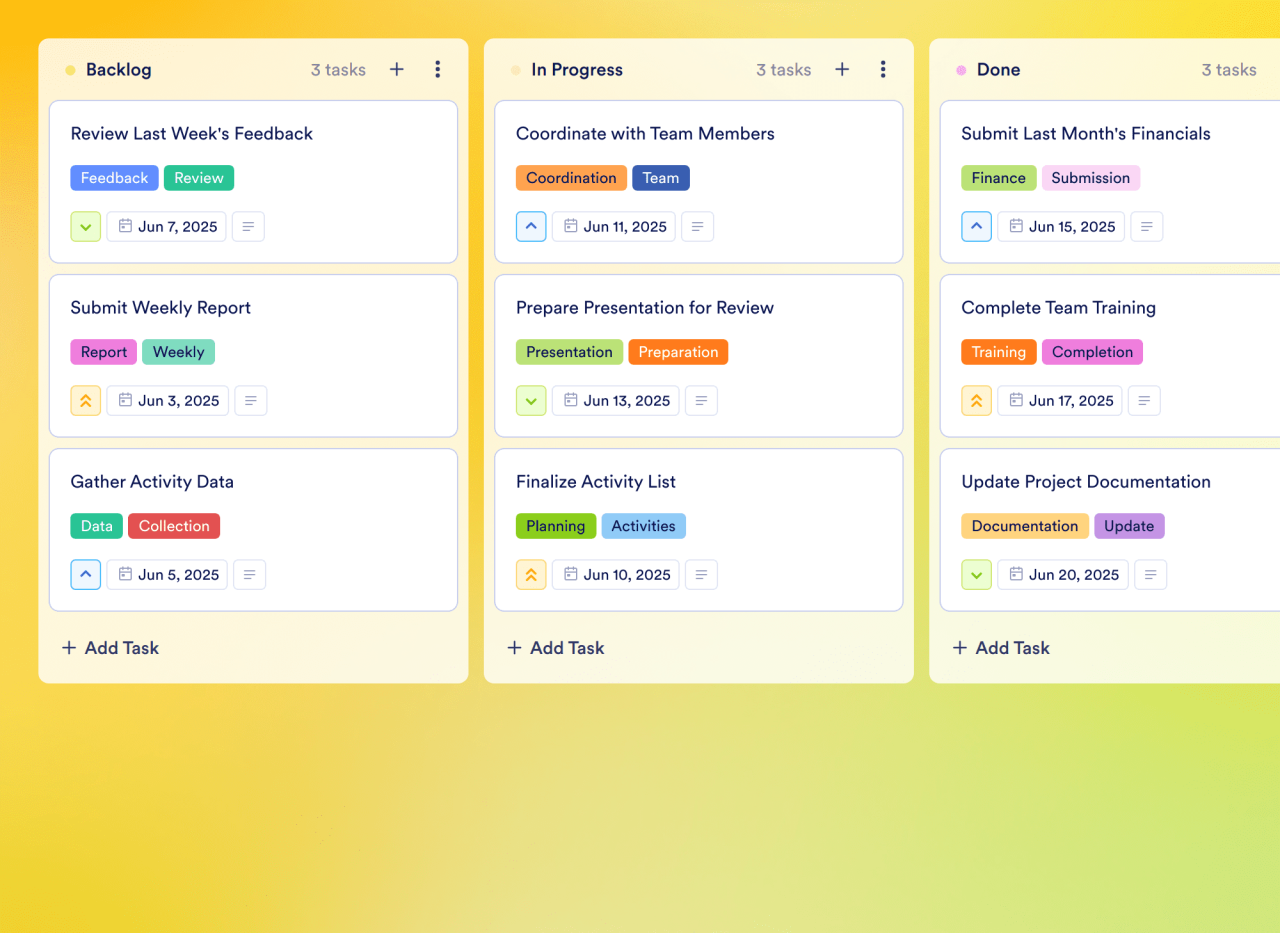
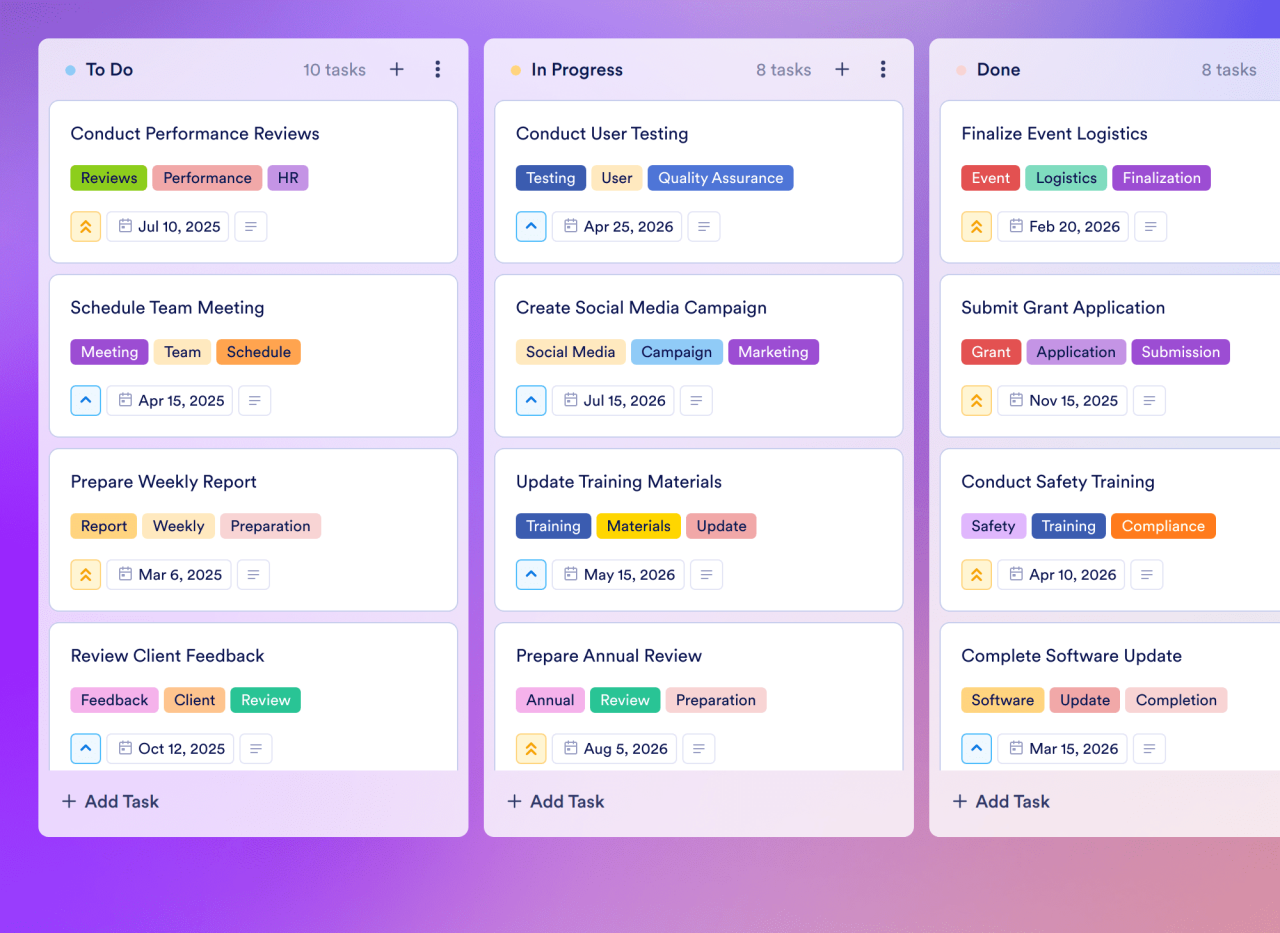
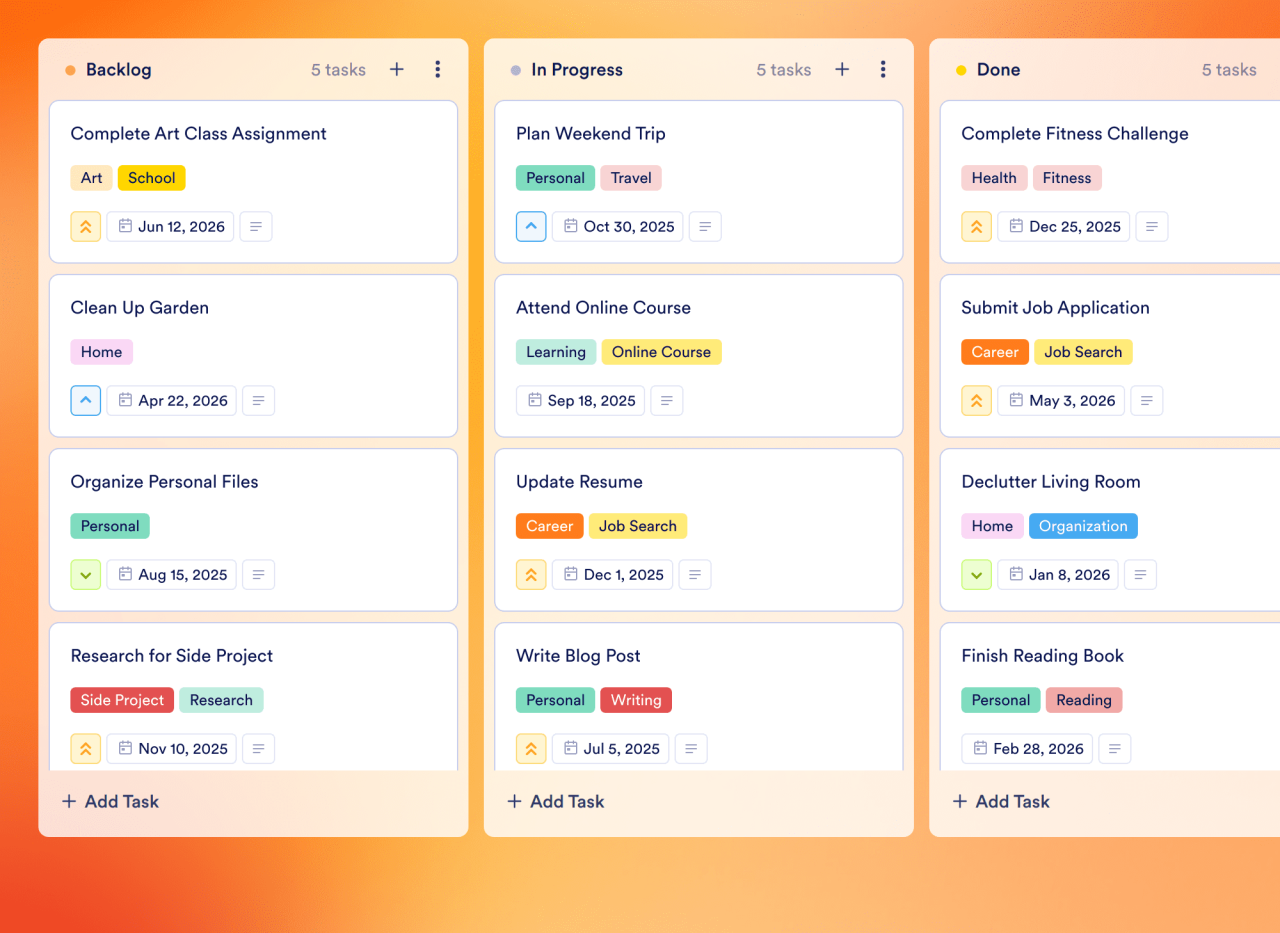
[![Image 22: Daily Schedule Template](https://cdn.jotfor.ms/templates/screenshot/board-templates/daily-schedule-template.png?w=1280) ### Daily Schedule Template Organize your day effectively with Jotform's Daily Schedule Template. Use this customizable board to prioritize tasks, set due dates, and collaborate with your team using a drag-and-drop interface.](https://www.jotform.com/board-templates/daily-schedule-template)

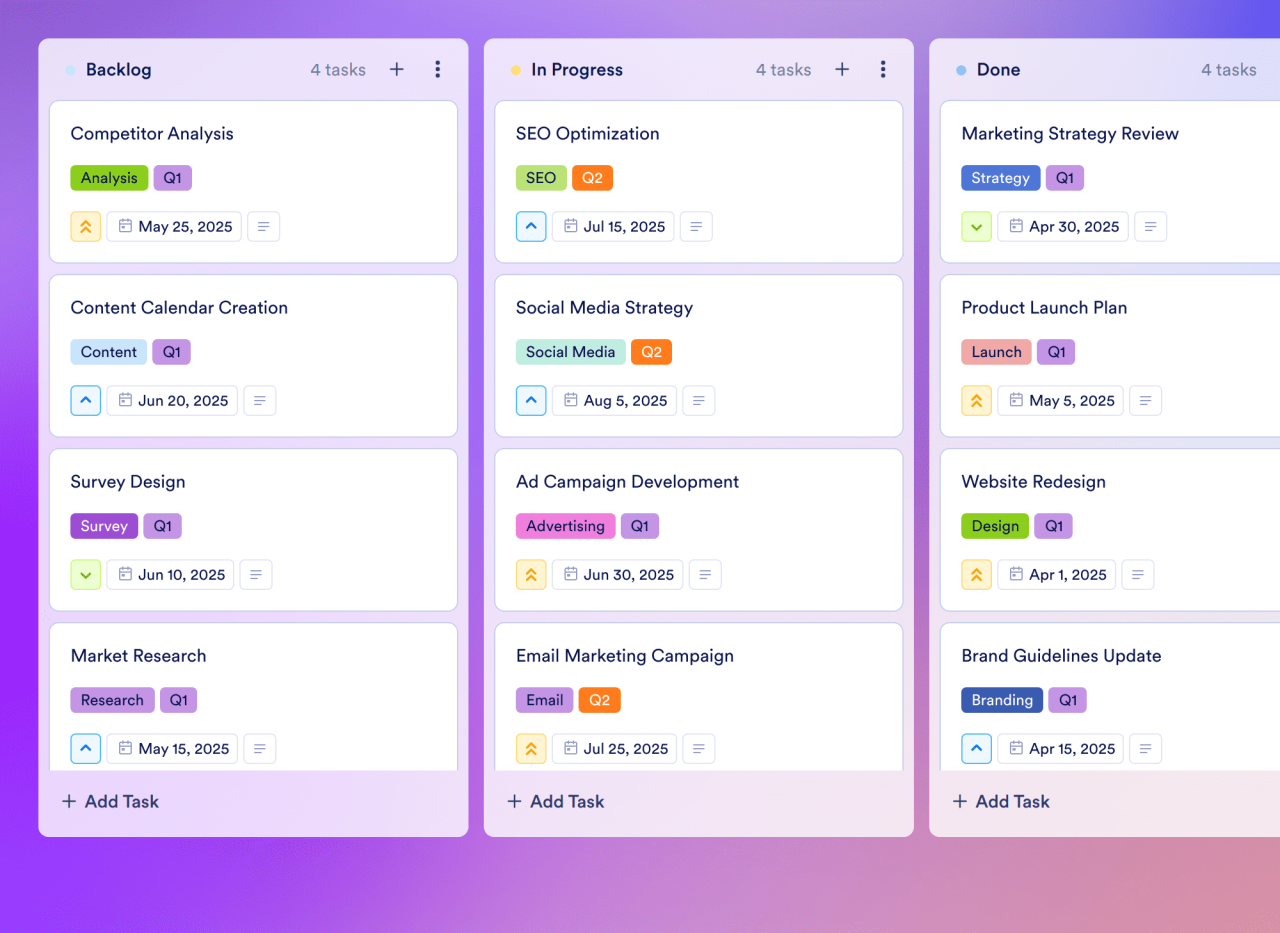
[![Image 23: Marketing Plan Template](https://cdn.jotfor.ms/templates/screenshot/board-templates/marketing-plan-template.png?w=1280) ### Marketing Plan Template Boost your marketing efforts with Jotform's Marketing Plan Template. This customizable board helps marketing teams manage tasks, collaborate effectively, and streamline workflow automation using a drag-and-drop interface.](https://www.jotform.com/board-templates/marketing-plan-template)

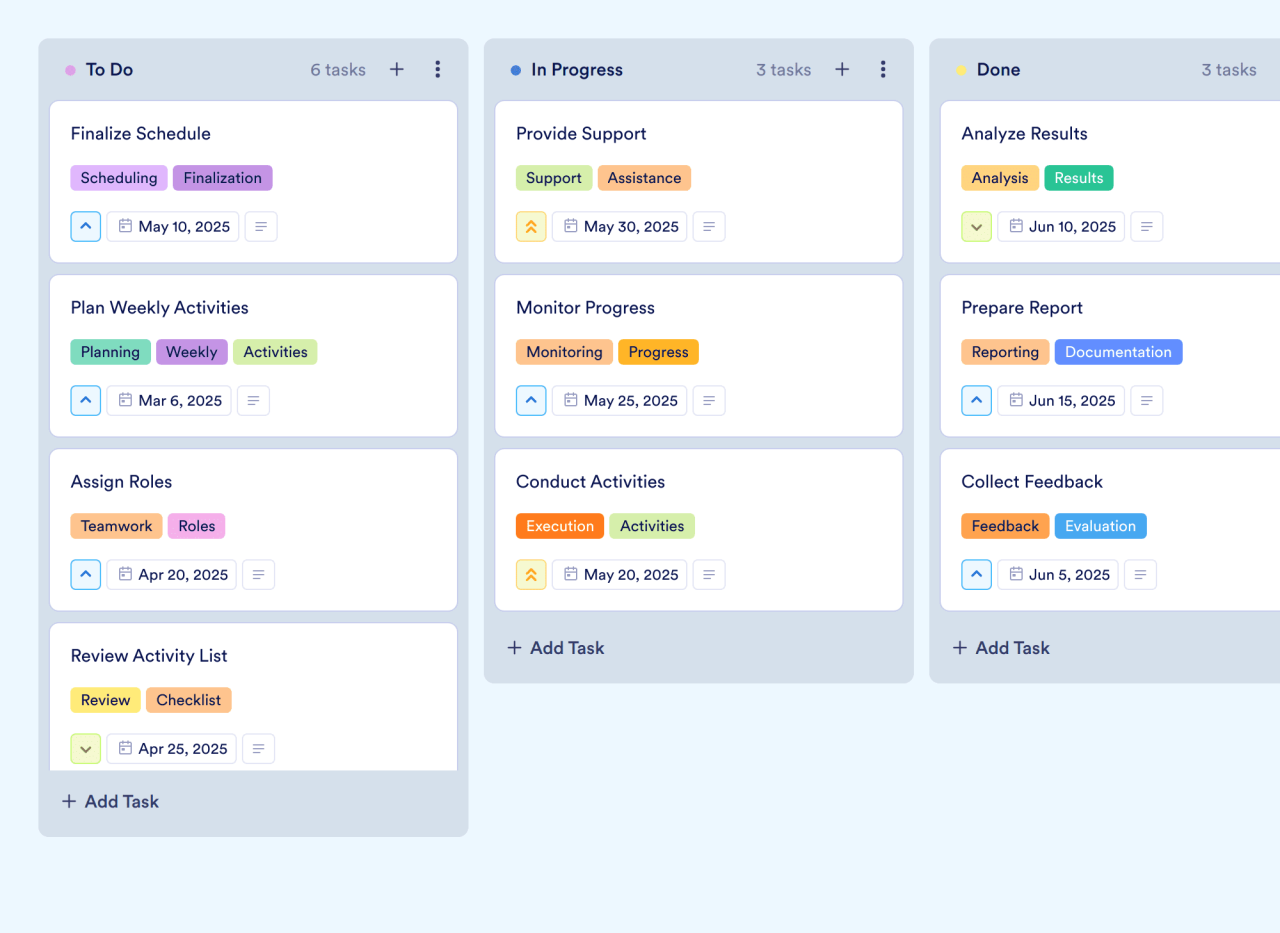
[![Image 24: Weekly Calendar Template](https://cdn.jotfor.ms/templates/screenshot/board-templates/weekly-calendar-template.png?w=1280) ### Weekly Calendar Template Stay organized and manage your weekly activities effectively with Jotform's Weekly Calendar Template. This customizable board template helps you track tasks, set priorities, and collaborate with your team using a drag-and-drop interface.](https://www.jotform.com/board-templates/weekly-calendar-template)

[![Image 25: Timeline Template](https://cdn.jotfor.ms/templates/screenshot/board-templates/timeline-template.png?w=1280) ### Timeline Template Visualize your project timelines with Jotform's Timeline Template. This customizable board helps teams manage tasks, track progress, and enhance collaboration using a drag-and-drop interface.](https://www.jotform.com/board-templates/timeline-template)

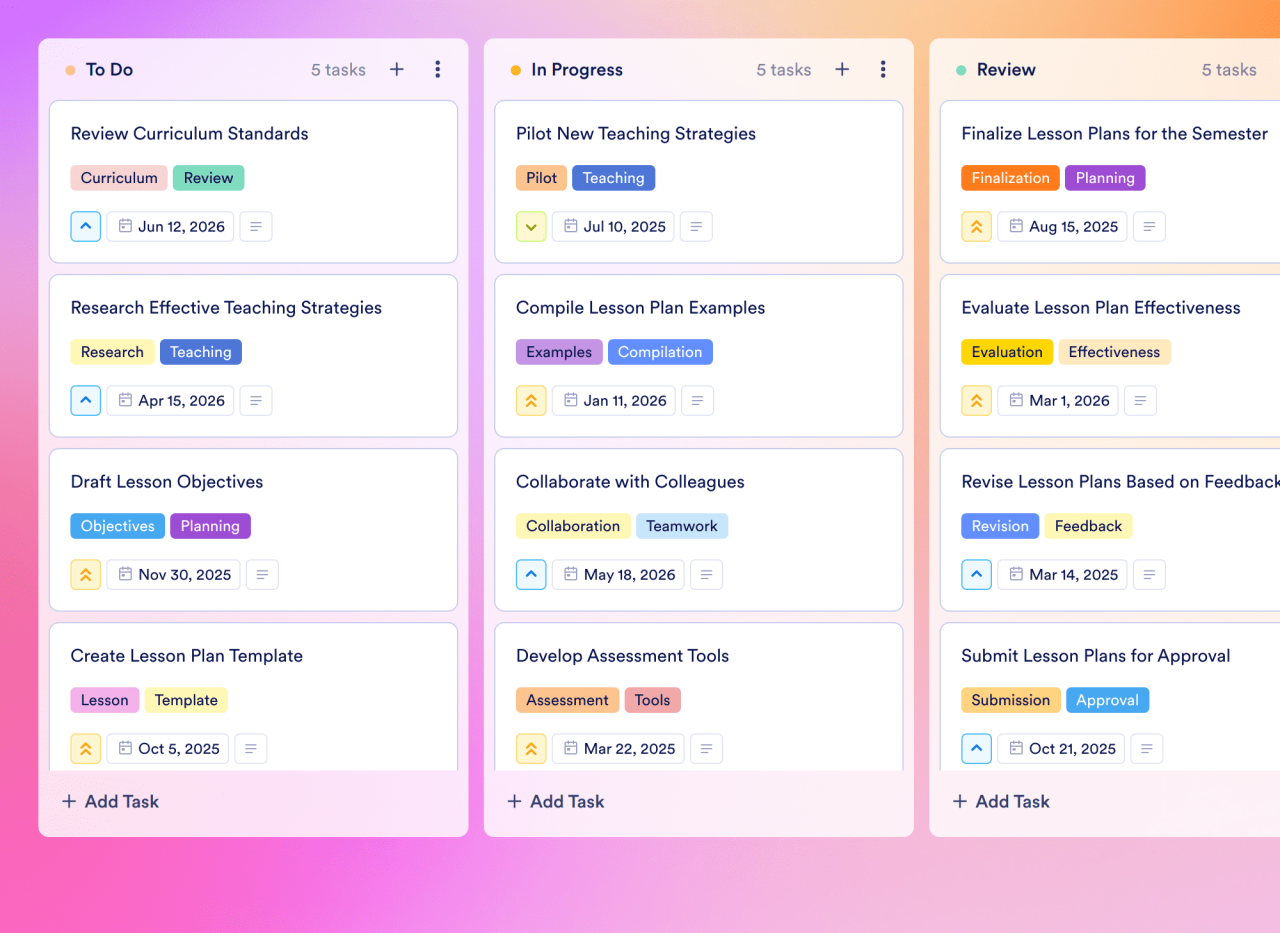
[![Image 26: Lesson Plan Template](https://cdn.jotfor.ms/templates/screenshot/board-templates/lesson-plan-template.png?w=1280) ### Lesson Plan Template Enhance your lesson planning with Jotform's Lesson Plan Board Template. Use this customizable board to outline objectives, track tasks, and collaborate with colleagues through an intuitive drag-and-drop interface.](https://www.jotform.com/board-templates/lesson-plan-template)

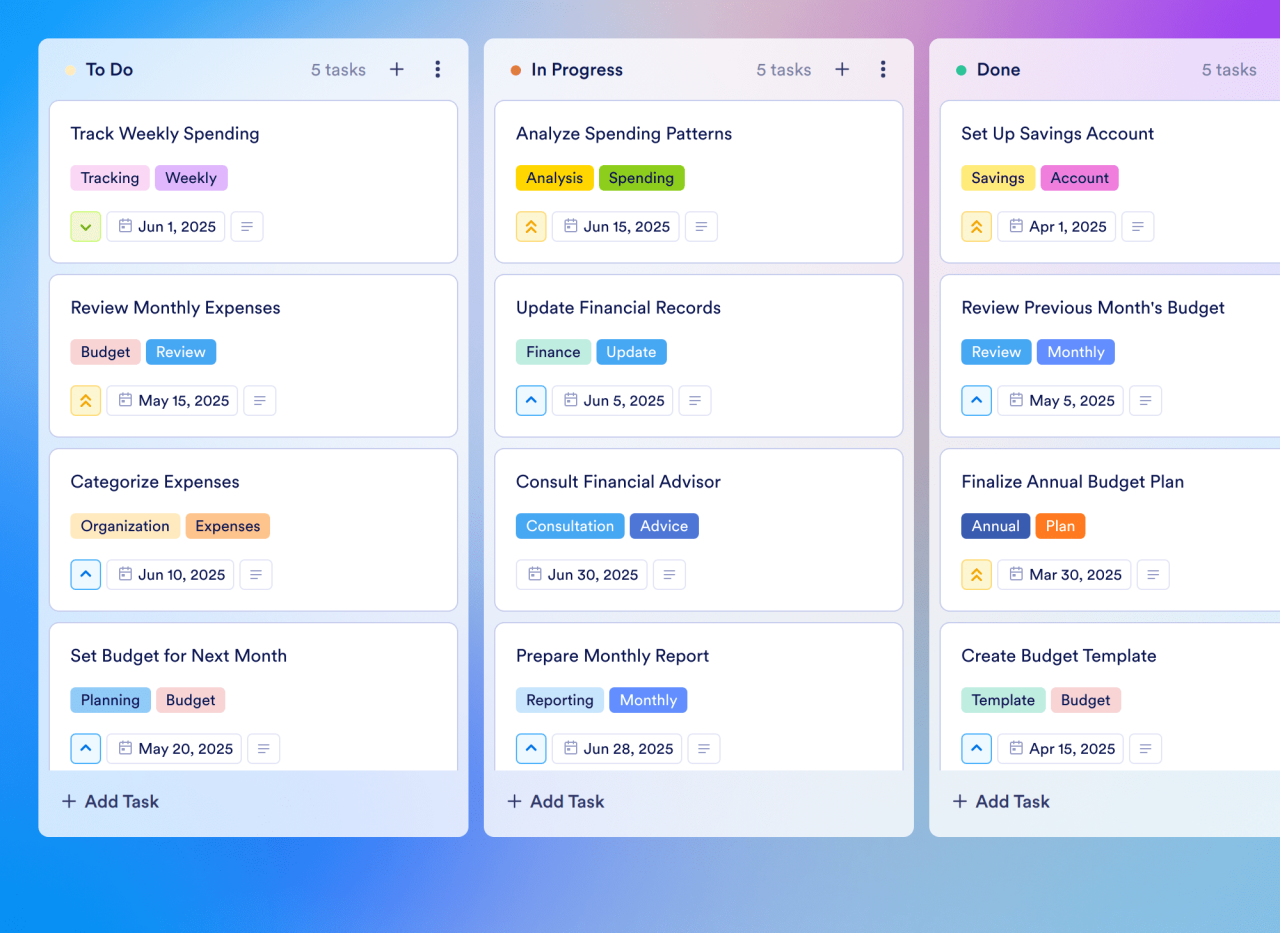
[![Image 27: Monthly Budget Template](https://cdn.jotfor.ms/templates/screenshot/board-templates/monthly-budget-template.png?w=1280) ### Monthly Budget Template Enhance your lesson planning with Jotform's Lesson Plan Board Template. Use this customizable board to outline objectives, track tasks, and collaborate with colleagues through an intuitive drag-and-drop interface.](https://www.jotform.com/board-templates/monthly-budget-template)

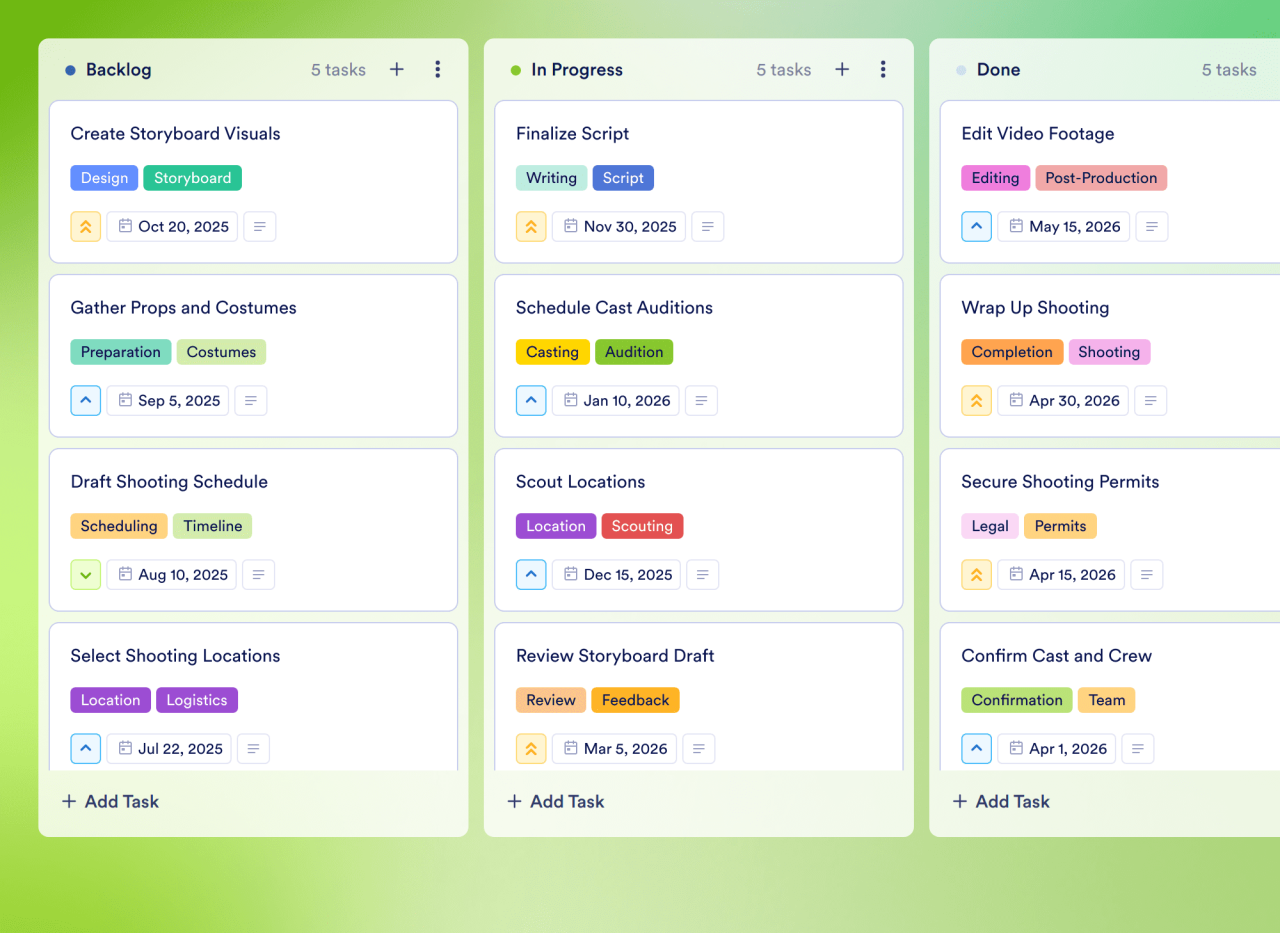
[![Image 28: Storyboard Template](https://cdn.jotfor.ms/templates/screenshot/board-templates/storyboard-template.png?w=1280) ### Storyboard Template Organize your film projects with Jotform's Storyboard Template. Use this customizable board to manage tasks, set priorities, and collaborate with your team using a drag-and-drop interface.](https://www.jotform.com/board-templates/storyboard-template)

[![Image 29: Weekly Schedule Template](https://cdn.jotfor.ms/templates/screenshot/board-templates/weekly-schedule-template.png?w=1280) ### Weekly Schedule Template Organize your weekly activities with Jotform's Weekly Schedule Template. Use this customizable board to track tasks, set priorities, and collaborate with your team using a drag-and-drop interface.](https://www.jotform.com/board-templates/weekly-schedule-template)

[![Image 30: Weekly Planner Template](https://cdn.jotfor.ms/templates/screenshot/board-templates/weekly-planner-template.png?w=1280) ### Weekly Planner Template Organize your week effectively with Jotform's Weekly Planner Template. This customizable board template helps you track activities, assign tasks, and collaborate with your team using a drag-and-drop interface.](https://www.jotform.com/board-templates/weekly-planner-template)

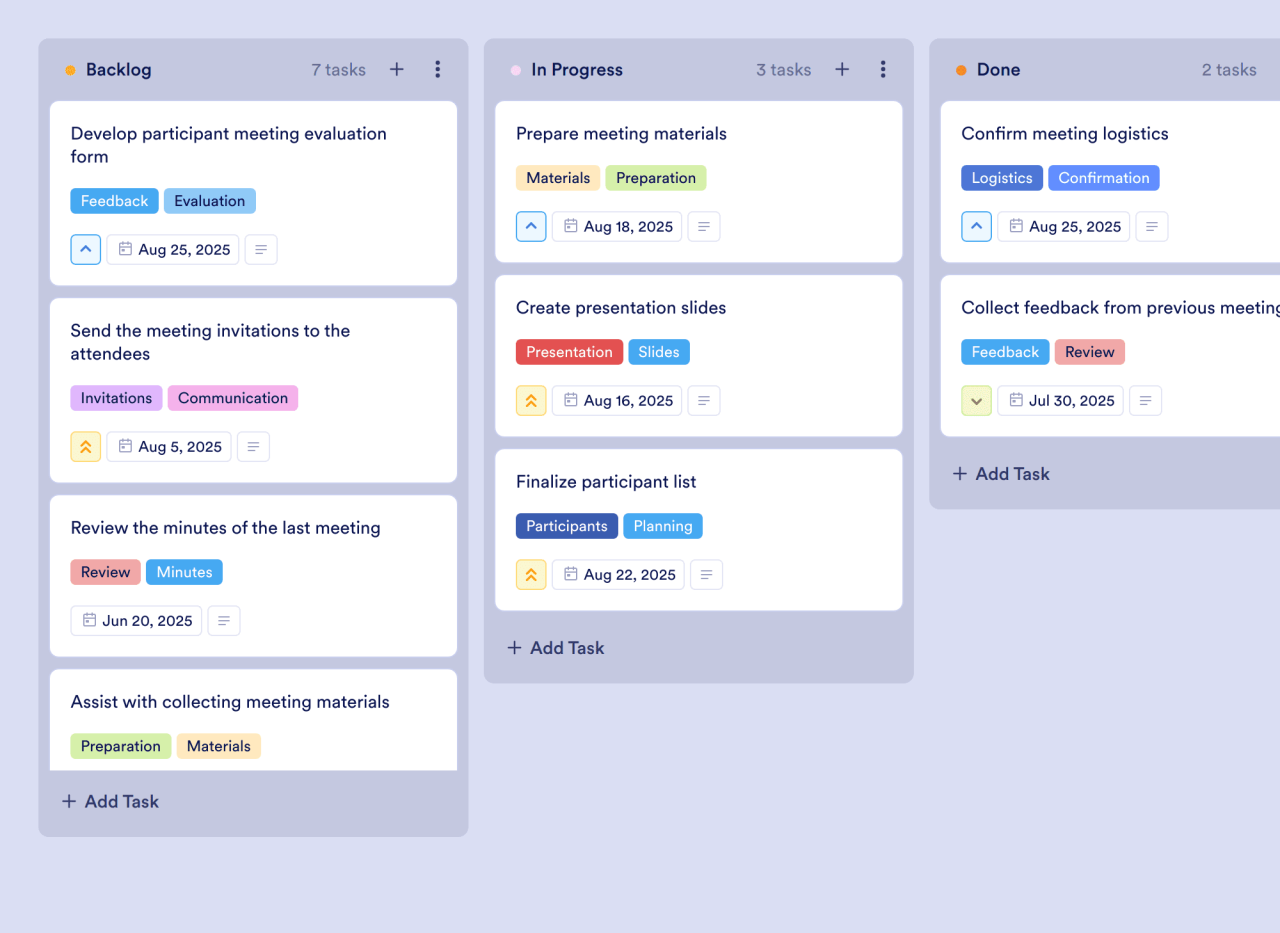
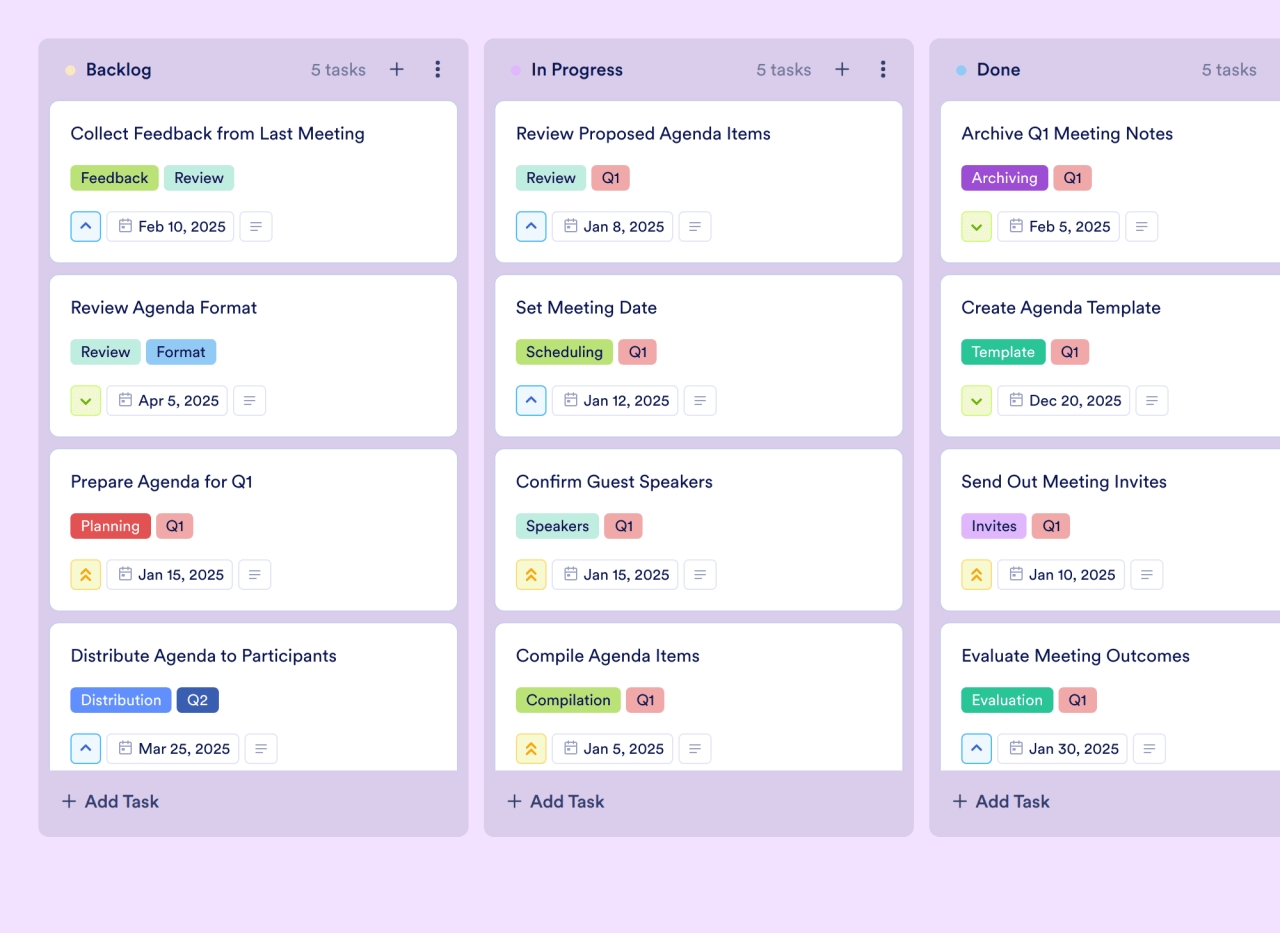
[![Image 31: Meeting Agenda Template](https://cdn.jotfor.ms/templates/screenshot/board-templates/meeting-agenda-template.png?w=1280) ### Meeting Agenda Template Organize and streamline your meetings with Jotform's Meeting Agenda Template. Use this customizable board to track agenda items, assign tasks, and collaborate with your team using a drag-and-drop interface.](https://www.jotform.com/board-templates/meeting-agenda-template)

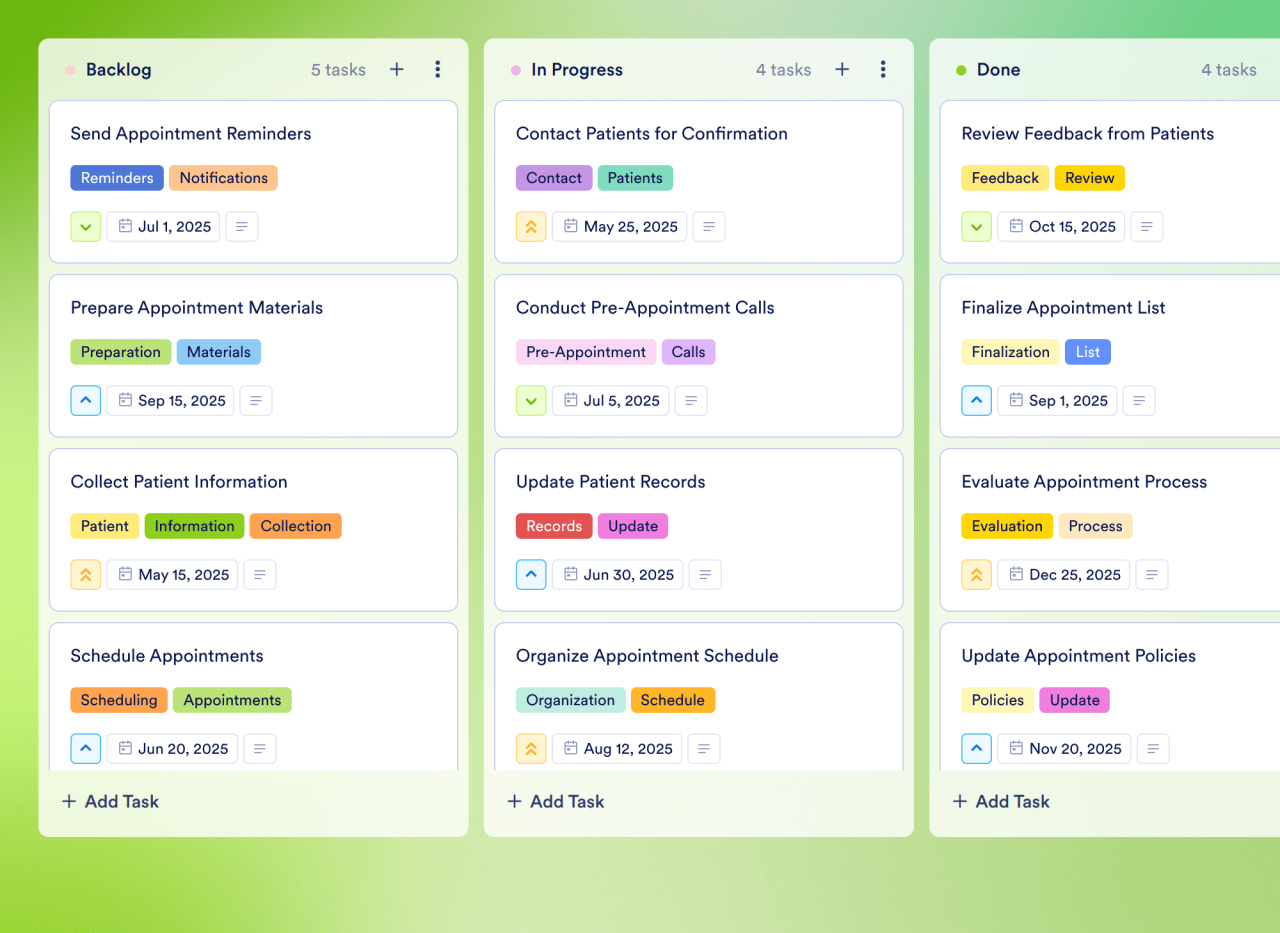
[![Image 32: Schedule Template](https://cdn.jotfor.ms/templates/screenshot/board-templates/schedule-template.png?w=1280) ### Schedule Template Manage your appointments effectively with Jotform's Schedule Template. This customizable board helps you track tasks, set priorities, and collaborate with your team using a drag-and-drop interface.](https://www.jotform.com/board-templates/schedule-template)

[![Image 33: Agenda Template](https://cdn.jotfor.ms/templates/screenshot/board-templates/agenda-template.png?w=1280) ### Agenda Template Organize and manage your meetings effectively with Jotform's Agenda Template. This customizable board template allows you to track agenda items, assign tasks, and collaborate with your team using a drag-and-drop interface.](https://www.jotform.com/board-templates/agenda-template)

[Discover All Templates](https://www.jotform.com/board-templates/)

## FAQ

*    
### What is Jotform Boards? Jotform Boards is designed to help you capture and resolve every customer request. It’s a task management product that lets users process tasks collaboratively. Users can connect their forms, workflows, e-sign documents, and AI Agents to their boards to create tasks automatically after requests are received. This way, users can manage all of their operations from within the Jotform suite of products.   
*    
### Why should I use Jotform Boards? Jotform Boards lets you manage all your tasks efficiently with a visual representation that allows you to grasp the overall process and see the tasks and resource allocation at a glance. With advanced task organization and collaboration settings, you can process your tasks in a smooth way. You can handle everything from data collection to task completion without the need for external integrations and switching software products — so no extra cost.   
*   
 
### Where can I create Jotform Boards? 

You can create a board in a few ways:

    *   You can create a board in a few ways.
    *   From your **My Workspace** page, you can select the **Create** button, then choose **Board** and decide whether to create your board from scratch, from a template, with a form, or by importing a project from another task management. You can also do this from your **My Boards** page.
    *   You can also create a board directly from a form. Select a form from your My Workspace or My Forms page, then either select **Boards** from the toolbar or open the form’s **More** dropdown menu and choose **Create Board**.

*    
### How can I work with my team on Jotform Boards? You can share your board with your teammates by sending them a link to the board or an email. You can also define their access roles: read-only, commenter, or collaborator. Anyone working in your board will need to have an active Jotform account to access your board.

After your teammates join the board, you can assign tasks to them. You can mention them in task comments, and work on the same board in real time by seeing who is working on which tasks and checking activity logs to keep track of every update.   
*    
### Is it possible to connect multiple forms to Jotform Boards? Yes, you can connect multiple forms to a single board using the **Connected Assets** dropdown in your board. Submissions from every form you connect will be sent to your board.   
*   
 
### How can I customize my board? 

There are several ways you can customize your board:

    *   Arrange task groups to reflect your process steps
    *   Edit task layout by customizing task fields
    *   Show/hide selected fields on task cards
    *   Customize the theme by adding a background color or image to match your brand identity or personal preferences

*    
### How can I add attachments to my tasks in Jotform Boards? You can add an attachment field to your tasks and upload files in that field. From the Boards interface, select **Board Settings**. Choose **Task Fields**, and select the **Add Field** button. Select **Attachment & Image**, name your new field, and click **Save**. Now you can attach files to your tasks.   
*    
### Can I use Jotform Boards with encrypted forms? No, sorry. Encrypted forms aren’t currently supported by Jotform Boards.   
*    
### Is Jotform Boards free? Yes, Jotform Boards is free and all features are available on every plan, with no limits determined by plan type. So whether you’re on our full-featured free plan, or you’ve upgraded for additional storage through our Bronze, Silver, or Gold plans, you can create professional boards to better manage your processes.   
*    
### Why should I switch to Jotform Boards? While there are many task management tools available, Jotform Boards offers a flexible and intuitive way to visualize, track, and collaborate on tasks seamlessly. With customizable board views, drag-and-drop task management, automated workflows, and real-time collaboration, Jotform Boards helps you stay organized and efficient. Plus, it integrates seamlessly with Jotform Forms, Workflows, Sign, and AI Agents, allowing you to turn customer requests directly into tasks. Experience a smarter way to manage your projects with Jotform Boards!   
*    
### Which industries can benefit from Jotform Boards? All of them! Whether you’re in education, healthcare, nonprofits, or retail, whether you work for a small business or a large enterprise, Jotform Boards helps you streamline task and project management. With its customizable workflows, drag-and-drop task organization, and real-time collaboration, teams can stay aligned, improve efficiency, and keep projects moving forward. No matter your industry, Jotform Boards provides a flexible and powerful way to manage work.   
*    
### Can I make changes to tasks without changing the submissions? Yes! While tasks in Jotform Boards can be created from form submissions, the forms and tasks remain separate entities. You can freely update, move, or modify tasks without changing the original form submissions. The related submissions stay intact and can still be previewed from tasks. If needed, you can also edit form submissions separately from Jotform Boards.   
*    
### How many Jotform Boards can I have? As many as you need! There is no limit on the number of boards you can create and use.   
*    
### Can I have a blank board that isn’t connected to a form? Yes, you can create a blank board that isn’t linked to a form — perfect for managing tasks, projects, or other workflows. Simply go to your **My Workspace** page, select **Create**, and choose to create a board from scratch.   
*    
### Can multiple people use a board at the same time? Yes! To collaborate with others online, you can share your board through an invitation link or invite people by email. You can also customize privacy settings to keep your information secure and stay in full control of your data. Make your board private or allow company access, choose who can view or edit your board, and more!   
*    
### Can I connect HIPAA compliance features enabled form to Jotform Boards? Yes, you can connect your forms with HIPAA features to Jotform Boards. Data will remain secure.   
*    
### Is Jotform Boards available for Enterprise accounts? Yes, Jotform Boards is available for [Jotform Enterprise](https://www.jotform.com/enterprise/?jtm_medium=referral&jtm_source=jotform.com&jtm_content=products_boards&jtm_campaign=enterprise_cta) users. If you’d like personal guidance in using Boards, [contact our Enterprise sales team](https://www.jotform.com/enterprise/contact-sales/?jtm_medium=referral&jtm_source=jotform.com&jtm_content=products_boards&jtm_campaign=enterprise_cta) for more information.   
*    
### Can I share my boards? Yes, you can share your boards with coworkers, clients, stakeholders, and more! You can send email invitations, change privacy settings, limit access to specific people, and set an expiration date to determine exactly how long users can access your boards.   
*    
### How do I apply filters to my boards? You can search through your data and apply custom filters. Select the **Filter** button from the Boards interface, select a quick filter, or use advanced filters to select which task fields you’d like to search for.   
*    
### Can I add boards tabs to my tables? Yes, you can add Boards as a new tab in Jotform Tables. Just select the **New Tab** button from the Tables interface, choose **Boards**, and configure the board.   
*    
### Can I add tasks directly to Jotform Boards without using a form? Yes! You can manually add tasks to Jotform Boards without using a form. Simply use the **Add Task** button to create tasks directly within your board groups. Jotform Boards gives you the flexibility to manage your tasks seamlessly, whether they originate from form submissions or are added manually.   
*    
### Can I delete or retrieve tasks in Jotform Boards? Yes. You can delete tasks in Jotform Boards, either one by one or all at once. Deleted tasks may be restored from your trash within 30 days before they are deleted permanently.   
*   
 
### Are there any limits in Jotform Boards? 

There are several limits in Jotform Boards (note that the limits are the same regardless of your Jotform plan):

    *   You can share a board with 100 people
    *   You can process up to 1,000 tasks in a single board
    *   You can connect up to 5 forms in a single board
    *   You can assign a task to 10 assignees
    *   You can add 5 custom fields in a board

*    
### Can I be notified when a task is assigned to me in Jotform Boards? When a task is assigned to you or you are mentioned in a comment in Jotform Boards, you will be notified with an email. This lets you work in harmony with your team without missing important updates.   

View More

## Teamwork made easy with Jotform Boards

[Create Your First Board — It’s Free](https://www.jotform.com/workspace/new?assetCreationType=board)

Commenter![Image 34: Commenter's Avatar](https://cdn.jotfor.ms/p/products/boards/assets/img-min/avatars/1.png)

![Image 35: Read Only's Avatar](https://cdn.jotfor.ms/p/products/boards/assets/img-min/avatars/2.png)Read Only

![Image 36: Collaborator's Avatar](https://cdn.jotfor.ms/p/products/boards/assets/img-min/avatars/3.png)Collaborator