Free Online Invoice Generator
Jotform’s free online invoice generator lets you create and customize professional invoices without coding. Build an online order form to collect customer details and automatically turn orders into PDF invoices. Share or embed your generator form and track invoices and payments from any device.
Szablony
Free Online Invoice PDF Templates
Get started with a ready-made invoice pdf template. Customize one below with our drag-and-drop builder.
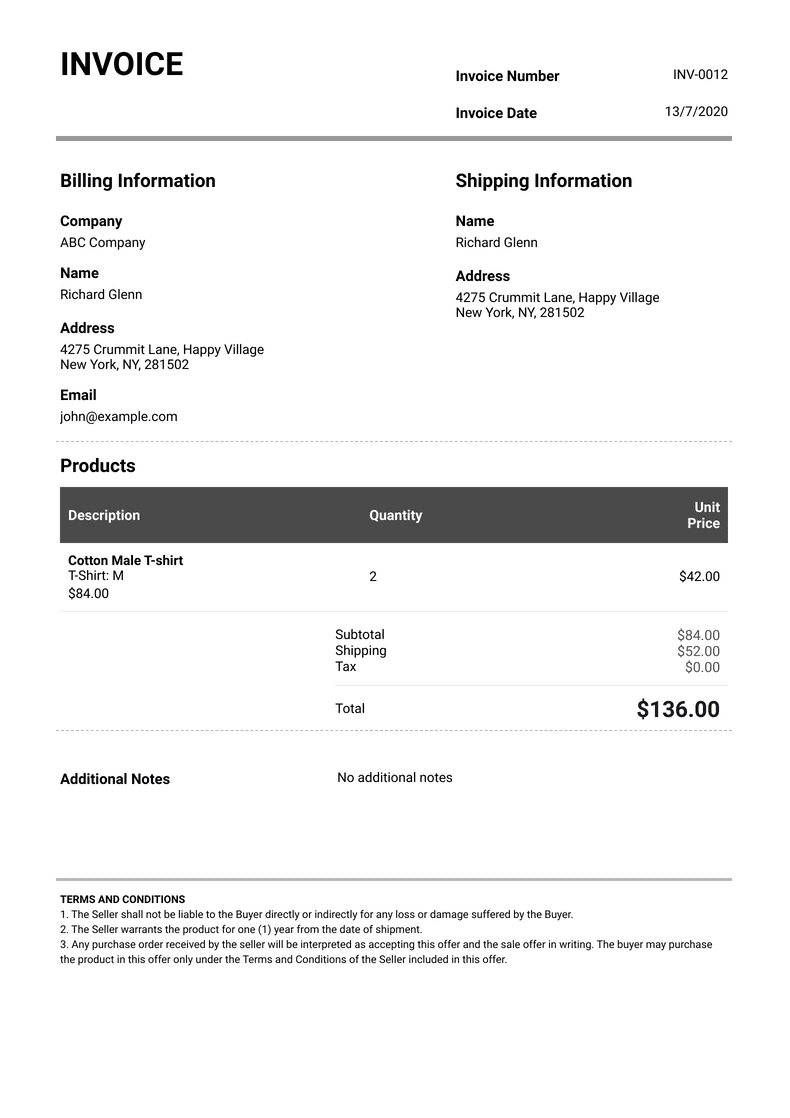
Szablon profesjonalnej faktury
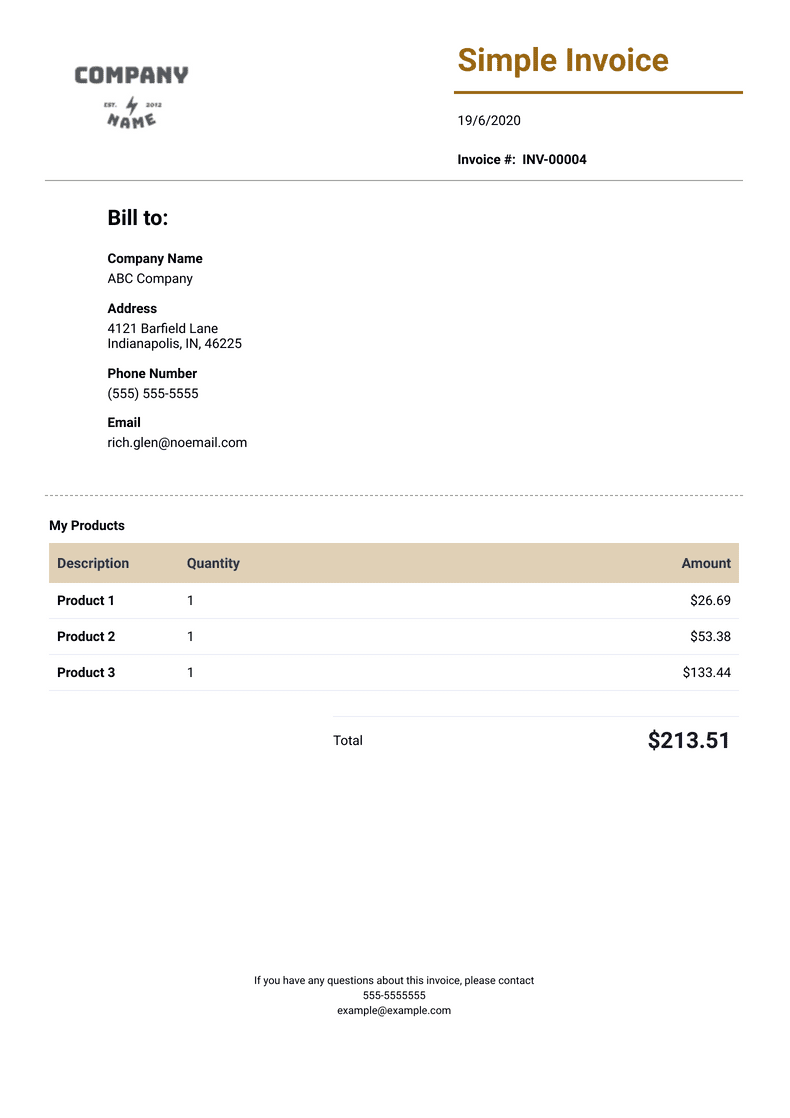
Simple Invoice Template
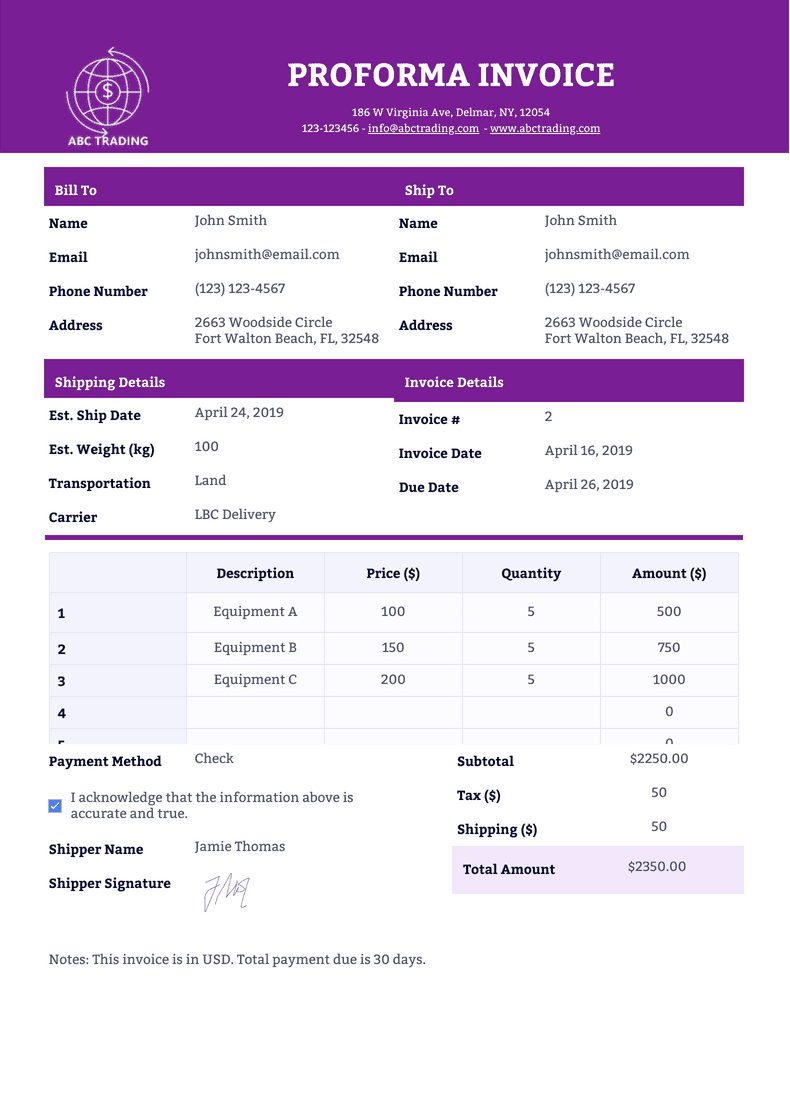
Szablon faktury proforma
Benefits
Custom App to Generate Invoice
Intuicyjny kreator
Create a free online invoice generator app with Jotform’s drag-and-drop builder, so you can collect invoice details without coding. Customers can submit order information through the app, and you can include e-signatures and payments when the workflow requires them. This keeps invoice requests and supporting details in one consistent intake flow.
Dostosuj w kilka sekund
Customize the invoice experience by adding a company logo, rearranging fields, and choosing fonts and colors. The same drag-and-drop builder works across invoices, online forms, and the mobile app interface, so updates stay consistent. This helps invoices match the business brand without manual design work.
Łatwe udostępnianie i wstawianie na strony
Share the invoice form by embedding it on a website or sending a direct link, so customers can access it from wherever they are. Each submission can generate an invoice, and you can share the generated invoice as a PDF. This reduces back-and-forth because the invoice delivery happens right after submission.
Track and Manage Invoices
Store invoice records in Jotform Tables, so every invoice submission stays organized in one place. Switch between spreadsheet, calendar, and card views to review invoice data in the format that fits the task. Use search and filters to find specific invoices quickly when you need to follow up or reconcile orders.
Pobieraj płatności online
Accept invoice payments through online forms, so customers can pay at the time they submit details. Jotform integrates with 40+ payment processors, including PayPal, Square, and Stripe, and Jotform does not charge extra transaction fees for using them. This keeps payment collection tied to the same invoice submission record.
Create PDFs and Printable Invoices
Generate a PDF invoice automatically from each submission, so you do not have to reformat the same information repeatedly. Start by customizing a PDF template to match the invoice layout and branding you need, then let submissions fill it in. Jotform PDF Editor supports creating completed PDFs from form data, which makes invoices easier to send, print, or archive.
Zaświadczenia
Co użytkownicy mówią o Jotform
Learn More About Generating Invoices
Poznaj odpowiedzi na Twoje pytania dotyczące Jotform. Przeczytaj nasze FAQ lub skontaktuj się z zespołem wsparcia, by dowiedzieć się więcej.
What is an invoice?
An invoice is a document that records a transaction between a buyer and a seller, whether for goods or services. Invoices can be used to request payment or as evidence that the buyer has already paid the seller.
How do I make an invoice for free?
With Jotform PDF Editor, you can turn form submissions into PDF invoices automatically. Start by creating an online order form, quote request form, or invoice form — then have customers fill out the form or do it yourself. Each submission will be converted into your customized PDF template, ready to download, print, or share on any device.
What are the different types of invoices?
There are many different types of invoices depending on their purpose. Some common types of invoices include
- Standard invoice
- Past due invoice
- Credit invoice
- Timesheet invoice
- Expense report
- Final invoice
- I więcej!
What is an invoice generator used for?
An invoice generator automatically generates invoices for orders, bookings, and more. If you don’t want to create invoices manually, an online invoice generator can cut out data entry and speed up the process.
Can I edit my invoices?
Yes! Jotform PDF Editor lets you customize all aspects of your invoices. You can add your company logo, choose new fonts and colors, rearrange the layout, add an e-signature field, and customize other elements with our drag-and-drop editor — no design experience necessary.
Can I create invoices in different languages?
Yes. If you offer your online forms in multiple languages, you can set up your PDF invoices to be the same language as the form they’re attached to. Simply update the PDF design to be in your preferred language.
What does an invoice look like?
An invoice is usually one page but can be multiple pages based on how many items or services were purchased. It includes contact details for both the buyer and the seller, a list of the products or services purchased, a total amount, and other relevant information. Invoices can sometimes include e-signatures to create a legally binding document.
How do I make an invoice?
To create an invoice with Jotform PDF Editor, start by choosing a ready-made invoice template or create one from scratch with our drag-and-drop builder. Then once it’s attached to a form, all submissions will automatically be turned into a PDF invoice.
What can I put on an invoice?
Jotform’s PDF invoices are easy to customize, so you can include any important information you like — such as your company’s contact details, logo, payment terms and conditions, and other information that will help the buyer get in touch to pay the invoice.
Can I change the invoice’s currency?
Yes. Whether you’re issuing invoices to collect payments later or integrating with a payment processor to accept payments online, you can customize your forms and PDF invoices to be in whatever currency you use.