
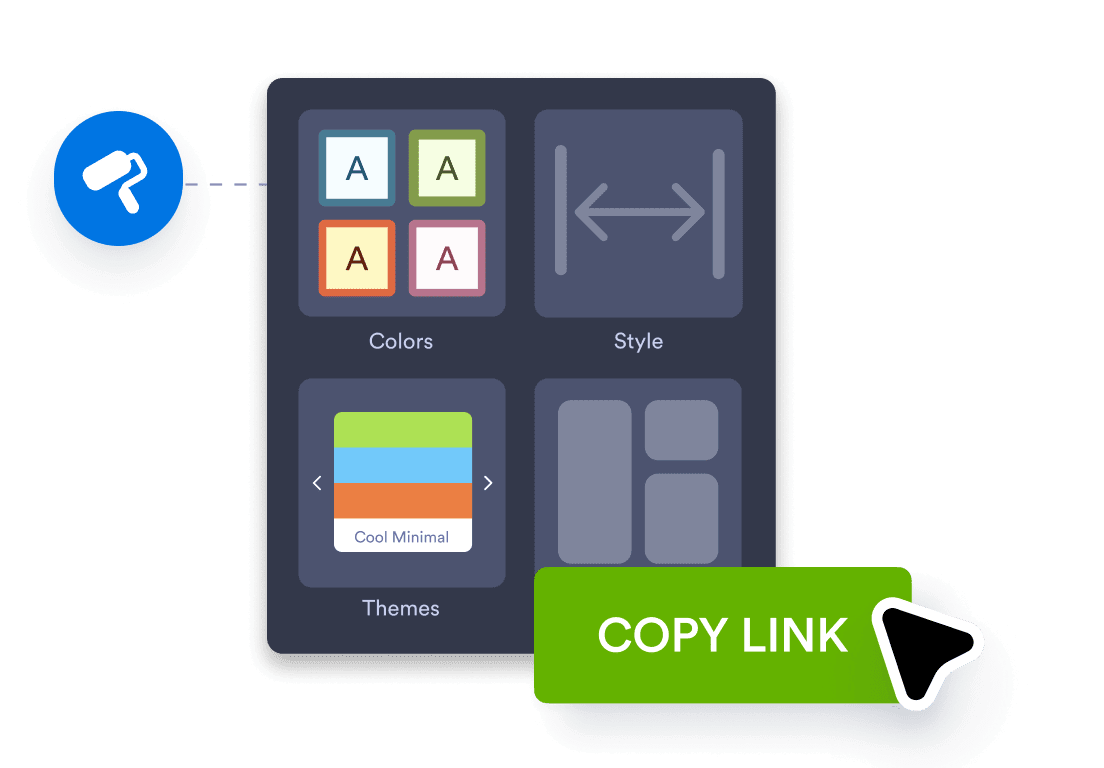



Change themes, fonts, colors, and layouts to match your brand.
Jotform lets you migrate your Google Forms in minutes without rebuilding your forms. Your questions and form structure are imported automatically, so you can start using Jotform right away. Jotform is free to use, so switching is easy.
Sign in with Google and pick the form you want to migrate. We only access what’s needed to import it.
We import your questions and form structure into Jotform. Review the result and make any quick edits.
Update the design and settings in Jotform. Publish your form and share it with a link or embed it.
Jotform is used by small businesses, nonprofits, universities, and Fortune 500 companies to collect data and manage workflows with forms. Many teams choose Jotform as their Google Forms alternative because it offers more control, customization options, and integration with the tools they use.
After importing your Google Form, you can do more with it in Jotform. Here are a few next steps to help you get the most out of your form.
Change themes, fonts, colors, and layouts to match your brand.
Accept payments with Stripe, PayPal, Square, and other payment options.
Automatically send emails to respondents and notifications to your team.
Send submissions to Google Sheets, Slack, Airtable, Zapier, and many other apps.
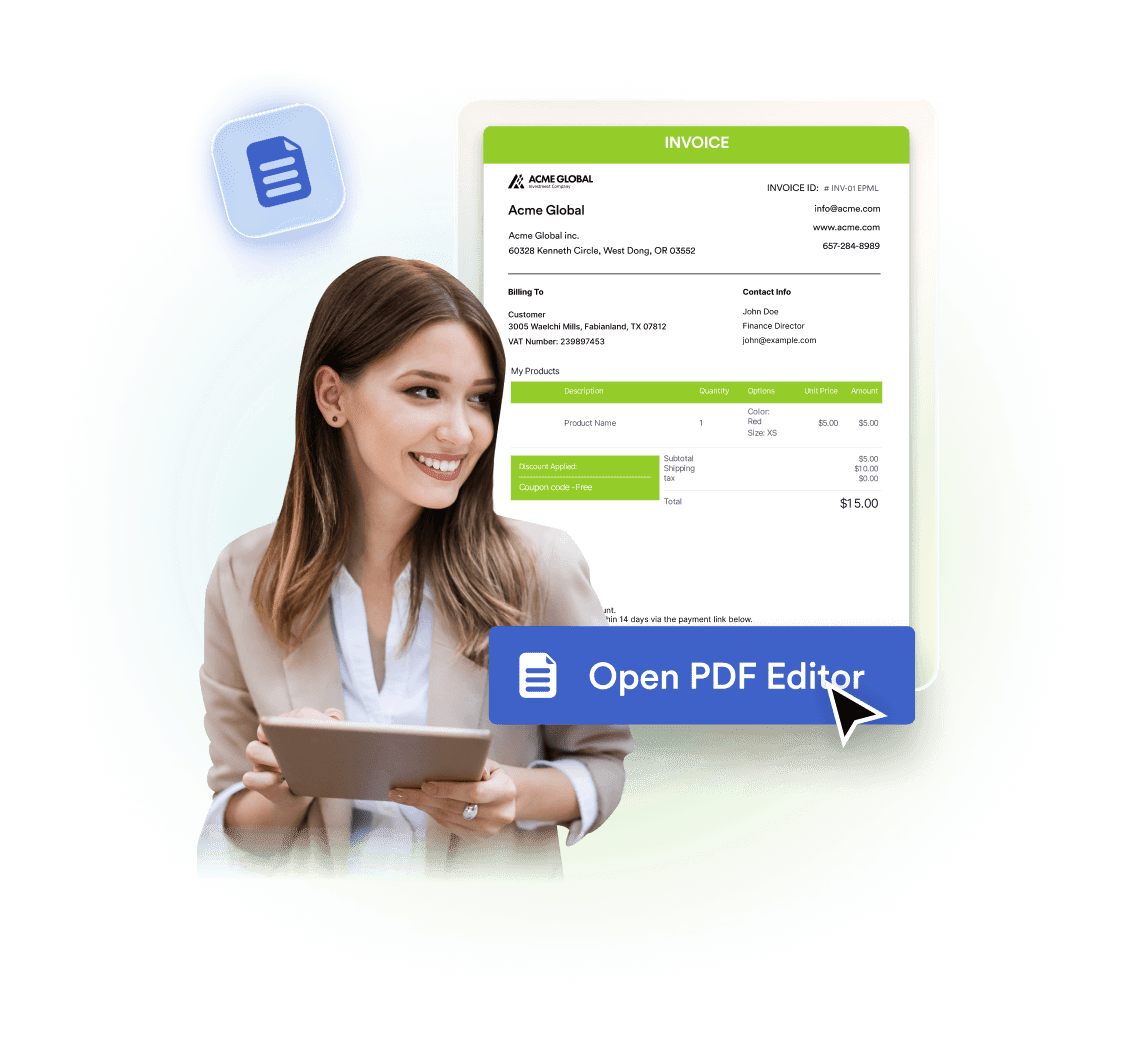
Turn responses into PDFs for applications, invoices, and records.
View, filter, and export submissions from your Jotform inbox and tables.
Move your existing forms to Jotform without rebuilding them, keep your form structure intact, and get more control and customization.