-
 astamidias
estou solicianto o plano mensal para adquirir mas está cobrando o plano anual
-
 Myla Jotform Support
Hello Asta,
Thank you for reaching out to Jotform Support. Our Portuguese Support is currently unavailable so we will be answering in English for the meantime. The option for the subscription will be indicated upon upgrading. Let me show you how in case you are missing any step:
1. On your My Forms page, click on the Pricing button in the blue navigation bar at the top of the page.

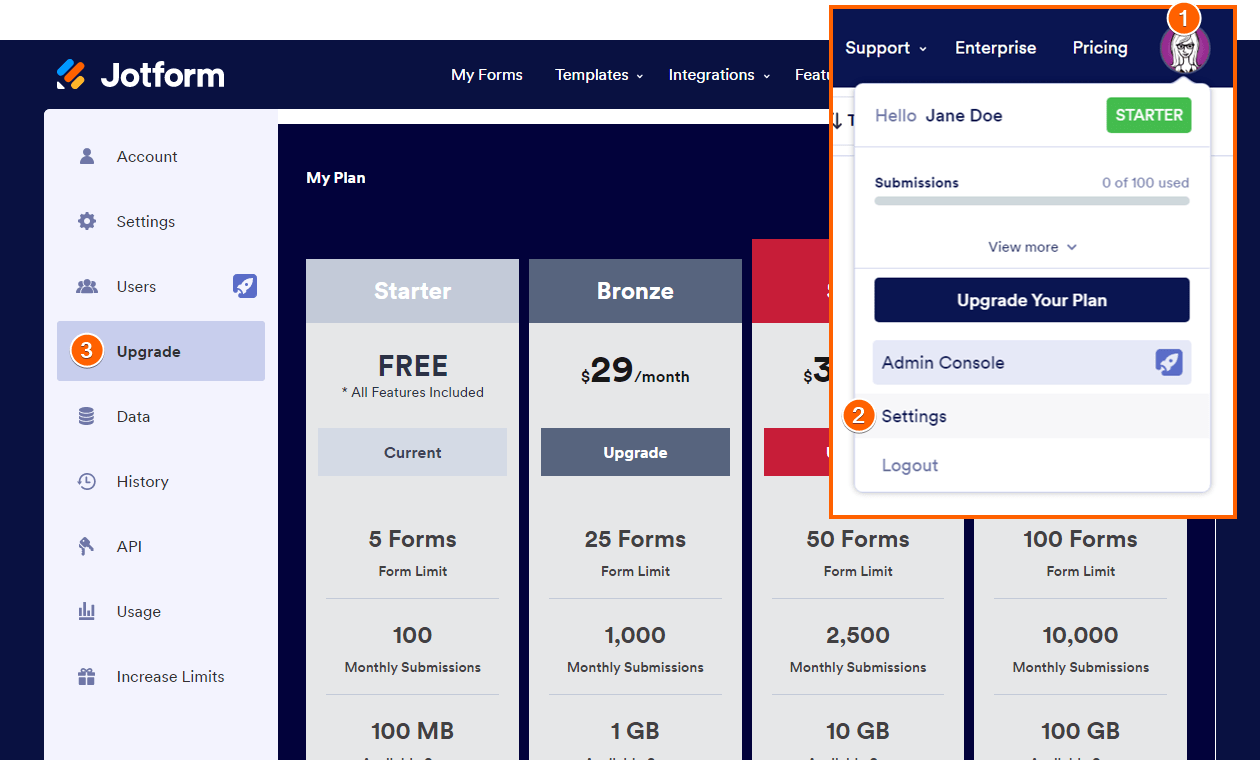
You can also upgrade your subscription on your account’s Upgrade/Billing page.
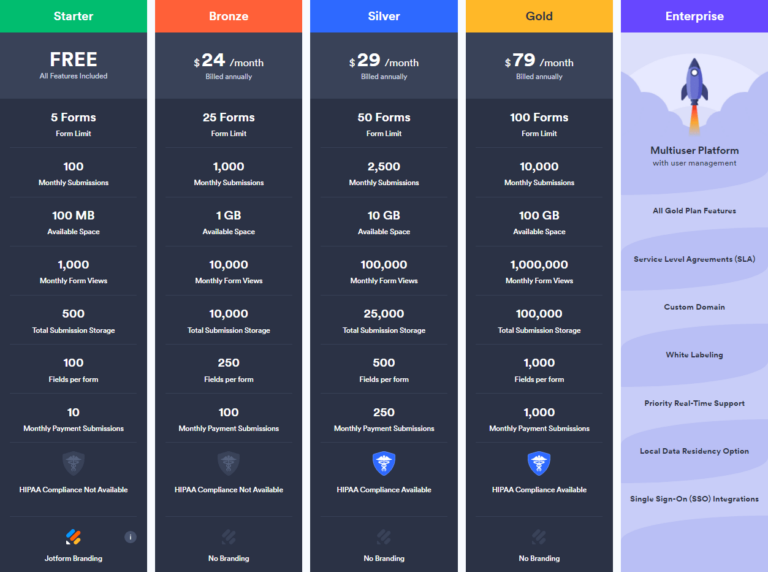
2. On the Pricing page, choose the plan you want to buy.
3. In the popup window, choose either a Monthly or Yearly payment schedule and either Credit/Debit Card or PayPal as the payment method.
Here’s an example of the Bronze plan:
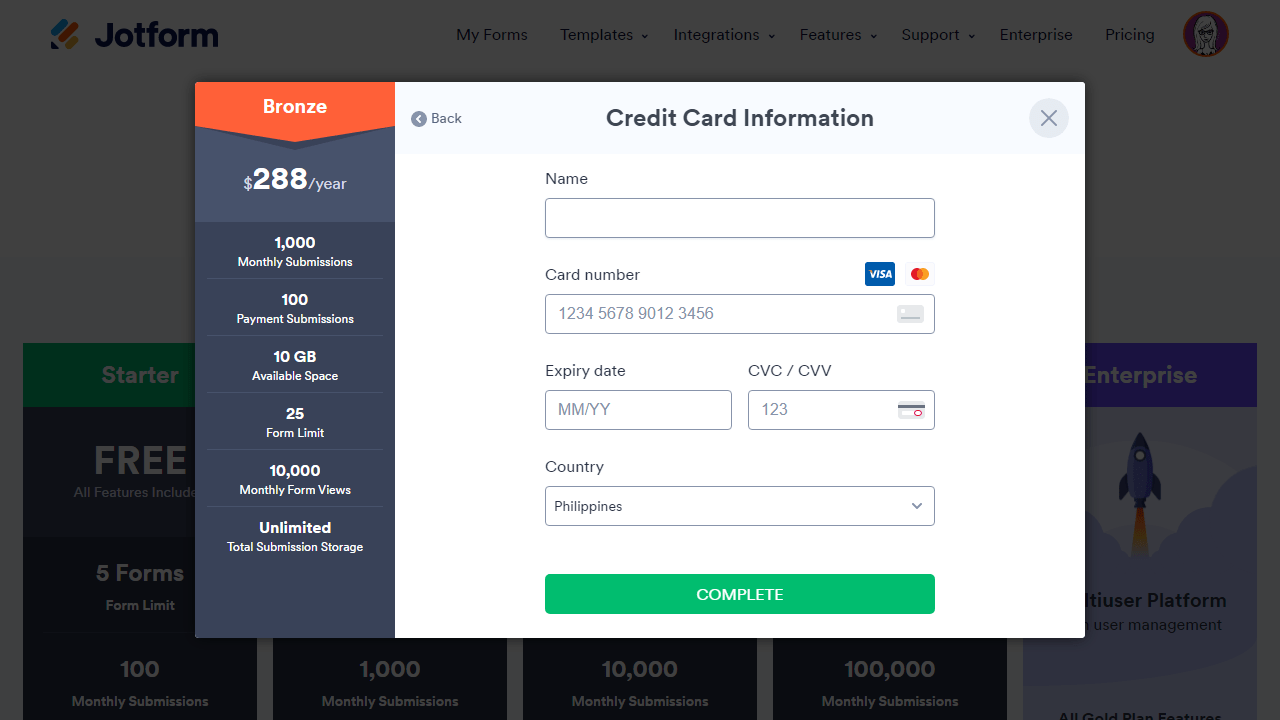
After you click on Continue, you'll need to enter your Credit/Debit Card details.If you choose to use PayPal, you’ll get redirected to the PayPal payment page to complete the payment. Check out this guide for more details about upgrading your account.
Let us know if you need any more help.

 After you click on