Get a dedicated support team with Jotform Enterprise.
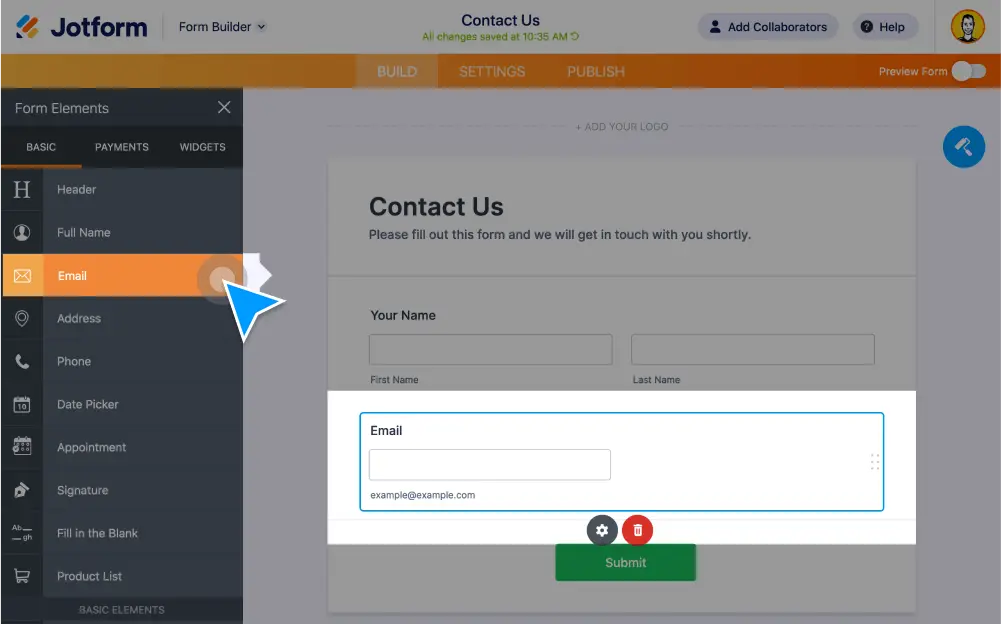
Jotform’s no-code Form Builder makes it easy for anyone to create and fully customize a form in minutes. Drag and drop to add form elements, widgets, and integrations, set up conditional logic, duplicate forms, and more — all without any coding.
Create custom forms quickly with Jotform’s drag-and-drop Form Builder. Add new form fields or images, change colors, and use widgets and integrations at the touch of a button.
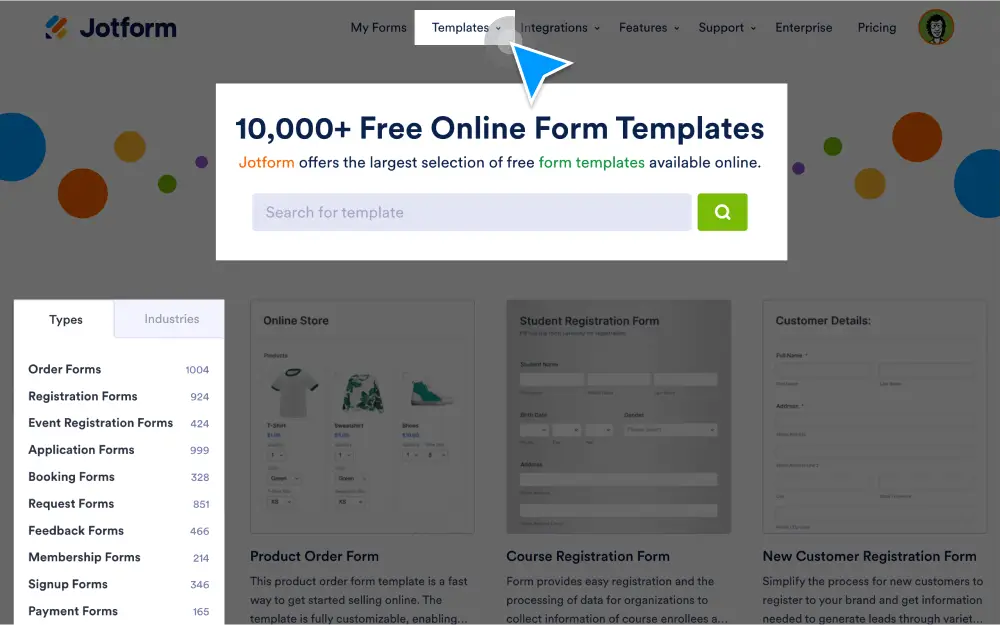
Choose from 10,000+ premade form templates and make a template your own without any coding using Jotform’s drag-and-drop Form Builder.
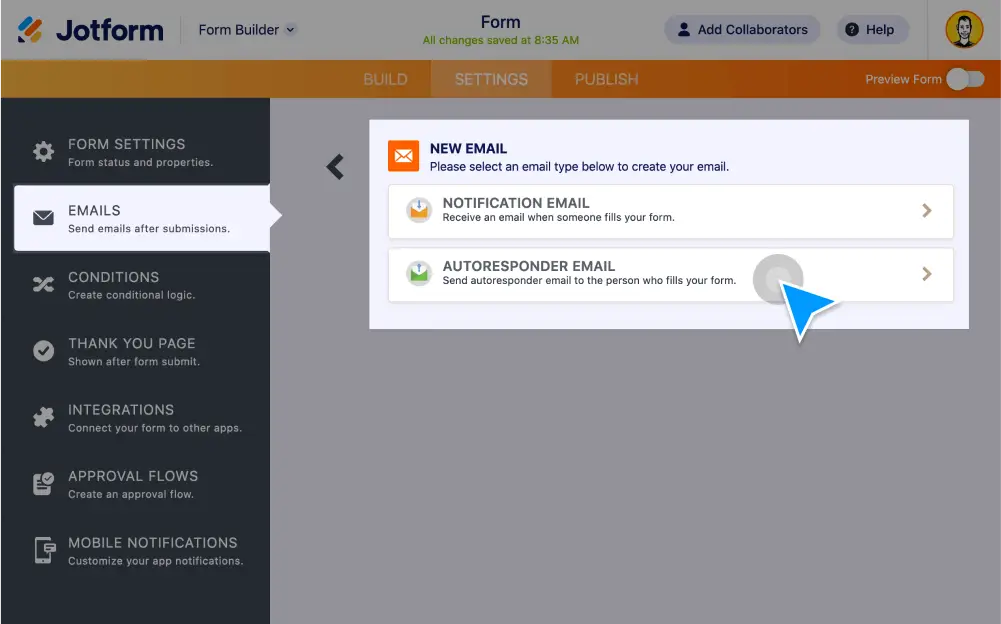
Create automated emails and notifications with Jotform! When someone fills out your online form, they’ll get an email automatically — great for sending notifications, files, and more. Set up autoresponder emails in minutes with no coding required.
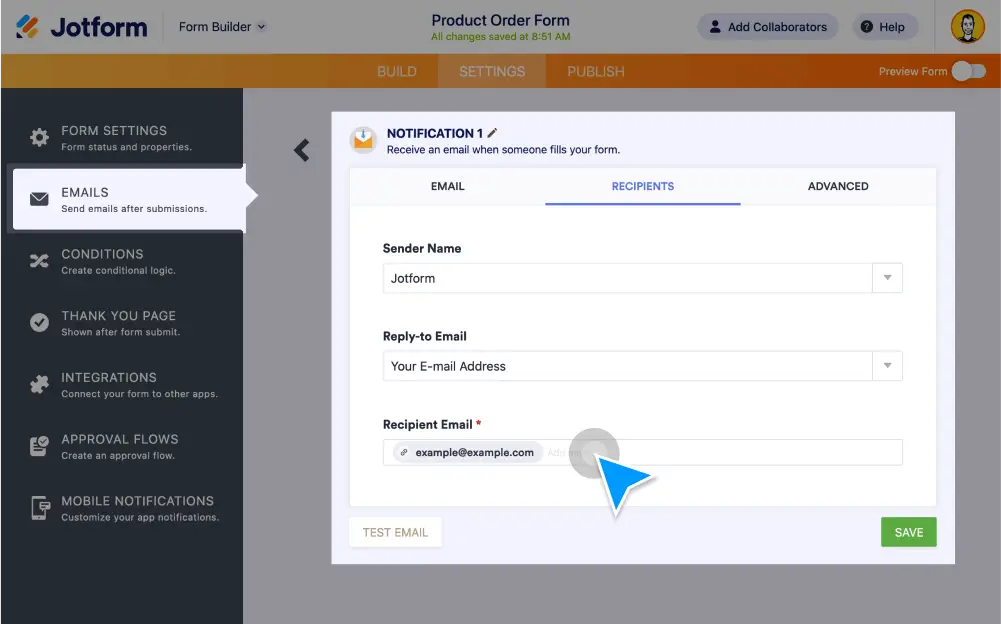
Get notified instantly about form activity so you can respond to submissions without delay. Create advanced online forms with Jotform and get email notifications for each new response.
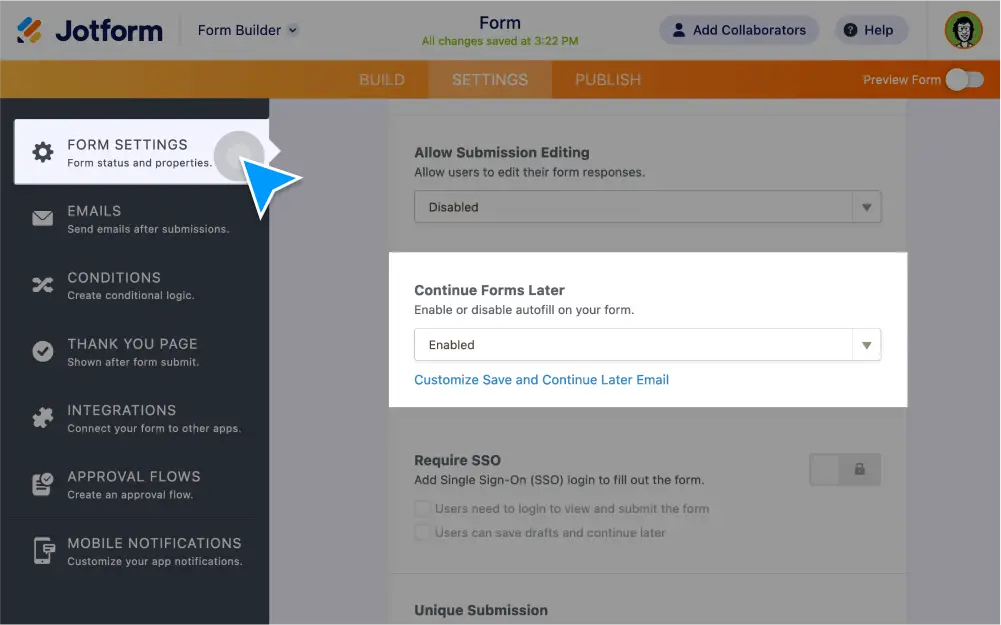
Turn incomplete submissions into the data you need. Let users save their responses to your form and return to complete their submissions later.
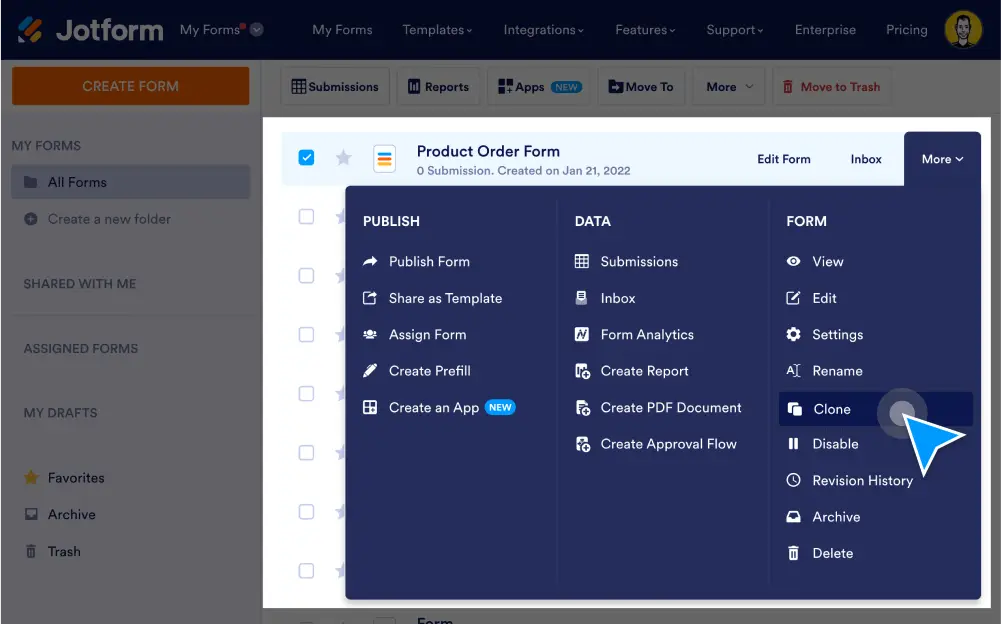
Whether you need copies of your online form for multiple clients, to make minor modifications, or for testing purposes, you can duplicate existing forms in seconds with Jotform. No coding required — easily clone forms from your Jotform account or from another web page in a single click.
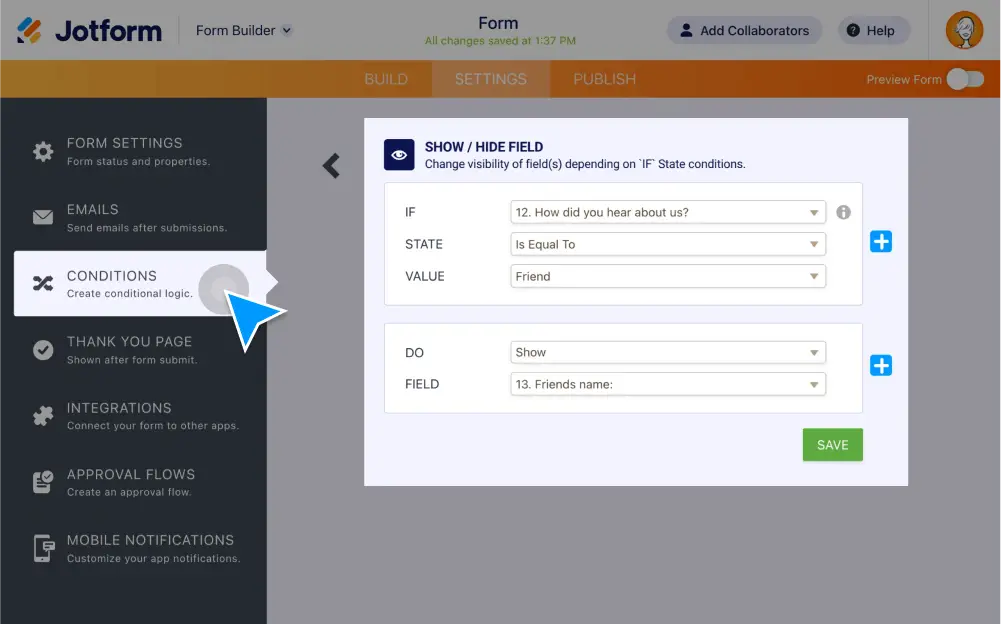
Make your smart forms smarter with conditional logic. Set up your form to show or hide form fields, send emails to certain users, show different thank-you messages, and more all based on how the user fills in your form.
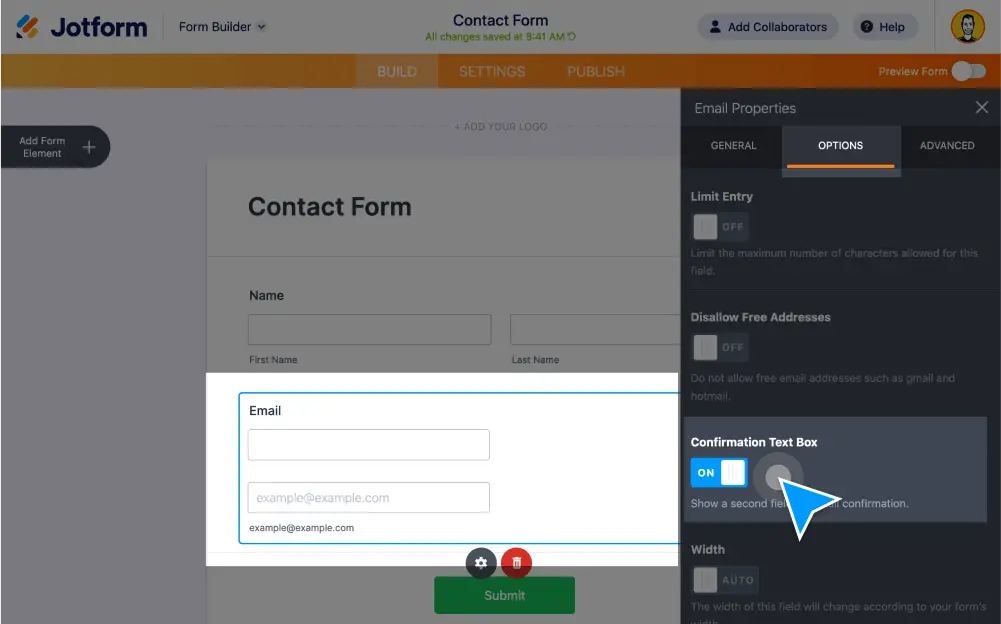
Make sure you received the right contact information through your form. Send automatic confirmation emails to users as soon as they fill out your form.
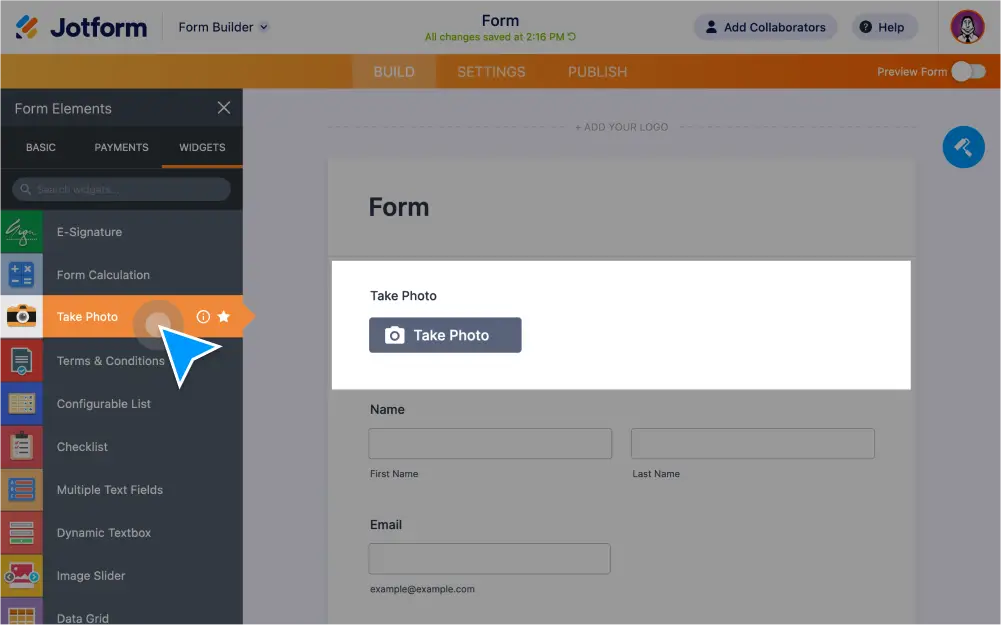
Let users upload, take, and preview images within your form. Create a file upload form without any coding and collect images from users from any device.
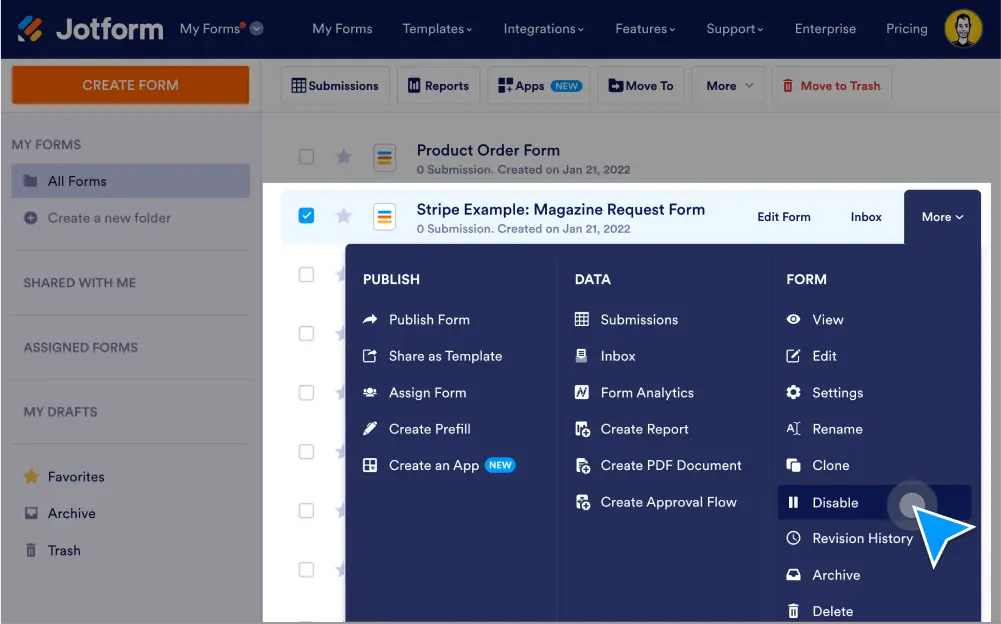
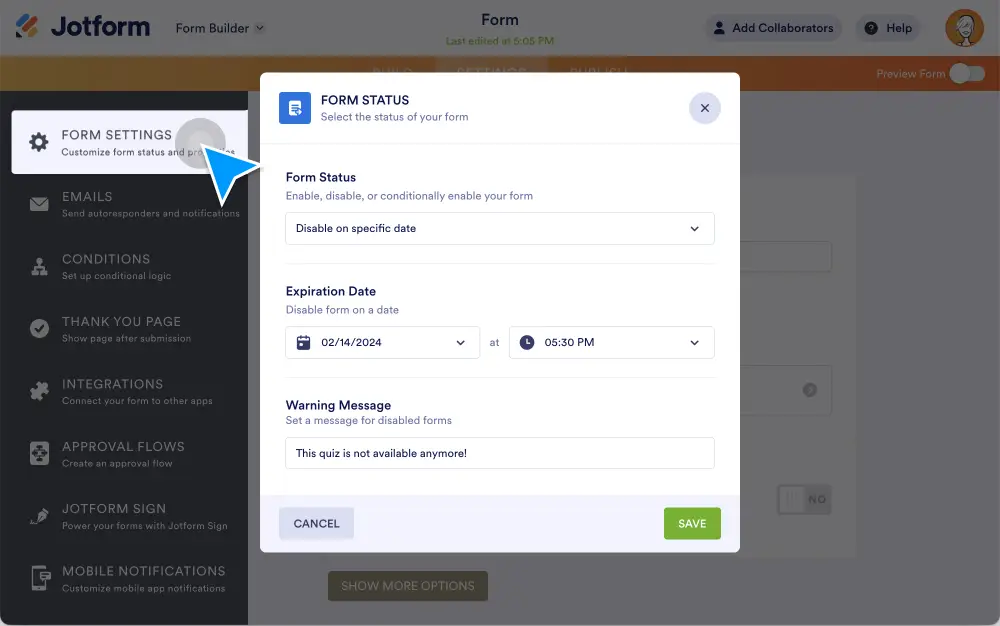
Choose when to accept submissions. Automatically enable or disable your form when it hits a chosen expiration date or submission limit.
Need to collect data over a set period of time? Good news! With Jotform, you can set a date and time for your form to expire with just a few clicks. You’ll automate your data collection and management in one go.
Boost submission rates with Jotform’s multipage forms. Split your form into multiple sections to get all the data you need while reducing the number of people who abandon your forms.
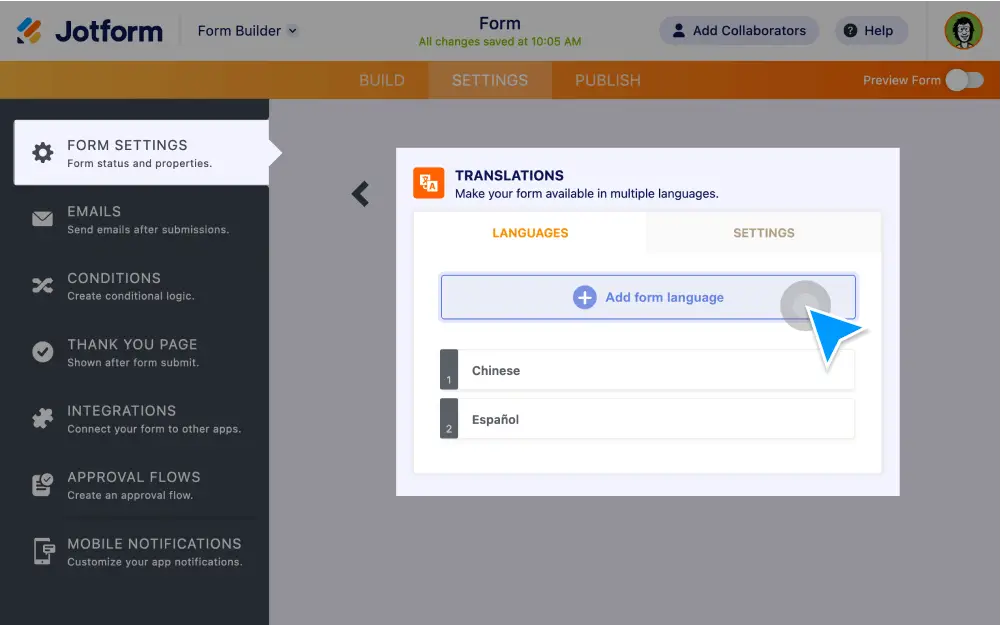
Trying to reach a broader audience online? Set your forms up with translations to let users fill them out in their native language.
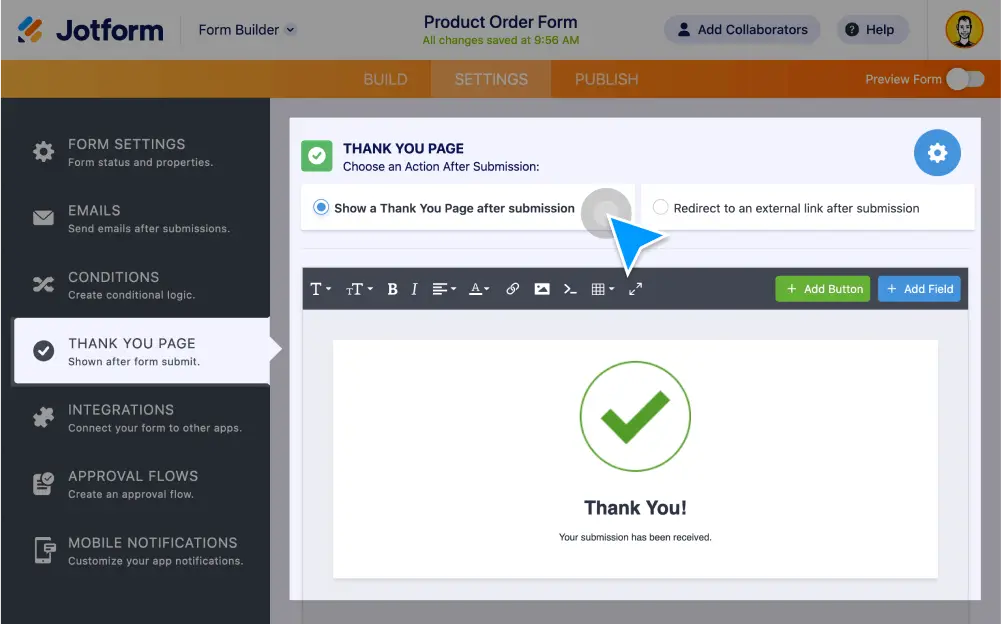
Want to display a Thank You Page after form completion? It’s easy with Jotform! Either make your own custom Thank You page or redirect your users to a certain page.
Redirect form fillers to any URL you want. Send them to a page outside of Jotform after they submit their form response — and keep them engaged on your site!
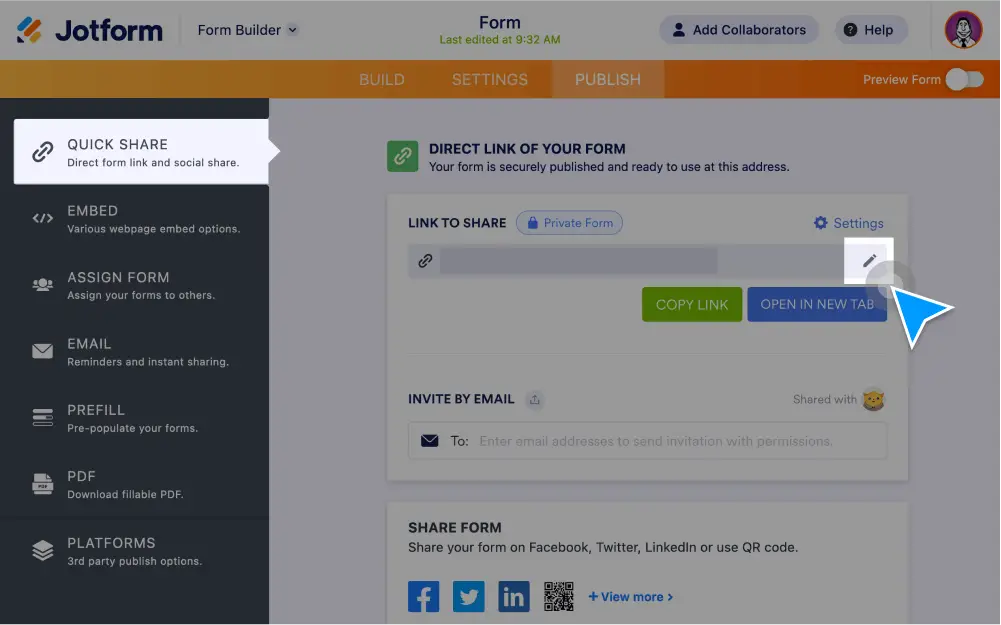
Customize your form URLs easily at the Jotform.
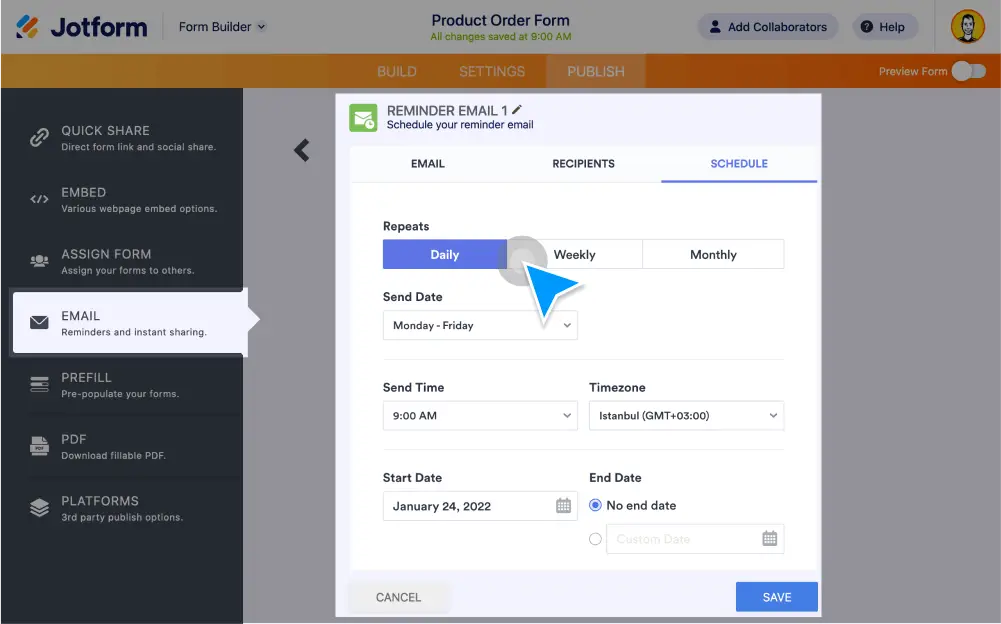
Send automated Jotform reminder emails to people who need to fill out your online forms. Add recipients, customize email content, set up a schedule, and more — no coding required.
The Jotform Form Builder lets you create accessible forms with Section 508 & WCAG 2.1 compliance. Check out our guide to see how you can enable accessibility on your forms!